Put your Charigent wherever customers already talk
Use one Charigent in website chat, Slack, Discord, WhatsApp, Instagram, text, email, voice, and more. Its helpful chat history follows when people move between them.
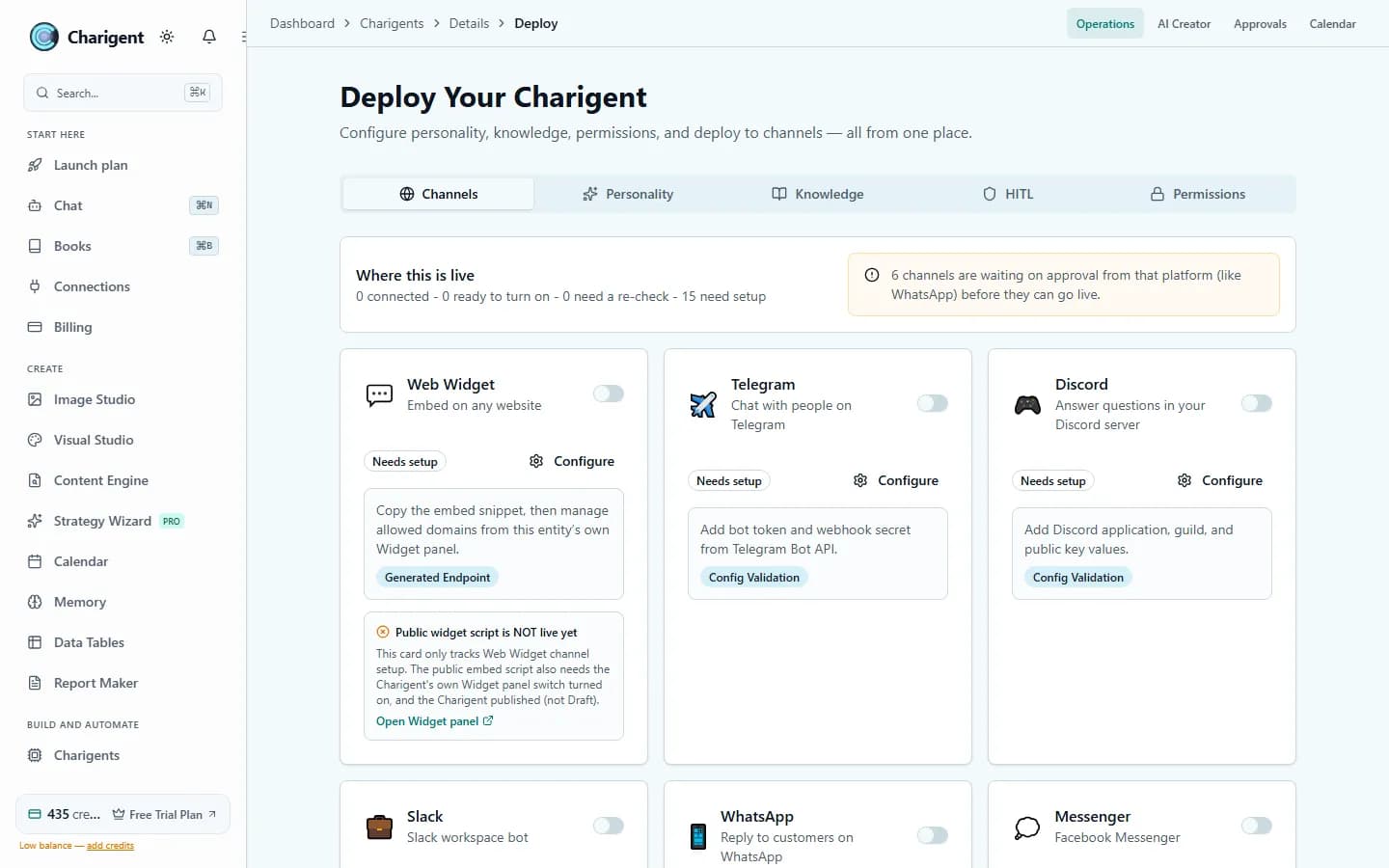
What you get
What this helps you do
One brand voice across channels
Keep answers, tone, and routing rules steady even when the person moves from web chat to messaging, email, or voice.
Channel-specific replies
Short where short works, detailed where detail matters. Charigent adapts the reply format to the surface instead of forcing one style everywhere.
SMS and email in the same thread
Charigent can continue the conversation by text or email without asking the person to repeat what already happened elsewhere.
Voice when the moment calls for it
Give a Character its own phone line for urgent handoff, routing, and real-time help while preserving the same background context. Live voice for Characters requires Pro or above.
Clean handoff to a teammate
When confidence is low or the issue needs a person, Charigent hands the thread over with the useful context already attached.
Start with one surface, grow from there
Launch on the site first, then add messaging, email, SMS, or voice once you know where the highest-value conversations happen.
Who benefits
Made for real work
Customer support
Cover website chat, SMS follow-up, inbox replies, and phone escalation without making people jump through separate support flows.
Sales qualification
Catch leads on your site, continue by text, and bring a rep in when the conversation crosses the line from interest to intent.
Community and member operations
Answer inside Discord, Slack, Telegram, or Instagram while keeping one shared picture of what each person already asked.
How it works
From setup to a reviewed result
Choose the first channel
Pick the one that already gets the most conversations so the payoff is obvious from the start.
Connect accounts and handoff rules
Bring in your inboxes, numbers, or messaging accounts and decide when Charigent should answer or escalate.
Expand without starting over
Add more channels later without creating a new personality or retraining a separate assistant for each one.
See it in action
Current Charigent product views
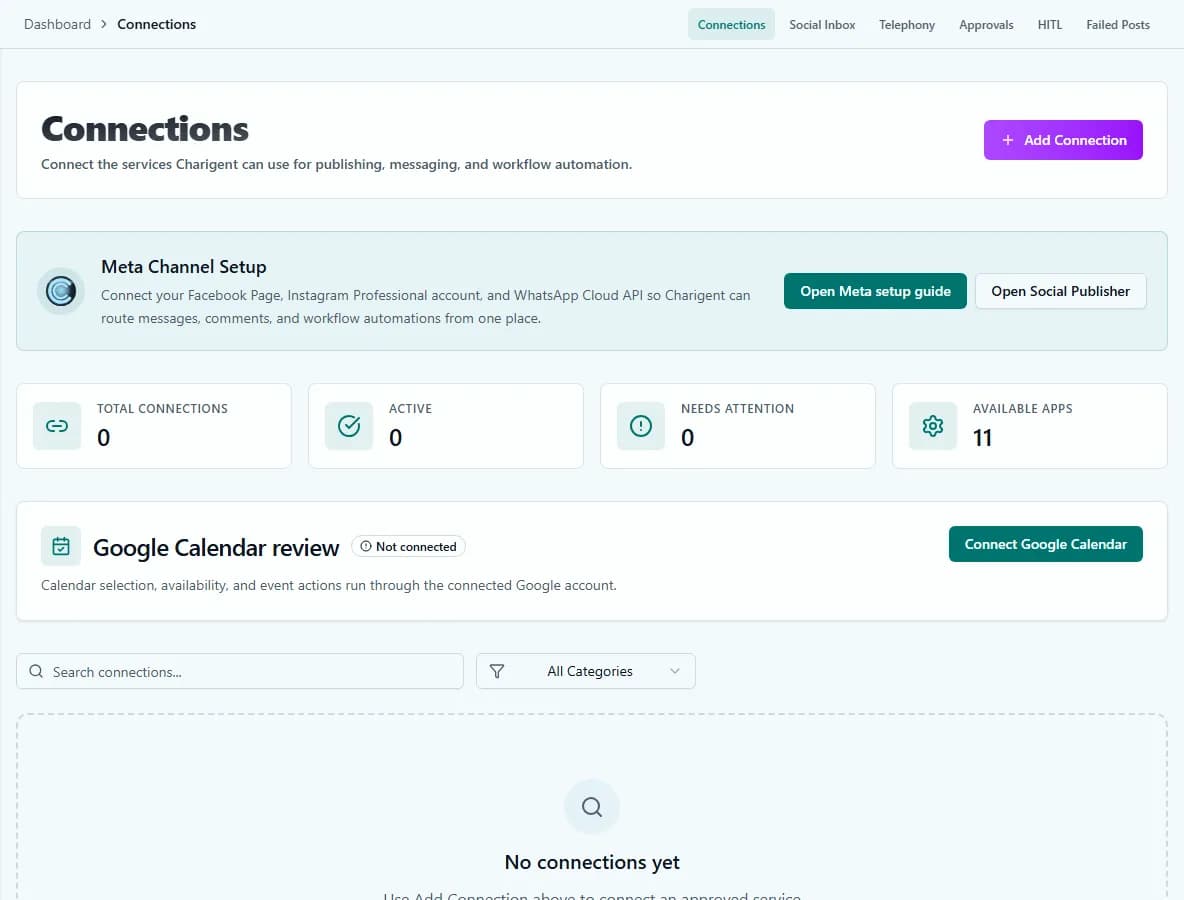
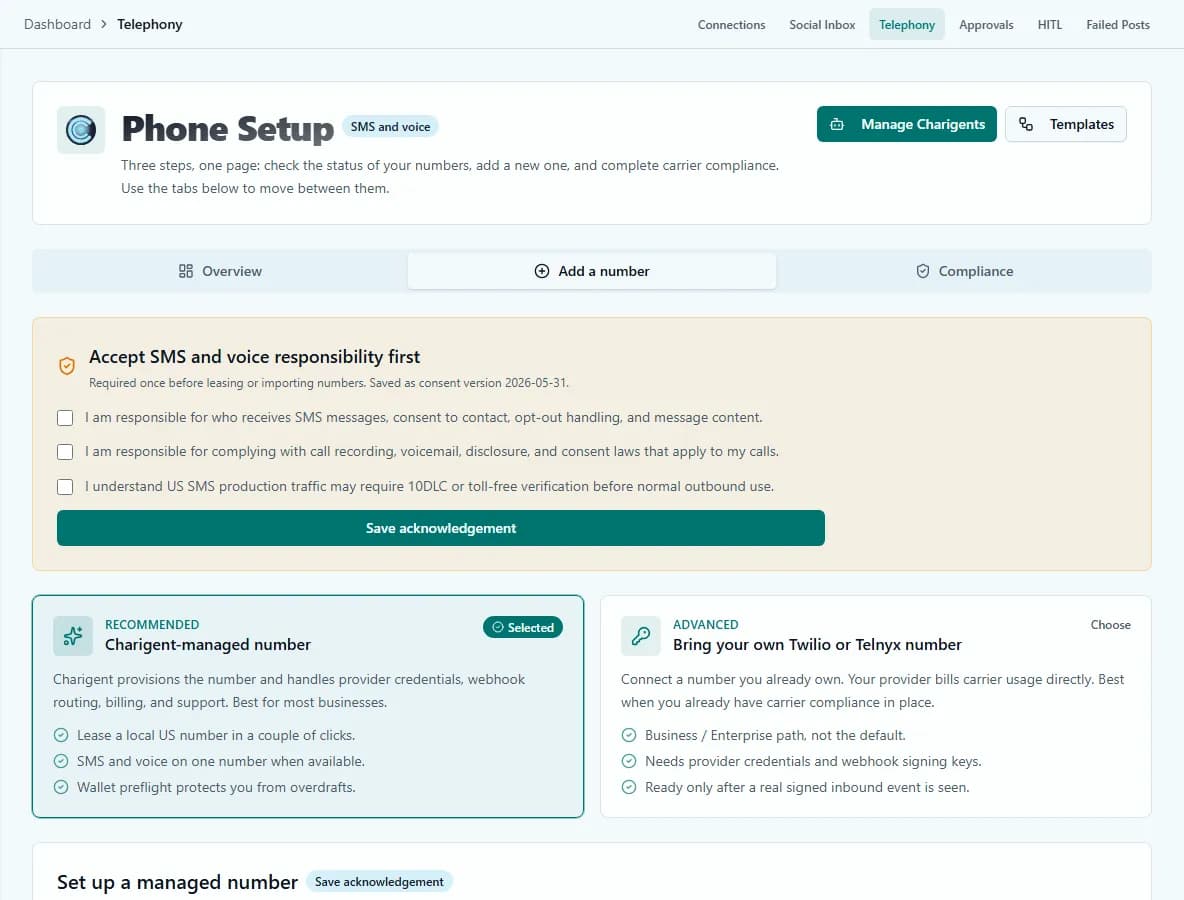
Channel map
One Charigent, 14 ways to show up
Charigent keeps the conversation steady while the format changes around it. The person can start on your site, continue by text, and finish by email without losing the thread.
Discord
Community questions, member onboarding, and fast support loops.
Slack
Internal questions, team support, and follow-up work.
Telegram
Groups, alerts, and direct replies for global communities.
High-intent customer conversations where response speed matters.
Messenger
Facebook message threads for service and lead follow-up.
DMs and creator conversations without bouncing between apps.
SMS
Short, direct follow-up with strong open rates and simple billing.
Longer replies, threaded follow-up, and inbox-based support.
LINE
Reach customers in markets where messaging habits differ.
Stay available where buyers already expect to message businesses.
Google Chat
Internal support and team coordination in Google-centric stacks.
Widget
Website conversations with branding, routing, and clean handoff.
API
Bring the same Charigent into your product or internal tools.
Voice
Phone conversations with the same guardrails and shared context.
Setup flow
Built to start narrow, then expand
Pick the channels that matter first
Start with the places your team already checks every day. Add more after the first process proves useful.
Connect your accounts, numbers, or inboxes
Bring in website chat, messaging apps, email, SMS, or voice without creating a separate Charigent for each surface.
Set your tone, handoff rules, and business hours
Decide when Charigent answers on its own and when it pulls a teammate in with the full thread attached.
Keep one shared conversation record
When a person moves from web chat to SMS or email, Charigent keeps the thread coherent instead of starting over.
Works especially well with Charigents
Pair Charigents with Deploy Anywhere when you want one answer layer across support, sales, and follow-up channels instead of a different assistant for each inbox.
FAQ
Frequently asked questions
How many channels can one Charigent be deployed to?
Fourteen: website widget, Slack, Discord, Telegram, WhatsApp, Messenger, Instagram, SMS, email, LINE, WeChat, Google Chat, API, and voice. Each channel still needs its own setup and a final check before it goes live.
Does the conversation history carry over when someone switches channels?
Yes. Charigent keeps a shared conversation record, so if a person starts on your website and later follows up by SMS or email, the assistant does not start from zero.
What's included on Starter versus Pro and Business?
Every paid plan can create and privately share a Charigent. Pro adds public website chat, live voice, Marketplace listings, and Charigent-managed texting. Business adds the ability to connect supported outside AI accounts, plus premium voices and more call-routing controls.
Can a Character have its own phone number?
Yes. A Character can have its own phone line for real-time voice conversations and urgent handoff, while keeping the same background context as its other channels. Live voice for Characters requires Pro or above.
What happens when Charigent can't handle a question?
When confidence is low or the issue needs a person, Charigent hands the conversation to a teammate with the relevant context already attached, instead of leaving the visitor to repeat themselves.
Pricing
Every paid plan can create and privately share a Charigent. Public website chat, live voice, text messages, and social channels depend on your plan and whether the outside service is ready. Pro adds public website chat, live voice, Marketplace listings, and Charigent-managed texting. Business lets you connect supported AI accounts and adds premium voices and more call-routing controls.
See also
Also explore
More ways to build with Charigent
Ready to try Deploy Anywhere?
Explore the possibilities and request an update when registration opens.
Request accessStart building with Charigent today