Example Use Cases
Explore AI workflow examples for connected work
See AI workflow examples for content, support, books, and voice. Each example names the tools and setup.
Request access
Content Marketing
From search topic to published article
“Use the Content Engine to research keywords with connected search data, create SEO briefs, draft quality-scored articles, and send reviewed content to WordPress on eligible plans.”
Content EngineWordPress IntegrationAnalytics
Request accessCustomer Support
AI support trained on your products and policies
“Build a Charigent trained on your product FAQs and support docs. Embed it on your website as a chat widget. It handles returns, sizing, and tracking questions - and escalates edge cases to your team.”
CharigentsFlow BuilderWidget Embed
Request accessBook Publishing
Shape a non-fiction idea into a manuscript your team can review
“The Book Maker handles research, structure, and prose across multiple chapters. Your editorial team reviews and approves each chapter before it goes to layout. Export as PDF, EPUB, or DOCX.”
Book MakerReview & ApprovalExport
Request accessSocial Media
Schedule a week of social posts in one session
“Generate captions with AI Chat, create matching images with Image Studio, and queue posts across Instagram, LinkedIn, Twitter, and Facebook - all from one dashboard. Content creation and distribution in one place.”
Image StudioSocial MediaContent Engine
Request accessVoice Support
Voice AI support trained on your knowledge base
“Deploy voice AI connected to your Charigent's knowledge base. Callers get accurate answers about billing, products, and policies. Edge cases escalate to your team via Slack with full context.”
Voice AICharigentsIntegrations
Request accessFiction Writing
Write novels with persistent characters and worlds
“Build out your characters and world first, then generate each chapter with that context locked in. The Fiction Writer maintains consistency - characters remember earlier scenes across chapters and books.”
Fiction WriterImage Studio
Request accessSee it in action
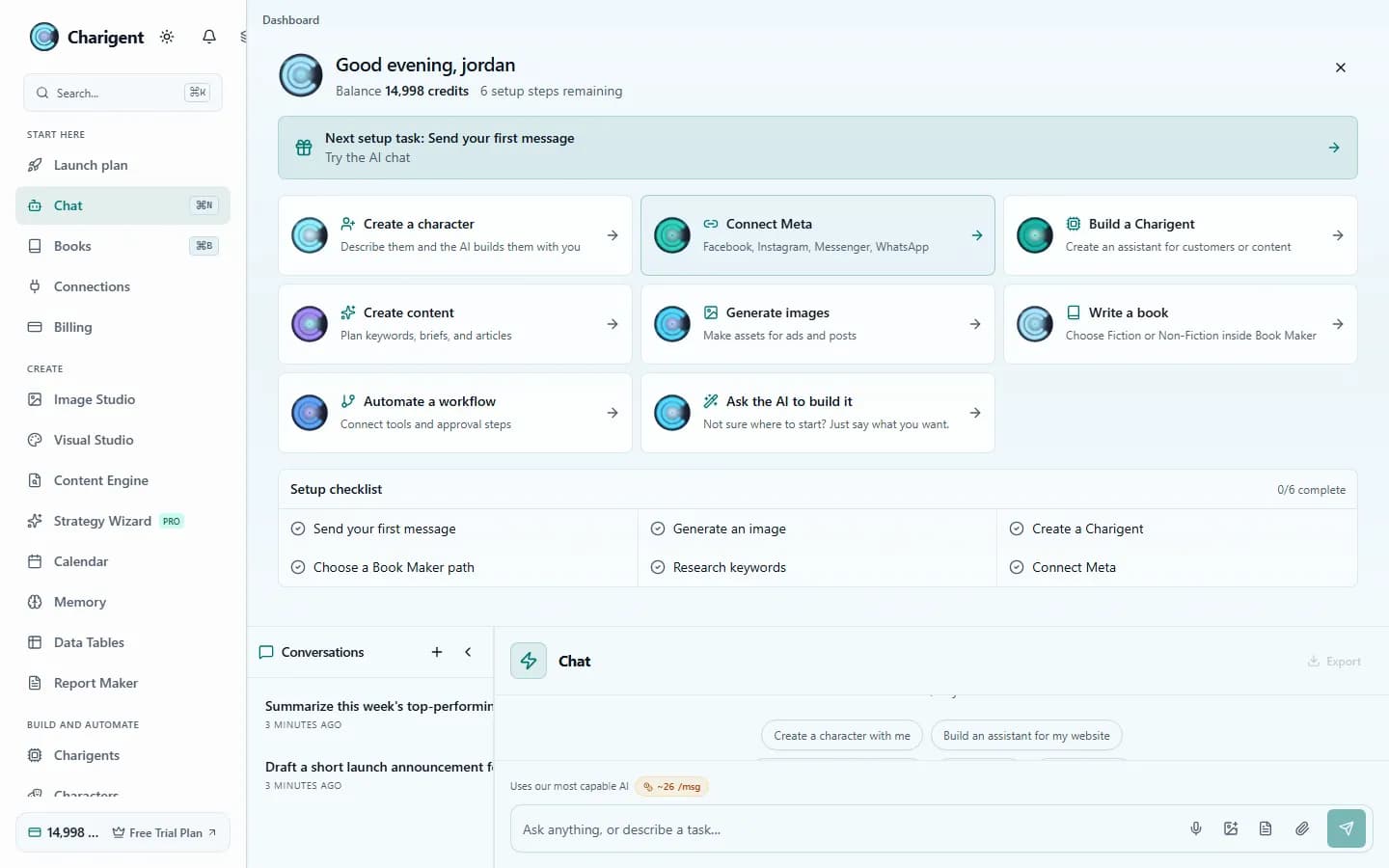
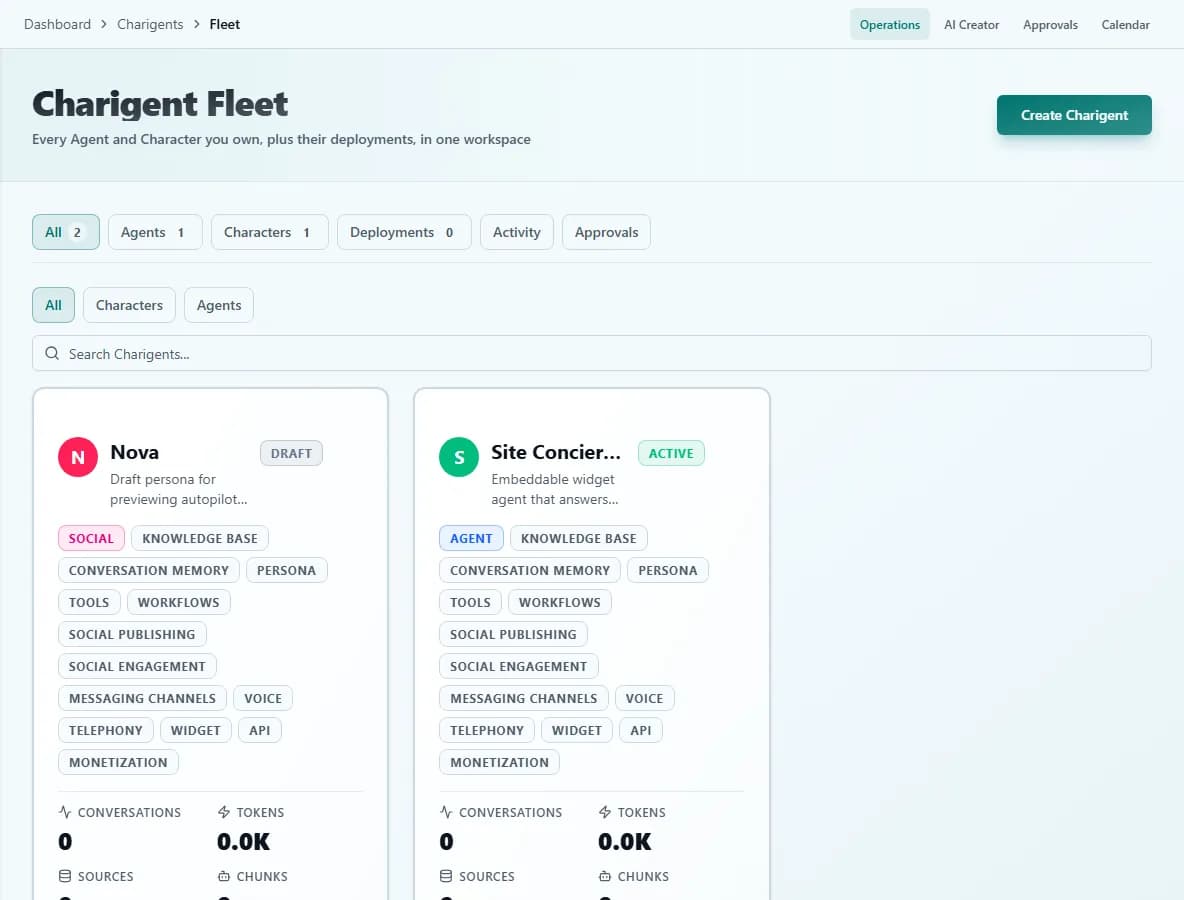
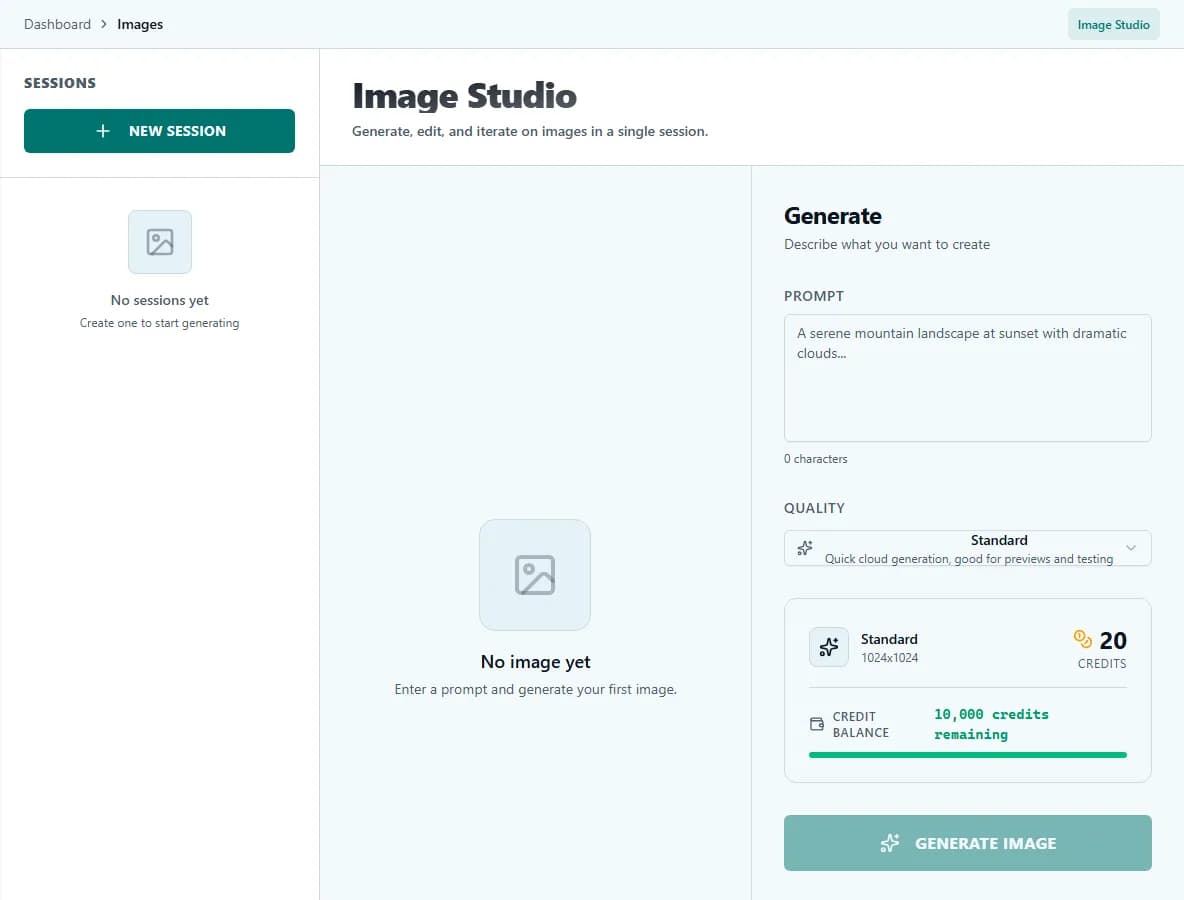
Current Charigent product views
FAQ
Frequently asked questions
Are these real product features, or just concept mockups?
Real features. Each example on this page is built from an actual Charigent capability, like the Content Engine, Charigents, Book Maker, Social Media, Voice AI, or Fiction Writer, not a hypothetical.
Do I need a separate subscription for each example?
No. They all run inside the same Charigent account; which specific capabilities are unlocked depends on your plan, not on separate purchases per example.
Can I combine more than one of these in a single workflow?
Yes. Several of the examples already do -- the content marketing example alone chains Content Engine research, drafting, and WordPress publishing together.
Do I need to know how to code to build something like these?
No. Every example shown uses the standard Charigent interfaces -- chat, the Charigent builder, Flow Builder's visual canvas -- none of which require writing code.
Where should I start if I want to build one of these?
Start with the core workspace, then pick the plan that unlocks the AI quality, channels, and publishing controls the specific example needs.
Your turn
What will you build?
Start with the core workspace, then choose the plan with the AI quality, channels, and publishing controls your work needs.