The AI content marketing platform that keeps the whole job together.
Find search topics, plan and write the article, add images, and share the final work from one place. Pro can send approved articles to WordPress.
Registration is currently closed · Request an access update by email · Review plan terms before joining
Sound familiar?
Too many content tools steal your time
Disconnected tools slow the work
Research, writing, images, and posting often live in separate tools. That means more logins, copying, and repeat work.
Keyword research takes hours
Finding good search topics by hand can take hours. See useful search data before you start to write.
Inconsistent content quality
Starting from nothing each time can change your tone and make good search ideas easy to miss.
Publishing is a manual grind
Copying text into WordPress, fixing images, and filling page details takes time you could spend on the next idea.
The Charigent way
From search idea to finished draft
Find the topic, make a plan, write the draft, and add images. Your plan decides which social and WordPress tools you can use.
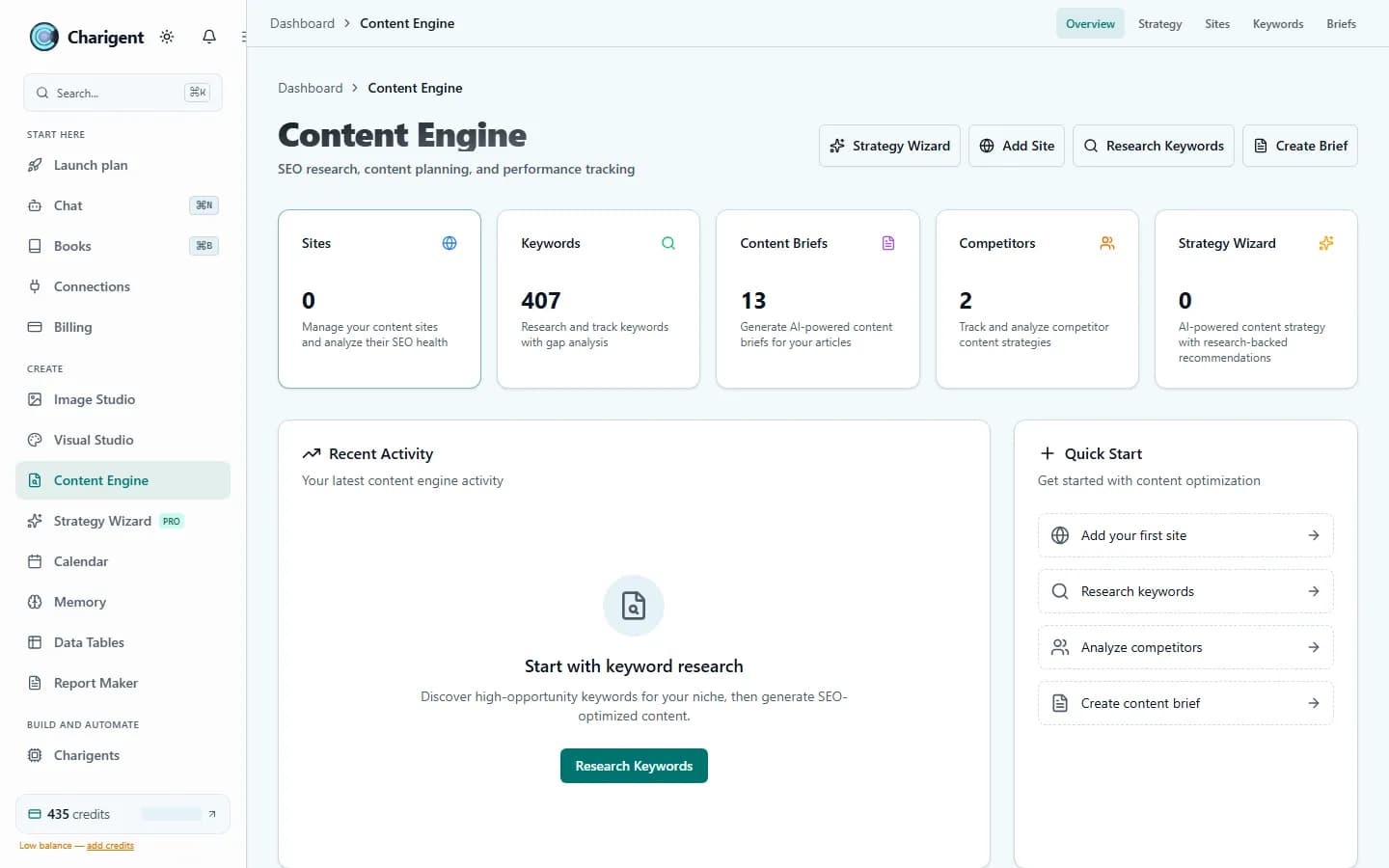
Content Engine
Find search topics, see how hard they may be to rank for, make a clear plan, and write a draft you can edit.
Image Studio
Create images for articles and campaigns. Pro lets you change one area without starting over and includes more editing tools.
Social Publishing
Turn an article idea into social posts, check them, and schedule them for supported accounts.
WordPress Integration
On Pro, check the article, page details, layout, and main image. Then send the approved post to your WordPress site.
See the AI content marketing platform in your workflow.
Run one topic from keyword research through a publish-ready draft before you commit.
Request access7-day free trial with included trial credits. Card required.
See it in action
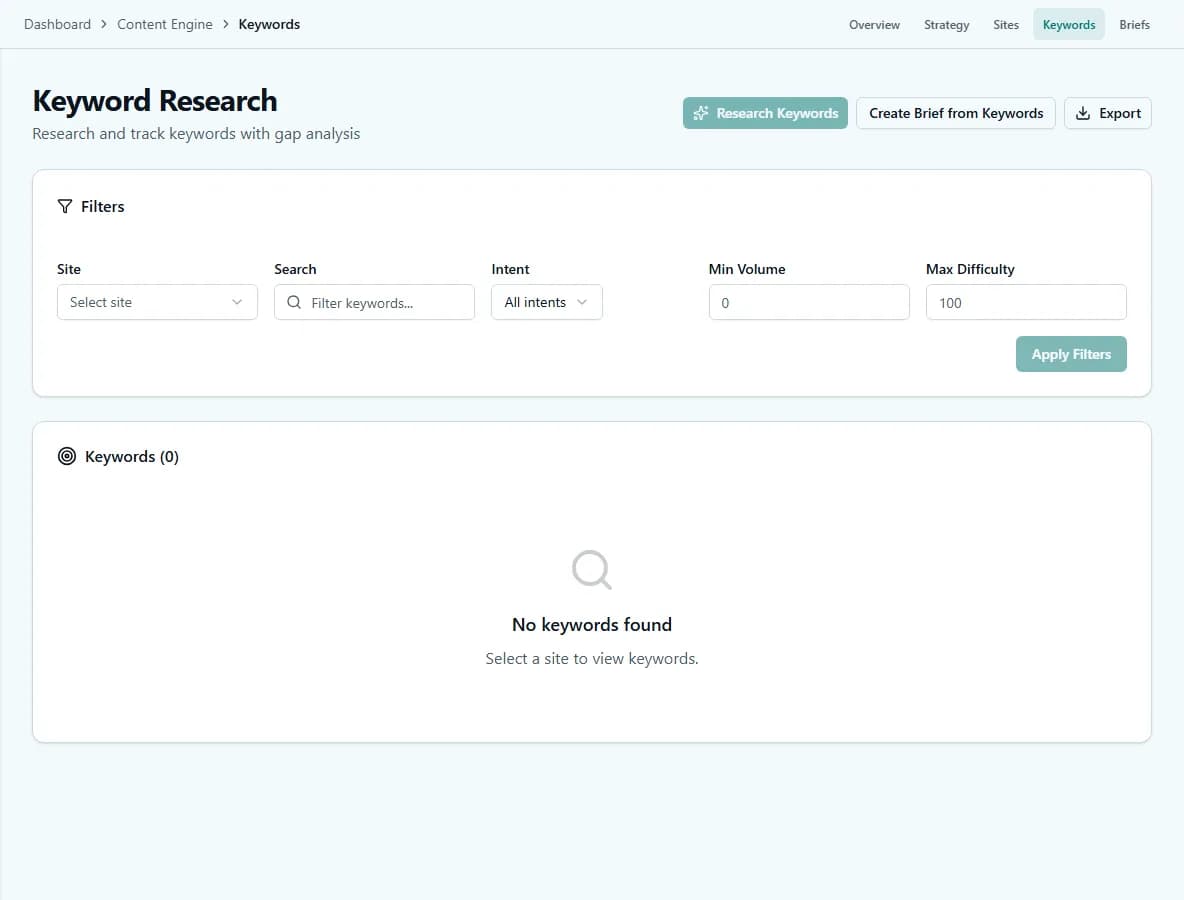
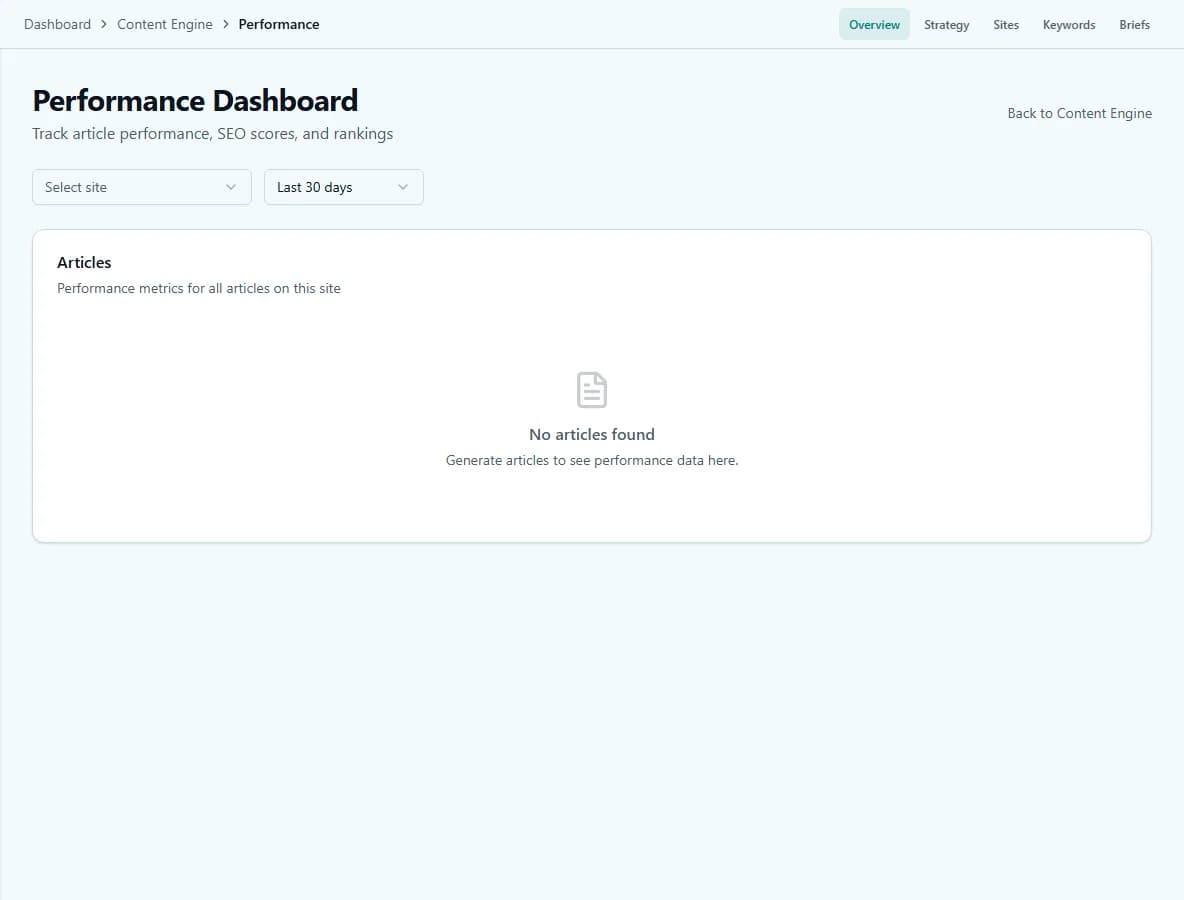
The real product, not a mockup
How it works
From keyword research to a publish-ready draft
Find search topics
Enter a topic. See related searches, demand, ranking difficulty, and what people want.
Plan the article
Make a clear plan with a title, headings, target length, and point of view.
Write and review
Write a draft from the plan, then check the facts and edit it in Charigent.
Add images and share
Make images, schedule social posts, or send an approved article to WordPress on Pro.
FAQ
Frequently asked questions
Does Charigent do keyword research?
Can Charigent publish articles to WordPress?
Does Charigent write the full article or just an outline?
Can I make the article images in the same place?
Can Charigent track how published content performs?
Which plan do I need for content marketing?
Ready to make your content process easier?
Keep search research, writing, images, and sharing together while you make the final call.
Request accessRegistration is currently closed · Request an access update by email · Review plan terms before joining