AI tools for agencies, running every client account.
Keep content, images, Charigents, and repeatable client work in one agency workspace. Business adds developer access and supported BYOK accounts at 7% of estimated provider cost, with a $0.001 minimum per user-facing AI request.
Registration is currently closed · Request an access update by email · Review plan terms before joining
The agency AI problem
AI costs are eating agency margins
Each client can add more tools
Separate tools for research, writing, images, and repeat work mean more accounts, bills, and steps for your team.
Client work lives in too many places
Content, Charigents, and reports may sit in different tabs, accounts, or sheets. That makes work harder to find.
Outside service costs can be hard to track
Outside service costs and Charigent costs may appear in different places. Check both before you plan client work.
Built for agencies
Everything your agency needs in one platform
Connect your own AI service account
Business accounts can connect supported outside AI services. You still pay that service directly, and Charigent charges 7% of estimated provider cost for user-facing AI BYOK requests, with a $0.001 minimum per request.
Keep client work in order
Keep named projects, repeat plans, AI-made work, and review steps easy to find in one account.
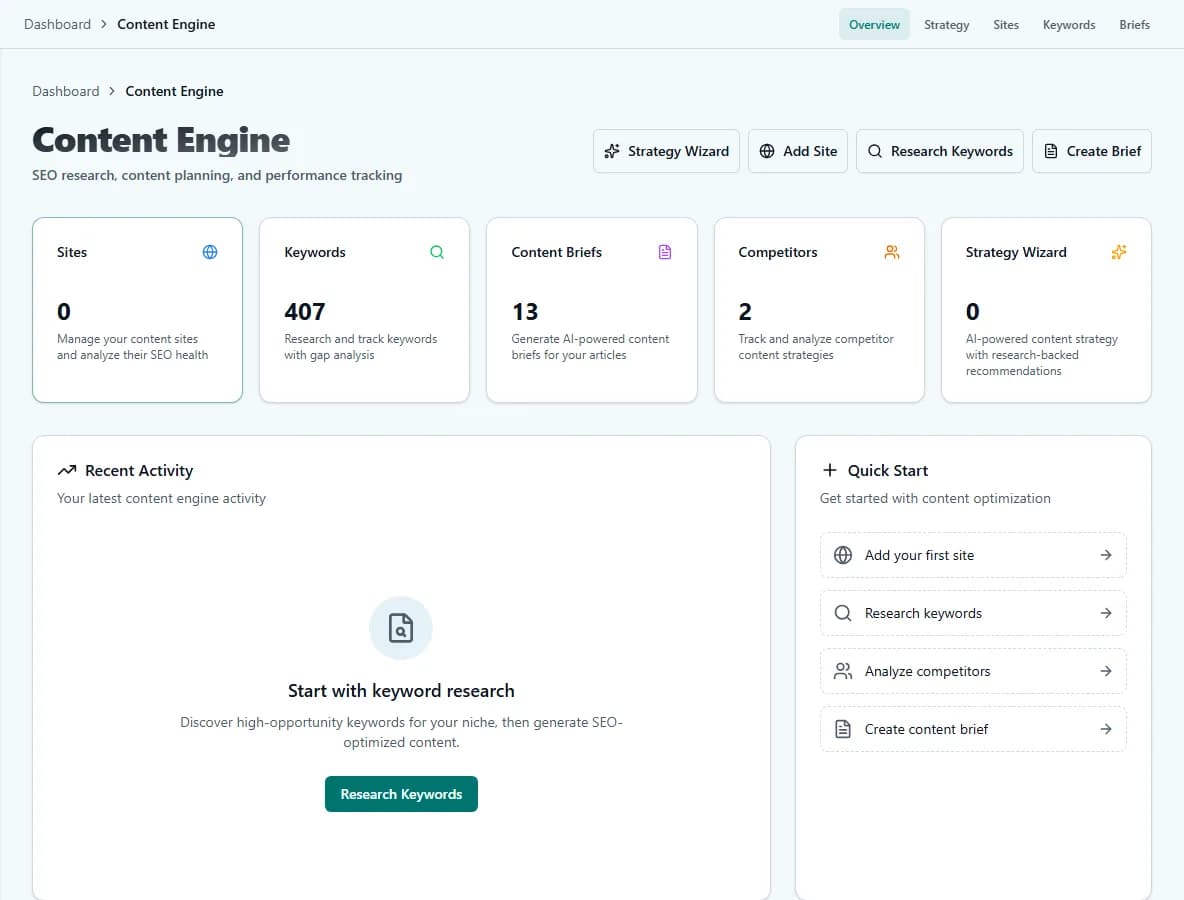
Content Engine
Research keywords, create briefs, and draft articles from one account. Direct WordPress publishing requires Pro or Business.
Image Studio
Create on-brand visuals for every client. Multiple engine options from budget to premium quality.
Analytics Dashboard
See recorded use and costs so your team can track work and make better budget choices.
30+ AI Features
Bring chat, Charigents, content, images, and repeatable tasks into one workspace. Voice, website chat, software connections, and other tools vary by plan.
See what one agency workspace looks like.
Bring every client's content, images, and Charigents together before your next kickoff.
Request access7-day free trial with included trial credits. Card required.
See it in action
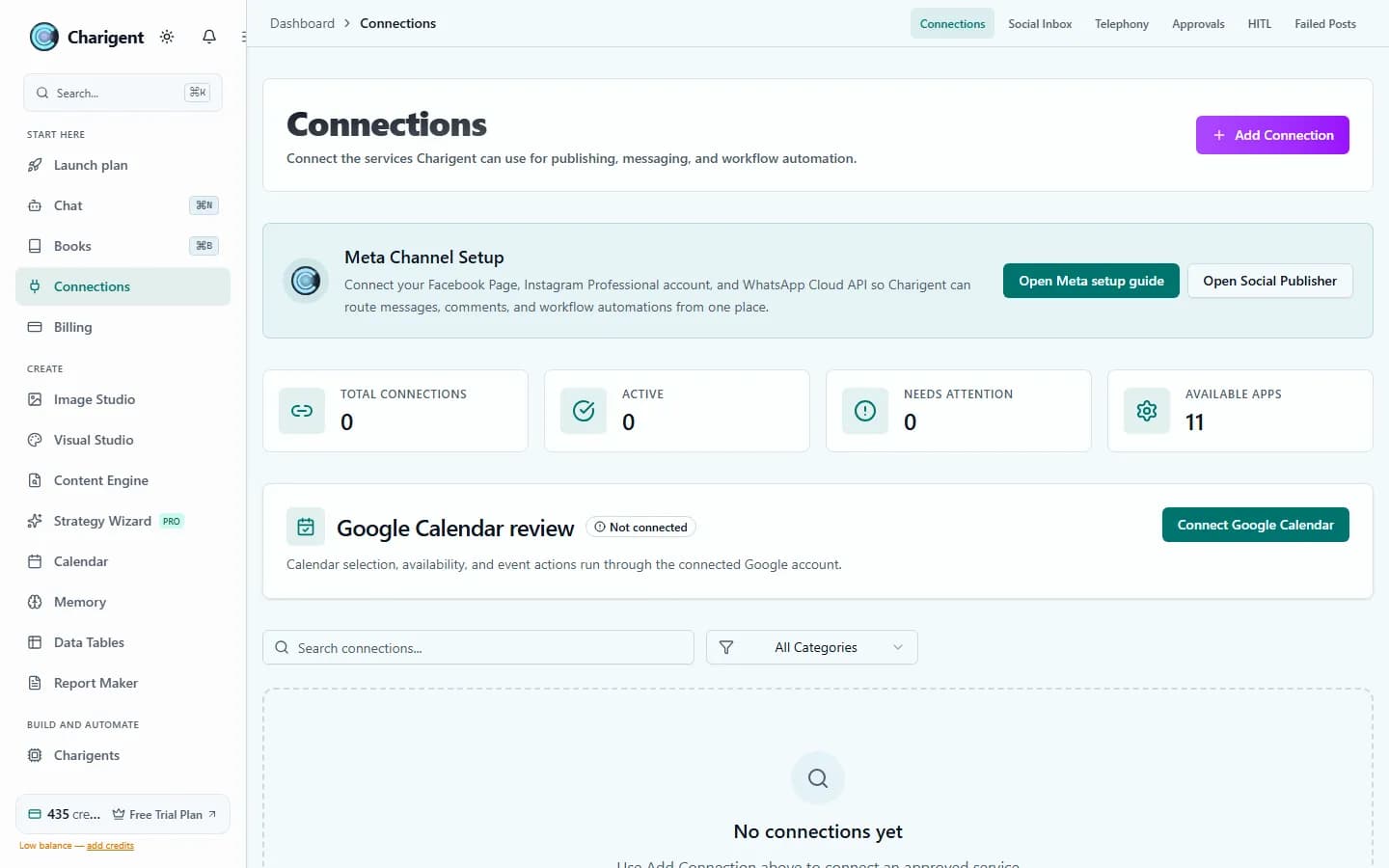
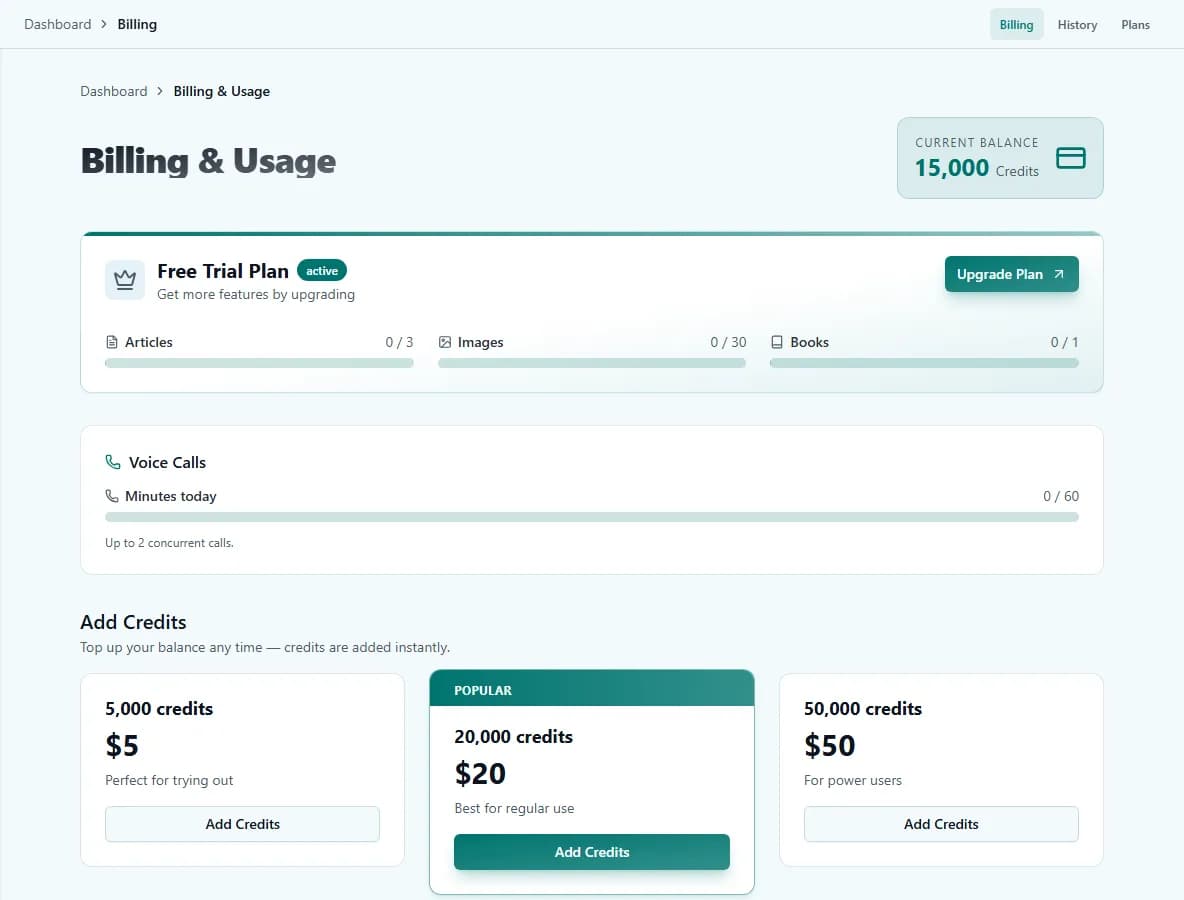
The real product, not a mockup
Getting started
Set up a repeatable agency workflow
Set up your workspace
Create named projects and organize the content, Charigents, and assets your team uses for client work.
Standardize the workflow
Create repeatable briefs, source checklists, and review steps for recurring client work.
Connect an AI service if needed
Business can use a supported outside AI account. You pay that service directly, and BYOK costs 7% of estimated provider cost, with a $0.001 minimum per user-facing AI request.
FAQ
Frequently asked questions
Can one Charigent subscription cover work for multiple clients?
How much client material can I upload?
Can an agency use its own AI provider accounts?
Can we brand the chat widget for each client?
Which AI models can an agency use?
How many social accounts can an agency connect?
Bring more client work into one workspace.
Start with the client job you need. Choose Business when you need developer access or a supported outside AI account.
Request access