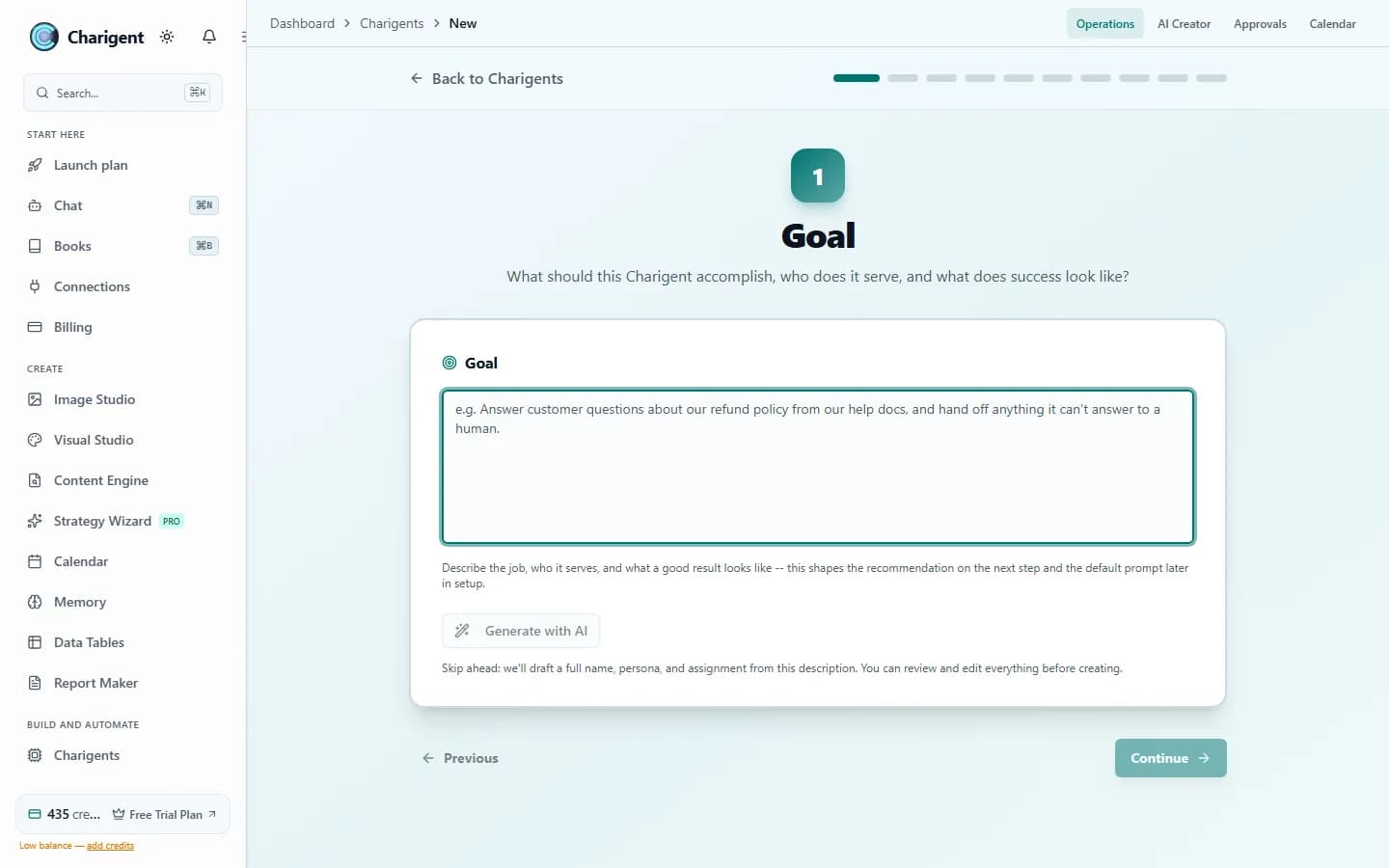
Start with an idea. Shape the Charigent with help when you want it.
Start with one sentence, fill in each field yourself, or build the idea with AI over a few guided chats. Shape the name, voice, memory, knowledge, and launch plan. You review every suggested change.
What you get
What this helps you do
A creator identity you can actually use
Get a name, short bio, audience profile, and platform fit that make the persona feel specific instead of generic.
Content pillars that keep things focused
AI Creator lays out the recurring themes so the feed feels consistent over time instead of random from one post to the next.
Sample posts in the right voice
See the persona in action with example posts before you commit it to a real content calendar.
Visual identity and color direction
Get style notes, avatar cues, and palette ideas that help the visual side match the written side.
Ready for image generation
Use the avatar direction and visual notes to create portraits, lifestyle shots, or branded post images inside Charigent.
Straight into Autopilot
Once the persona feels right, move it into Autopilot and start planning posts from the same brief.
Who benefits
Made for real work
Original influencer and character brands
Develop a niche, recognizable personality, and content direction for an original AI creator. Keep the identity consistent as you test what your audience values.
Creator teams and agencies
Build distinct AI identities and first-pass content briefs for client brands, with a clear review step before use.
Experts and story-led communities
Give original expertise or a story world a character people can interact with, using knowledge and voice you have the rights to use.
How it works
From setup to a reviewed result
Describe the niche and voice
Give Charigent one concise sentence about who the persona is for and how it should sound.
Review the generated persona
Check the voice, pillars, posts, and visual direction before making any changes or moving forward.
Build the content and audience experience
Create visuals, prepare conversations, and connect a reviewed persona to supported Autopilot workflows. Creator commerce requires its own eligibility and setup.
See it in action
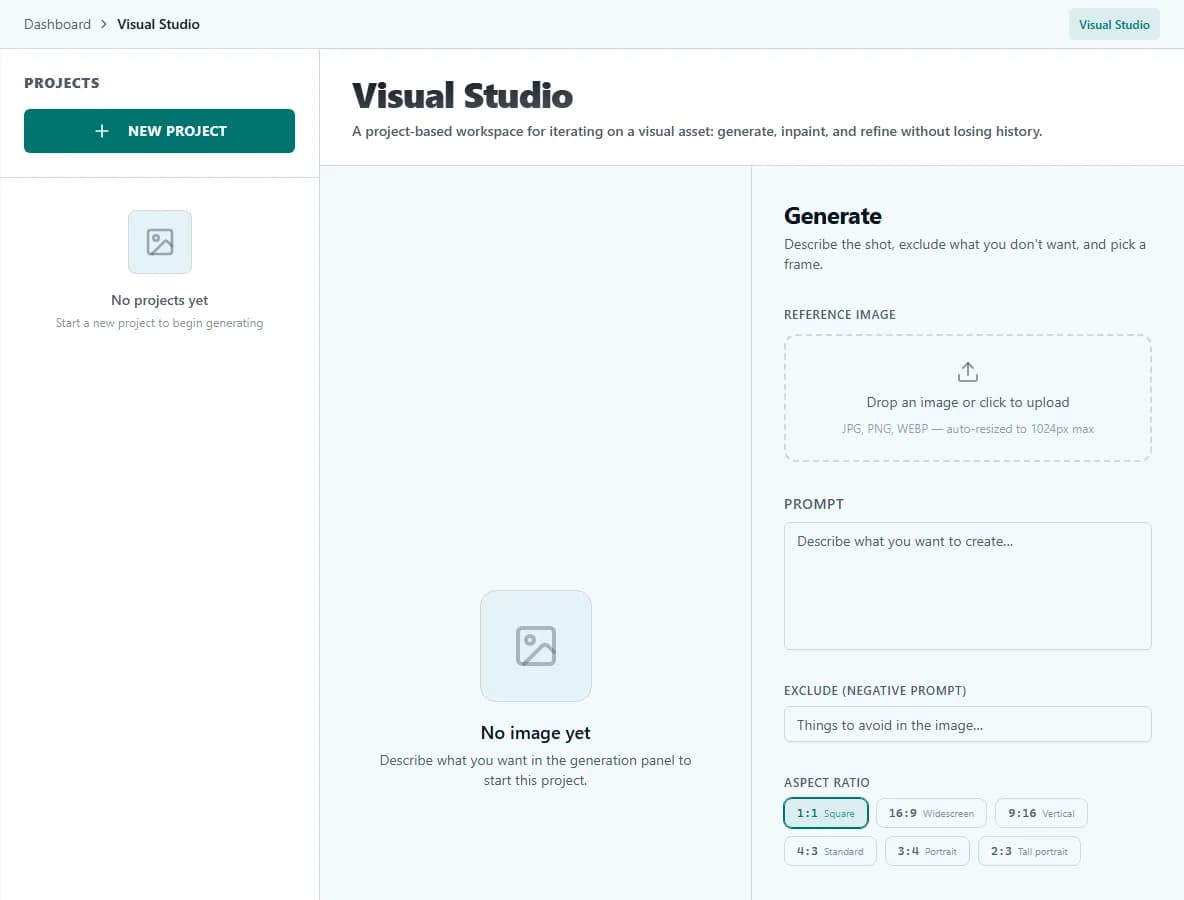
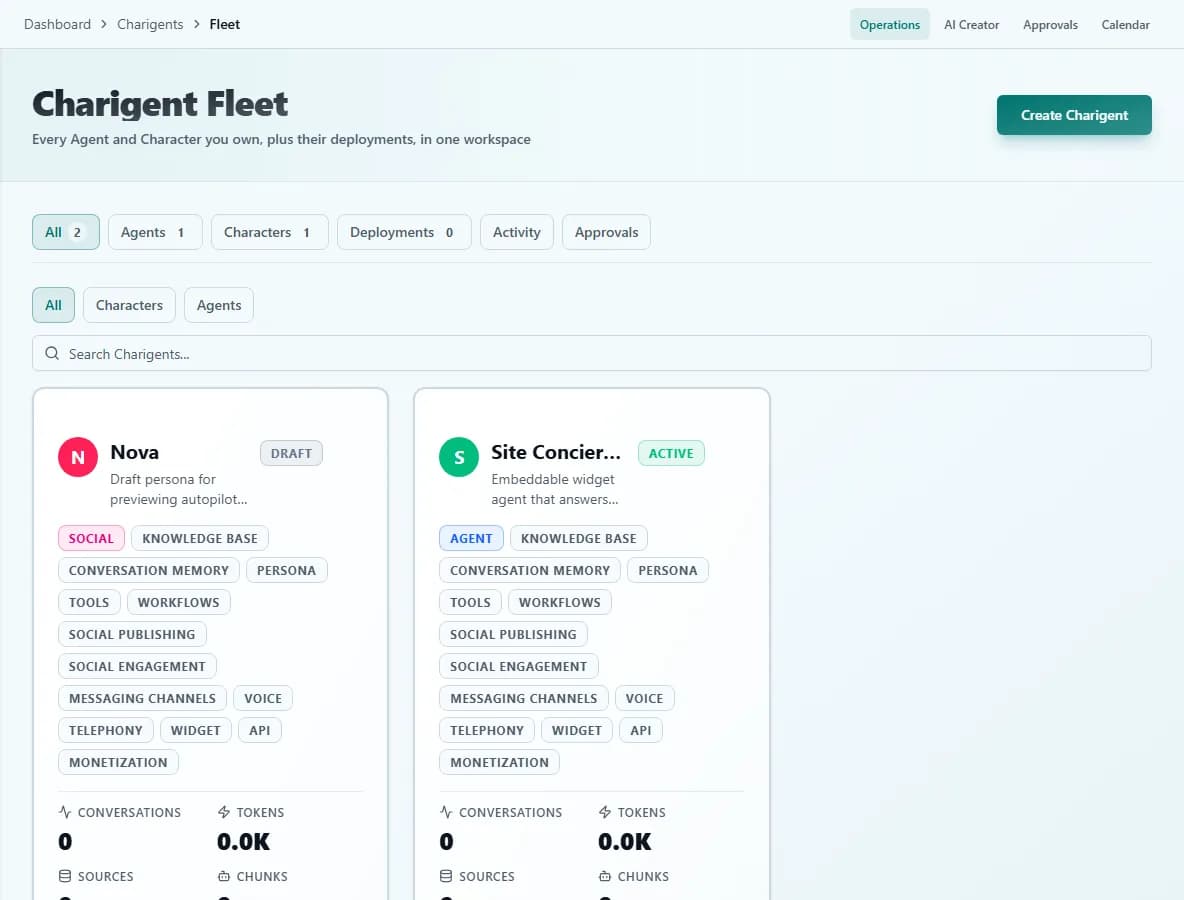
Current Charigent product views
Example input
"Create a calm, persuasive creator who helps wedding photographers book better clients and show the business side of the work without sounding corporate."
Generated output
Avatar gallery
Choose a visual direction for your original Charigent
Editorial operator
Clean studio portrait, neutral wardrobe, practical tone.
Bold niche educator
Warm contrast, punchy color accents, direct delivery.
Friendly service pro
Natural light, trustworthy presence, local-business energy.
Minimal studio host
Soft grayscale palette, polished authority, premium feel.
When the persona is ready, move it straight into Charigent Autopilot so the voice, visuals, and posting rhythm stay connected.
FAQ
Frequently asked questions
What do I get from a single sentence?
A creator identity: a name and short bio, an audience profile and platform fit, five to seven recurring content pillars, three sample posts in the persona's voice, and a visual identity with avatar direction and color notes.
Does AI Creator publish anything automatically?
No. You review every suggested change before it becomes part of the persona. AI Creator prepares the identity; you decide when, or if, it moves into a working system.
Which plans include AI Creator?
It's included on all paid plans. Text generation and any generated portraits or supporting images draw from your plan's shared credit pool.
What happens after I like the generated persona?
You can move it straight into Charigent Autopilot to start planning posts from the same brief, or use the avatar direction and visual notes in Image Studio to generate portraits and branded images.
Can I start from scratch instead of one sentence?
Yes. You can fill in each field yourself, build the idea through a few guided AI chats, or start from one sentence -- whichever fits how you like to work.
Pricing
AI Creator is included on all paid plans. Text generation uses your monthly included usage credit, and any portraits or supporting images draw from the same shared credit pool.
Also explore
More ways to build with Charigent
Ready to try AI Creator?
Explore the possibilities and request an update when registration opens.
Request accessStart building with Charigent today