Turn repeatable work into a process your team can see and control
Map each step on a visual canvas, connect Charigents to the tools you already use, and pause for human approval before sensitive work moves forward. Test each step, then review what ran.
What you get
What this helps you do
Drag-and-drop canvas
Draw a line from one step to the next. Move, arrange, undo, or redo your work so even a longer process stays clear.
33 building blocks for real work
Start a process, choose a path, connect another tool, read or update a table, wait, save a value, ask for review, run code, use voice, publish with a Charigent, and more.
Ready-made steps for the tools you use
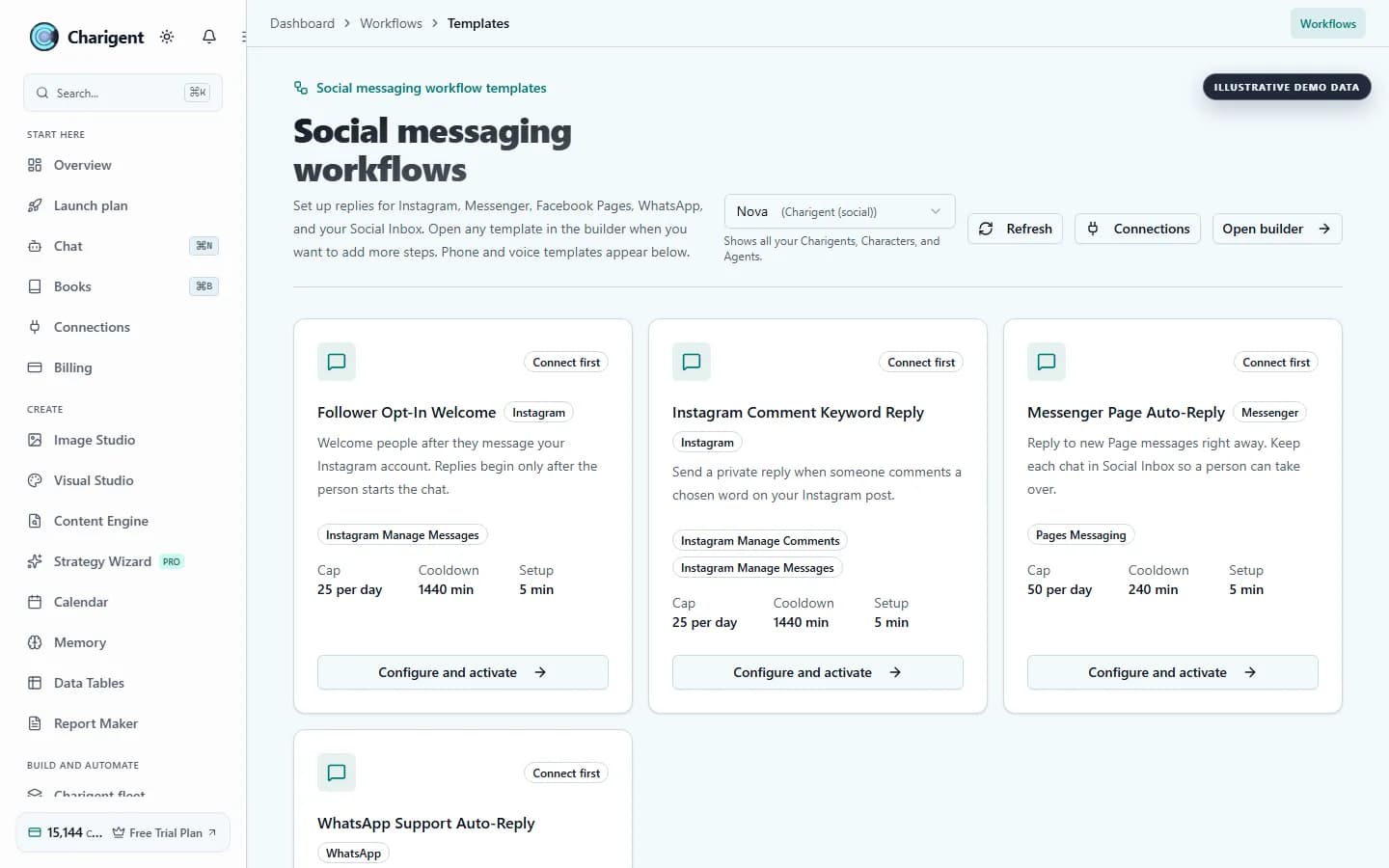
Connect tools such as Slack, Discord, Google Calendar, Calendly, WordPress, Airtable, Notion, and HubSpot. Charigent shows what each connection needs.
Review and approval
Add a Review step anywhere. The work pauses, sends an alert to your inbox, and waits for approval before continuing.
Versioning and templates
Save named versions of every flow. Roll back to any point in history. Start from curated templates for common automation patterns.
Live monitoring and logs
Watch the process move step by step. The history shows what went in, what came out, how long it took, and what it cost.
Who benefits
Made for real work
Customer support automation
When a support request arrives from another tool, let a Charigent answer common questions. Send uncertain cases to a person, then share the answer in Slack.
A complete content process
Research keywords, generate a brief, write an article, generate a hero image, publish to WordPress, and post to social media. One flow handles the full content lifecycle.
Multi-channel marketing
When a product launches, trigger a flow that generates email copy, social posts, and ad creatives in parallel, then schedules and publishes each one.
How it works
From setup to a reviewed result
Drag steps onto the screen
Choose from 33 kinds of steps. Draw a line from one step to the next to show the order.
Set it up and try it
Add instructions, sign-in details, and rules to each step. Try the flow with sample information and check what happens.
Turn it on and watch it work
Turn the flow on when it is ready. It can start after an event in another tool. Check every run in the activity log.
See it in action
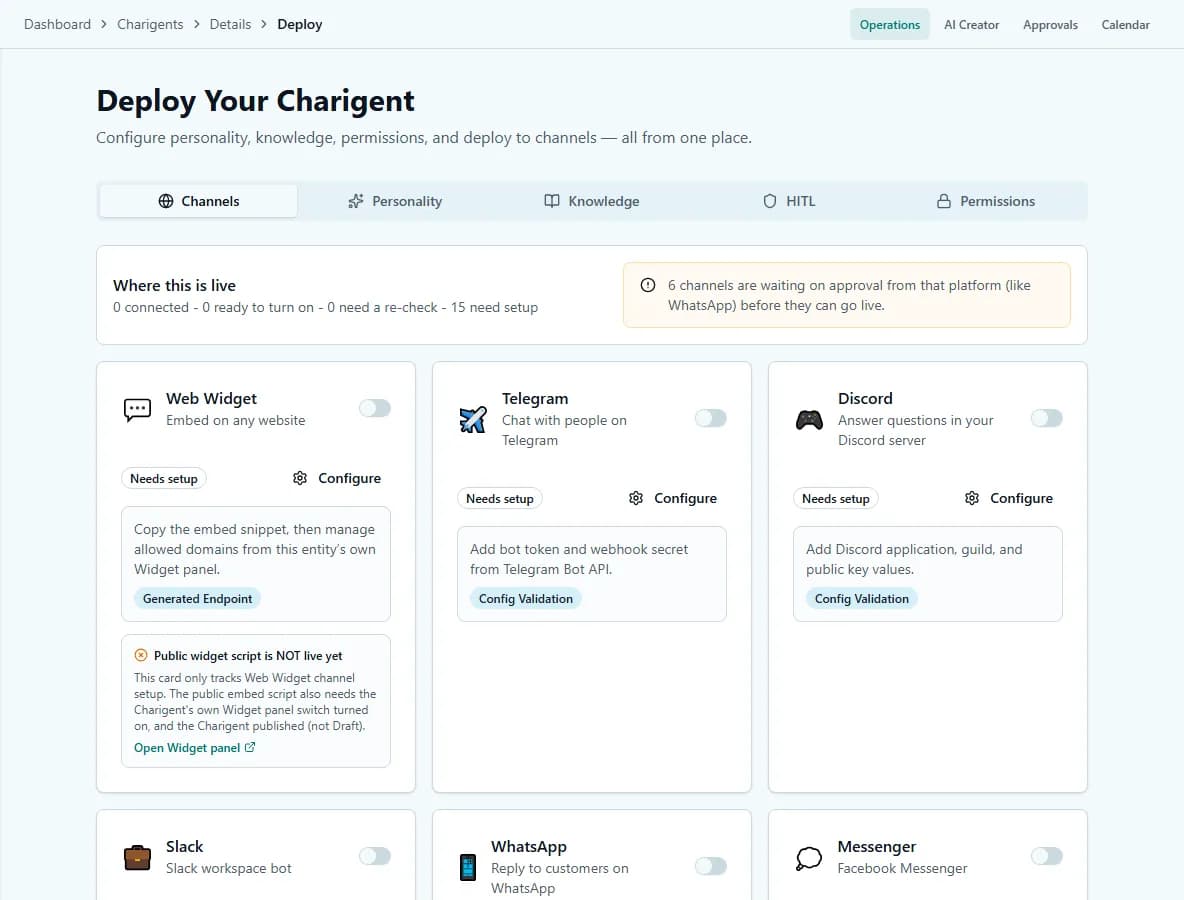
Current Charigent product views
FAQ
Frequently asked questions
How many flows can I build?
Starter includes 3 processes, Pro includes 10, and Business includes unlimited processes. All three tiers include the same 33 kinds of steps to build with.
Can a flow pause for a human to approve something?
Yes. Add a Review step anywhere in the flow -- the process pauses, sends an alert to your inbox, and waits for approval before continuing.
What tools can a flow connect to?
Ready-made steps for tools such as Slack, Discord, Google Calendar, Calendly, WordPress, Airtable, Notion, and HubSpot, plus 300+ integrations in total. Charigent shows what each connection needs before you use it.
Can I undo a change to a flow?
Yes. Every flow keeps named versions you can roll back to, so a bad edit doesn't mean rebuilding from scratch.
How do I know what happened when a flow runs?
Live monitoring shows the process moving step by step, and the run history records what went in, what came out, how long it took, and what it cost.
Pricing
Starter ($29/mo) includes 3 processes and 33 kinds of steps. Pro ($69/mo) includes 10 processes, human review steps, and connected tools. Business ($149/mo) includes unlimited processes.
Also explore
More ways to build with Charigent
Ready to try Flow Builder?
Explore the possibilities and request an update when registration opens.
Request accessStart building with Charigent today