AI Workflow Automation Your Team Can See, Test, and Trust
Map repeatable work on a visual canvas, start it when a message arrives or at a time you choose, and add an approval before sensitive steps run. Charigent's AI workflow automation helps teams move faster without giving up control.
Registration is currently closed · Request an access update by email · Review plan terms before joining
Product proof
See workflow automation in action
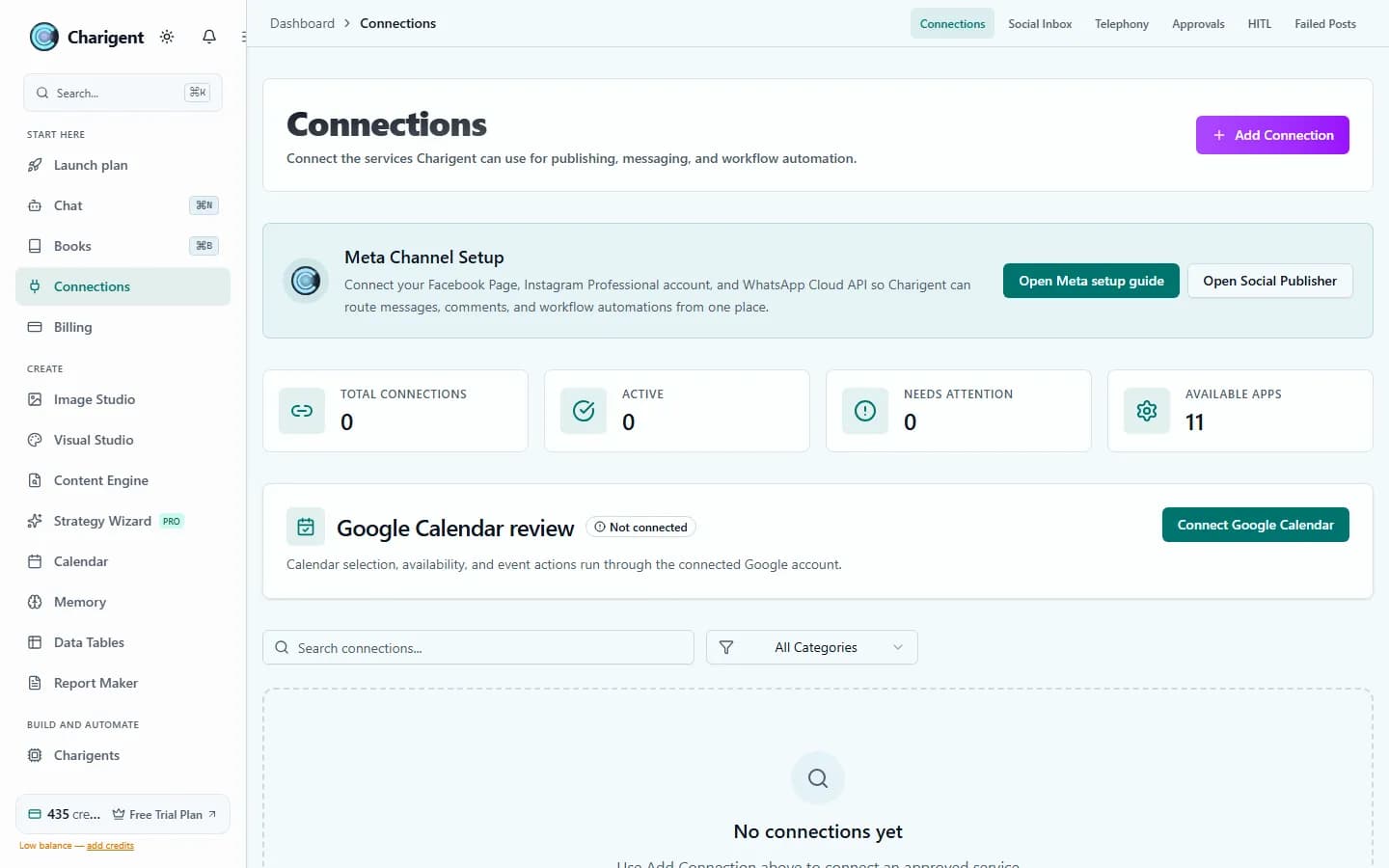
An illustrated workflow overview beside a real Charigent interface capture. Exact controls and availability vary by plan.

The problem
Current automation tools weren't built for AI
Simple rules can only go so far
Basic if-this-then-that rules help until a process needs AI to understand the situation or make a limited choice.
Small changes should not create a backlog
When every change needs a developer and a new release, the process can fall behind the business.
Costs should stay visible
Paid plans include monthly usage credits. Charigent also shows the cost as each automatic process runs.
Flow Builder
Visual automation with explicit review controls
Drag-and-drop builder
Build common processes by placing and connecting steps on screen. An optional code step is there for advanced needs.
33 kinds of steps
Connect outside tools, add rules, read or update tables, use voice, publish to social media, run code, and ask a person to review.
300+ connections
Connect services such as Slack, Discord, Google Calendar, Calendly, and Stripe. Each service has its own setup needs.
Human approval
Add checkpoints where a person must approve the work before it continues.
Different paths for different results
Choose the next step based on an AI answer, outside service, saved value, or time. Add human review wherever judgment matters.
Test before turning it on
Try the process step by step with sample information. Check what each step receives and returns before allowing real actions.
33 kinds of steps
Core building blocks for multi-step flows
Workflow patterns
Examples to configure, test, and review
Customer support triage
Incoming email → AI classifies intent → routes to the right team → logs in CRM → sends acknowledgment.
Content publishing
Research a search topic → draft an article → ask a person to review → publish to WordPress → share on social media.
Lead qualification
Form submission → AI scores lead → enriches with company data → adds to CRM → alerts sales via Slack.
Build one real workflow before you plan the rest
Map one repeatable process, test it step by step with sample data, and see the cost before turning it on.
Request accessFAQ
Frequently asked questions
How can I automate my workflows using AI?
What is the best AI workflow automation tool?
What is workflow automation AI?
How is a flow builder different from chat-generated instructions?
Stop doing manually what AI can automate
Check current trial access, connect only the services you need, and test every path before allowing real actions.