An AI customer support agent with a clean handoff to your team.
Build a support Charigent from information you approve. Let it answer common questions on your website, then give visitors a simple way to reach a person without losing the conversation.
Registration is currently closed · Request an access update by email · Review plan terms before joining
The problem
Current support tools weren't built for AI
Support costs grow with complexity
More seats, channels, and disconnected tools can increase cost while making it harder to keep answers and escalation rules consistent.
Knowledge setup takes coordination
FAQs, product documentation, policies, and routing rules often live in different places and need a clear review process before launch.
Generic answers frustrate customers
Off-the-shelf bots don't know your product. They respond with generic text that sends customers straight to a human — defeating the purpose.
The Charigent solution
Teach, connect, and manage support Charigents
Give your Charigent the information it should use, test its answers, and decide when your team should step in.
Charigent Builder
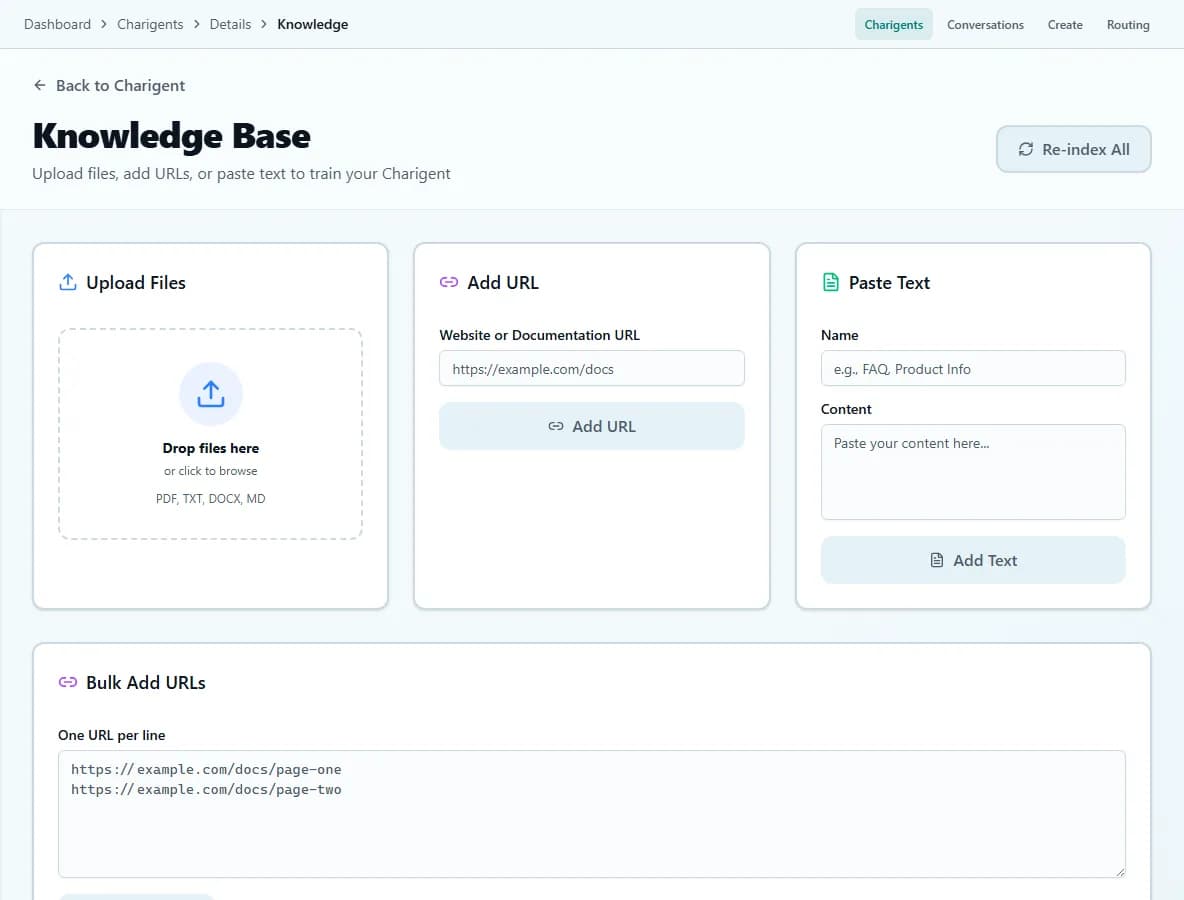
Add documents, web pages, FAQs, and notes so your Charigent can answer from information you trust.
Chat Widgets
Add a Charigent to your website with a short piece of code. Choose its colors, welcome message, and name. Website chat requires Pro.
Flow Builder
Lay out repeat work on screen, choose what happens next, and pause for a person before a sensitive action runs.
Human handoff
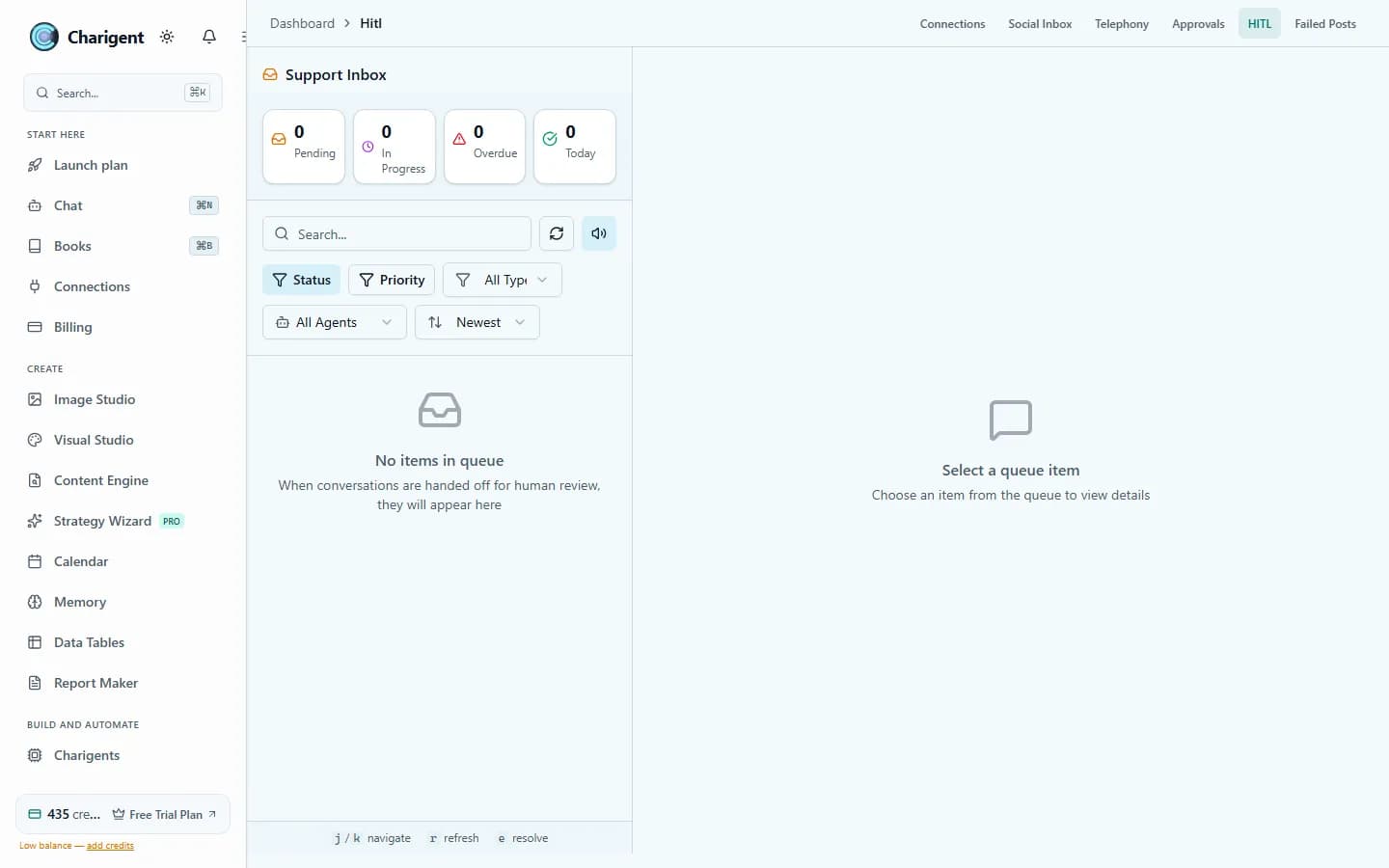
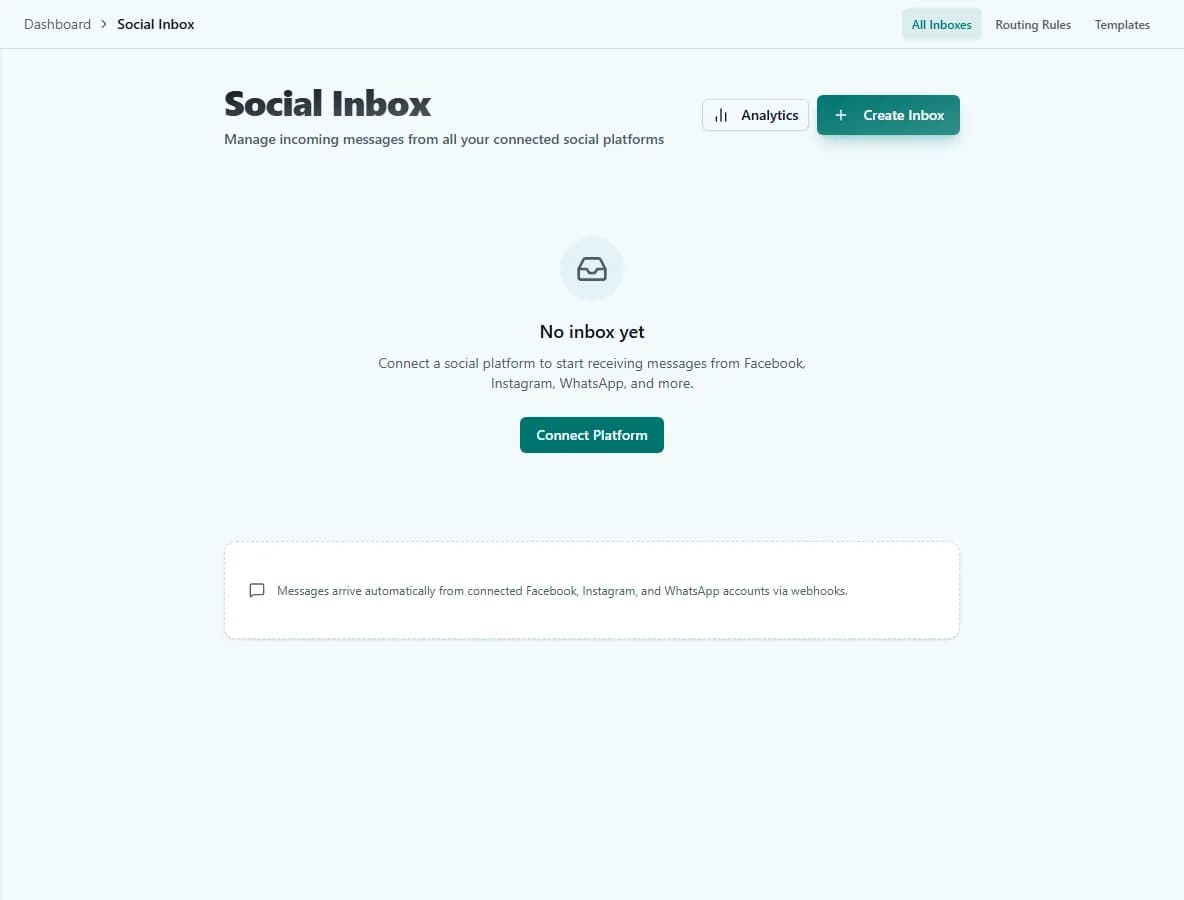
Let visitors ask for a person. Their website conversation moves to your Support Inbox, and your reply appears in the same chat.
Connected tools
Connect the channels included with your plan and explore more than 300 tools you can add to a process.
Review & Approval
Check what happened, set clear limits, and require a person to approve sensitive steps before they run.
Test your AI customer support agent before it goes live.
Add your knowledge, ask it real questions, and confirm the handoff before visitors ever see it.
Request access7-day free trial with included trial credits. Card required.
See it in action
The real product, not a mockup
How it works
Live in three steps
Add approved knowledge
Upload supported documents and URLs or paste text, then review the processed sources before testing answers.
Choose when a person steps in
Turn on human handoff, add any phrases you want to recognize, and test the website chat before launch.
Add it to your website
Publish the chat box, ask for a person, and make sure the reply returns to the same conversation. Website chat requires Pro.
FAQ
Frequently asked questions
How does an AI support agent learn about my products?
Can a human take over a conversation from the AI?
Can I put the support agent on my website?
What happens when the agent does not know the answer?
Which channels can a support Charigent answer on?
Can I review the AI's answers before customers see them?
Your Charigent is waiting.
Add your information, test the answers, and publish the website chat. Website chat is available on Pro, and human handoff must be turned on before visitors can use it.
Request access