Turn one approved message into a ready-to-review social video
Add your message, logo, and brand colors to a ready-made video style. Charigent creates an MP4 you can preview. Check the words, look, rights, and posting rules before you share it.
1 Portrait → Infinite Scenes
Lock face, outfit & voice once. Reuse across every photo, reel, and chat with 1 click.
Seedance 2.5 & Kling 3.0 Video
Gemini 3.8 Flash verifies character & lip-sync consistency before any reel goes live.
Done-For-You Social & DMs
Auto-publish reels and trigger Comment-to-DM funnels with your 20% OFF promo code.
Pays For Itself Monthly
Earn 80% on Charigents.com 30-day Fan Passes + up to 30% recurring partner commissions.
What you get
What this helps you do
Bounded templates by design
You fill a bounded template with a brand name, headline, copy, CTA, palette, and logo. This reduces arbitrary-code exposure, but each render still needs factual, brand, rights, and destination review.
Six templates to choose from
Brand Short, Product Showcase, Quote & Testimonial, Stat Callout, Quick Tips, and Custom Layout (Business). Pick the layout that fits what you're announcing.
Three supported aspect ratios
Render the same template in vertical, square, or landscape format, then review the composition for its intended destination.
A real MP4, not a preview
Review the finished video before publishing. The outside service may create its own version after upload.
Confirmation before direct publish
Charigent asks you to confirm before direct publishing. Test the chosen account and what happens before relying on it.
Publish from Social Publisher
Create and review a video, then publish to an eligible TikTok or LinkedIn account when the account, video type, Charigent setting, and outside approval are ready. Otherwise, download the file.
Who benefits
Made for real work
Product and offer announcements
Turn a headline and a CTA into a scroll-stopping vertical short the moment a new offer, feature, or drop is ready to announce.
Agencies running multiple brand accounts
Swap the brand name, palette, and logo per client while keeping the same bounded template, then review and publish to eligible connected accounts.
A steady weekly content rhythm
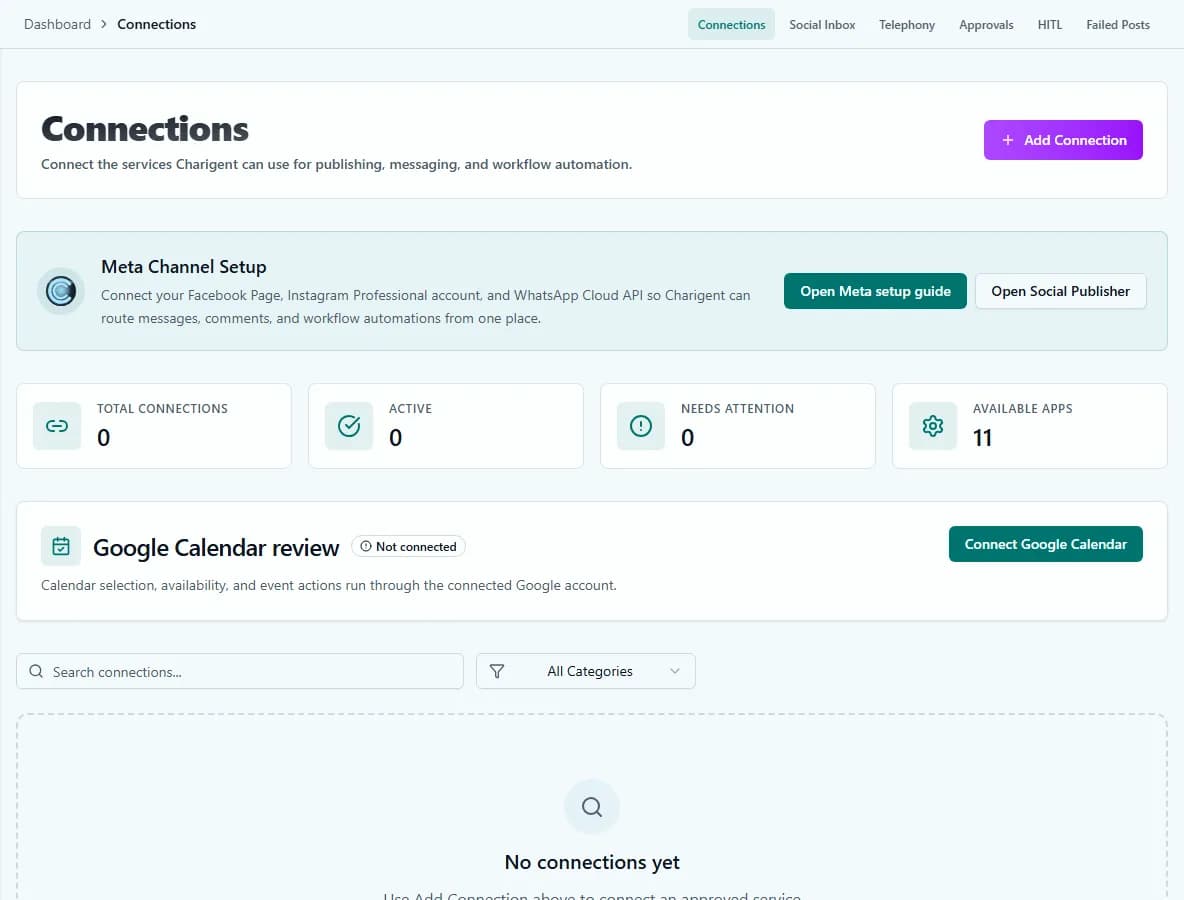
Use Flow Builder to trigger repeatable renders. Rendering alone does not confirm or complete publication to a destination.
How it works
From setup to a reviewed result
Fill the template
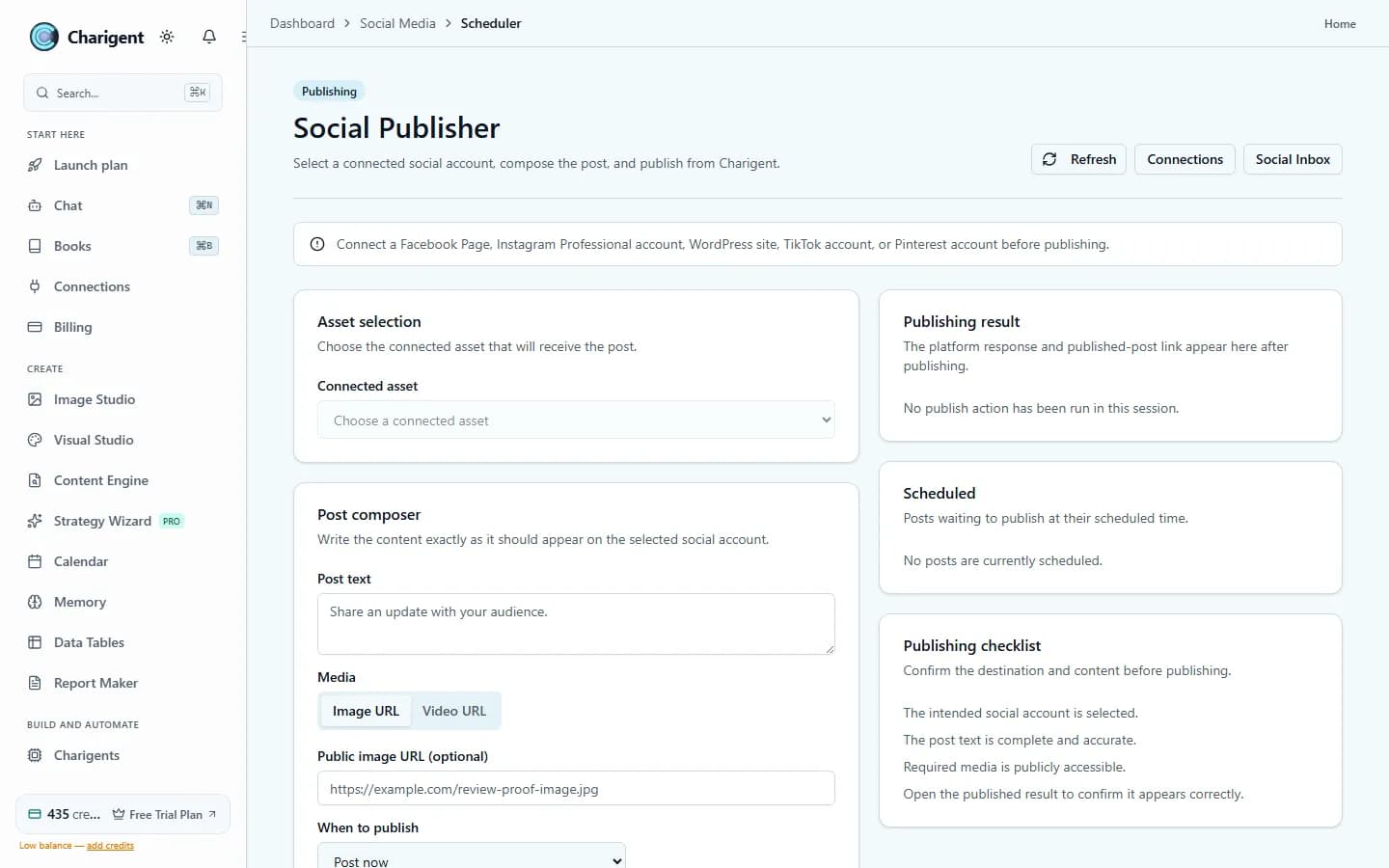
Open Generate Video mode in Social Publisher and enter your brand name, headline, copy, CTA, palette, and logo.
Render and review
Charigent renders a real MP4 in your chosen aspect ratio, then hands the finished video back for you to watch.
Approve and publish
Confirm before publishing to an eligible TikTok or LinkedIn account. The account, video type, Charigent setting, and outside approval must all be ready.
See it in action
Current Charigent product views
The template library
Six templates, one consistent system
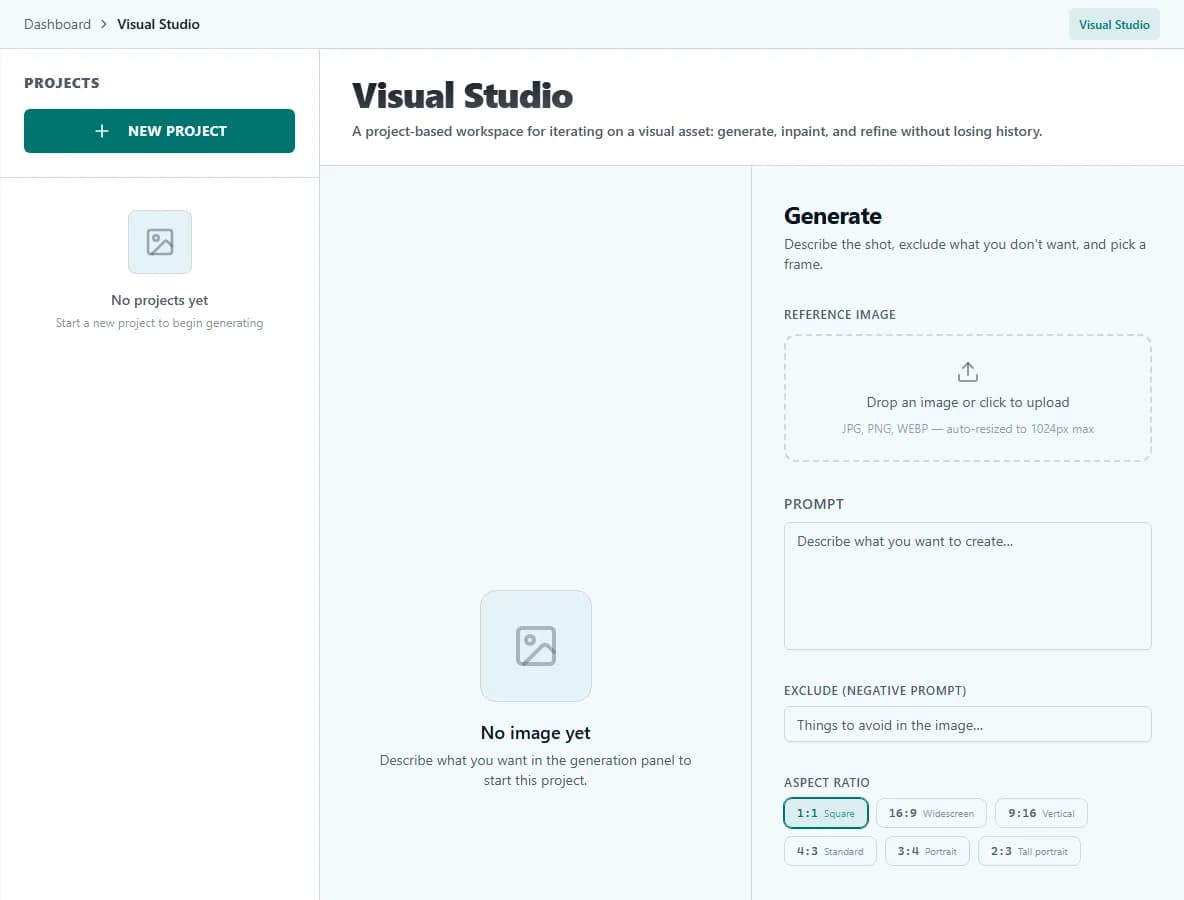
Every template uses a bounded schema. Add your name, message, palette, and logo, then review the rendered layout and content.
Brand Short
Logo, headline, supporting copy, and a CTA pill over a brand-colored backdrop. The default pick for announcements and promos.
Product Showcase
Your product or site screenshot fills the frame as the hero visual, with the headline and CTA layered on top.
Quote & Testimonial
A large centered quote with attribution below it. Built for social proof, so there's no CTA competing for attention.
Stat Callout
One number, rendered as big as the template family gets, with a label underneath and an optional CTA.
Quick Tips
A headline plus three to five tips that reveal one at a time, building into a checklist before the CTA arrives.
Custom Layout (Business)
An AI-arranged layout built from a fixed set of text, image, stat, and CTA blocks, instead of one fixed hero-and-CTA design like the other five. Available on the Business plan.
Three supported formats
One render, three aspect ratios
Choose a commonly used ratio for the intended destination, then review the resulting composition.
9:16 Vertical
A common full-screen vertical shape. Support still depends on the connected account and video type.
1:1 Square
A commonly used square format for compatible feed destinations.
16:9 Landscape
A commonly used widescreen format for compatible landscape destinations.
Review before direct publish
Explicit confirmation in the direct-publish flow
- Review the rendered MP4 before selecting a destination.
- Charigent asks you to confirm before direct publishing. Test any separate automatic process on its own.
- Publishing works only when the chosen account, video type, Charigent setting, and outside-service approval are ready.
- Flow Builder can trigger a render, but a render does not itself prove that publication completed.
FAQ
Frequently asked questions
What is the best AI for creating social media videos?
The best fit depends on what you need. Charigent uses safe templates for a brand name, headline, text, button message, colors, and logo. You must still check facts, brand fit, rights, and whether the chosen account can publish.
How to create an AI video for social media?
Open Generate Video mode in Social Publisher, choose a template, and add your brand name, headline, copy, call to action, colors, and logo. Charigent renders an MP4 in 9:16, 1:1, or 16:9. Review it, then confirm direct publish only when the selected connected destination is eligible.
Is there a 100% free AI video maker?
Charigent's AI video generator is not a free unlimited tool. It is included on Pro ($69/mo) and Business ($149/mo), and rendering draws from your monthly credit balance. It provides five bounded brand templates, three aspect ratios, and an MP4 to review before any eligible direct-publish step.
How to AI generate videos of people?
Charigent's Social Video feature is intentionally faceless. It supports bounded text-and-graphics templates for announcements, product showcases, quotes, stats, and tips, not AI-generated footage of people or avatars.
Pricing
AI Social Video is included on Pro ($69/mo) and Business ($149/mo), with five safe templates and three video shapes. Direct publishing works only when the chosen account, video type, Charigent setting, and outside-service approval are ready. Creating the video uses monthly credits.
Also explore
More ways to build with Charigent
Ready to try AI Social Video?
Start your 7-day free trial and try Charigent with real work from your day.
Generate Your First Faceless VideoStart building with Charigent today