Keep every social post, reply, and approval in one place
Plan the feed, draft the post, create the image, check the work, and publish at the right time. Charigent keeps every step together from first idea to follow-up.
What you get
The full social workflow in one place
Channel-aware writing
Draft once, then shape the caption for each destination so LinkedIn, Instagram, and short-form channels do not all sound the same.
Images tied to the same brief
Keep visuals aligned with the message instead of briefing copy in one place and image work in another.
A real calendar, not a pile of drafts
Plan ahead, place posts in the right windows, and keep a steady rhythm without turning scheduling into a daily chore.
Social inbox and handoff
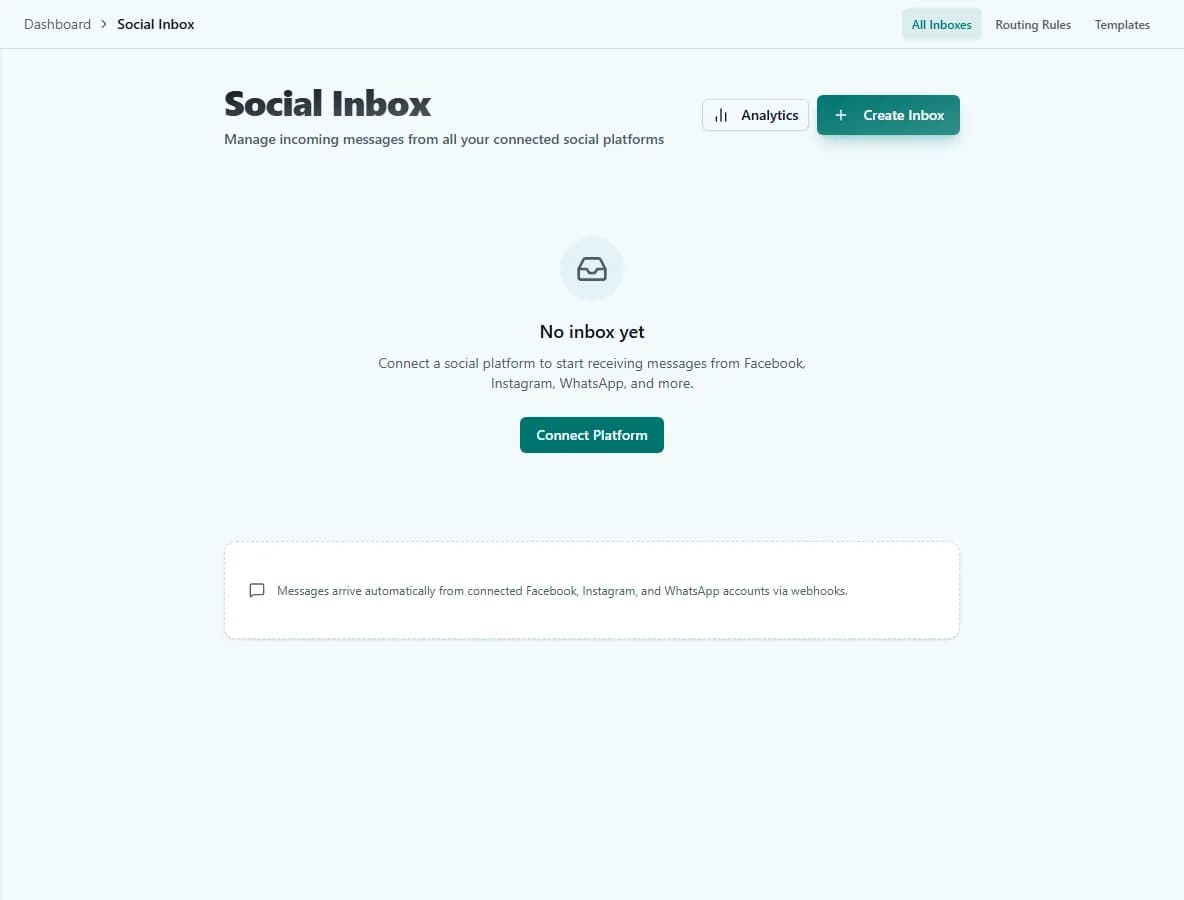
Pull replies, comments, and follow-up into one working surface so you know what still needs a person.
AI Creator and Brand Kit
Start from one sentence, then keep the persona, voice, main topics, and visual direction with the same publishing process.
Charigent Autopilot modes
Review every post, allow scheduling only at approved times, or let Business handle the process within your rules.
Charigent Autopilot
Autopilot works because the review layers are built in
Safety checks catch risky copy. Self-review holds weak work back. Then you decide whether the final step stays human-approved or runs on its own.
Safety check
Posts are checked for quality and brand fit before they reach the queue.
Self-review
Weak drafts are held back before the calendar sees them.
Supervised
Starter and upDrafts stay in review until a person approves the final version.
Semi-autonomous
Pro and upPosts can write, check themselves, and land in approved publishing windows automatically.
Full autonomy
BusinessCharigent runs the full publishing loop while your rules and kill switch stay in place.
Deploy Anywhere
Social content is stronger when it can spill into the rest of the conversation
Posts, DMs, support follow-up, SMS, email, web chat, and voice can all stay connected instead of being trapped in separate tools.
Discord
Slack
Telegram
Messenger
SMS
LINE
Google Chat
Widget
API
Voice
Who it fits
Built for teams that want consistency without constant babysitting
Founder-led brands
Stay visible with a lighter weekly workload by letting Charigent handle planning, drafting, and queue management.
Agencies with multiple accounts
Use one clear content process while giving every client a separate voice, calendar, and approval path.
Teams that want social tied to support
Use public posts, inbox replies, SMS, and email follow-up together instead of treating marketing and service as separate worlds.
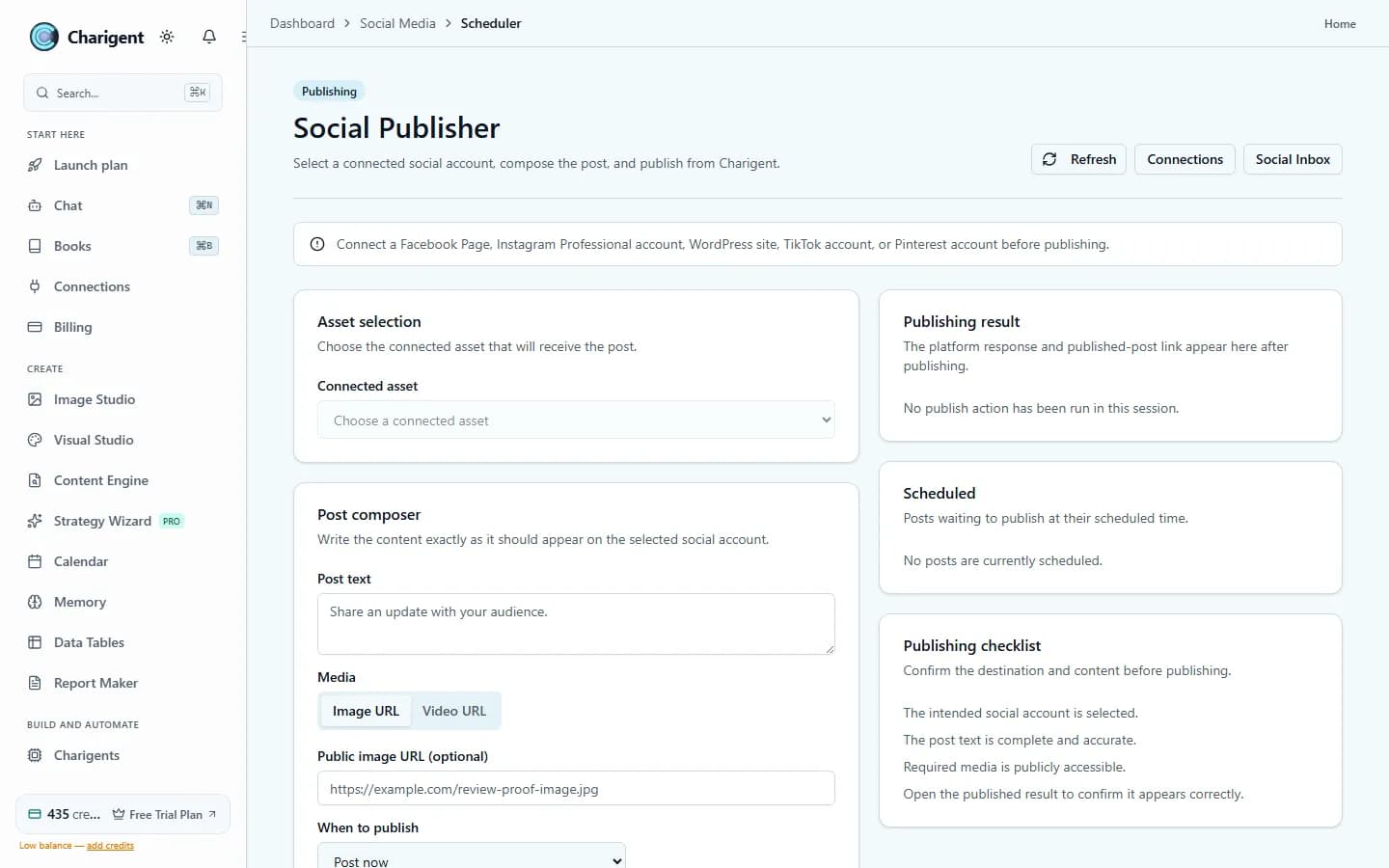
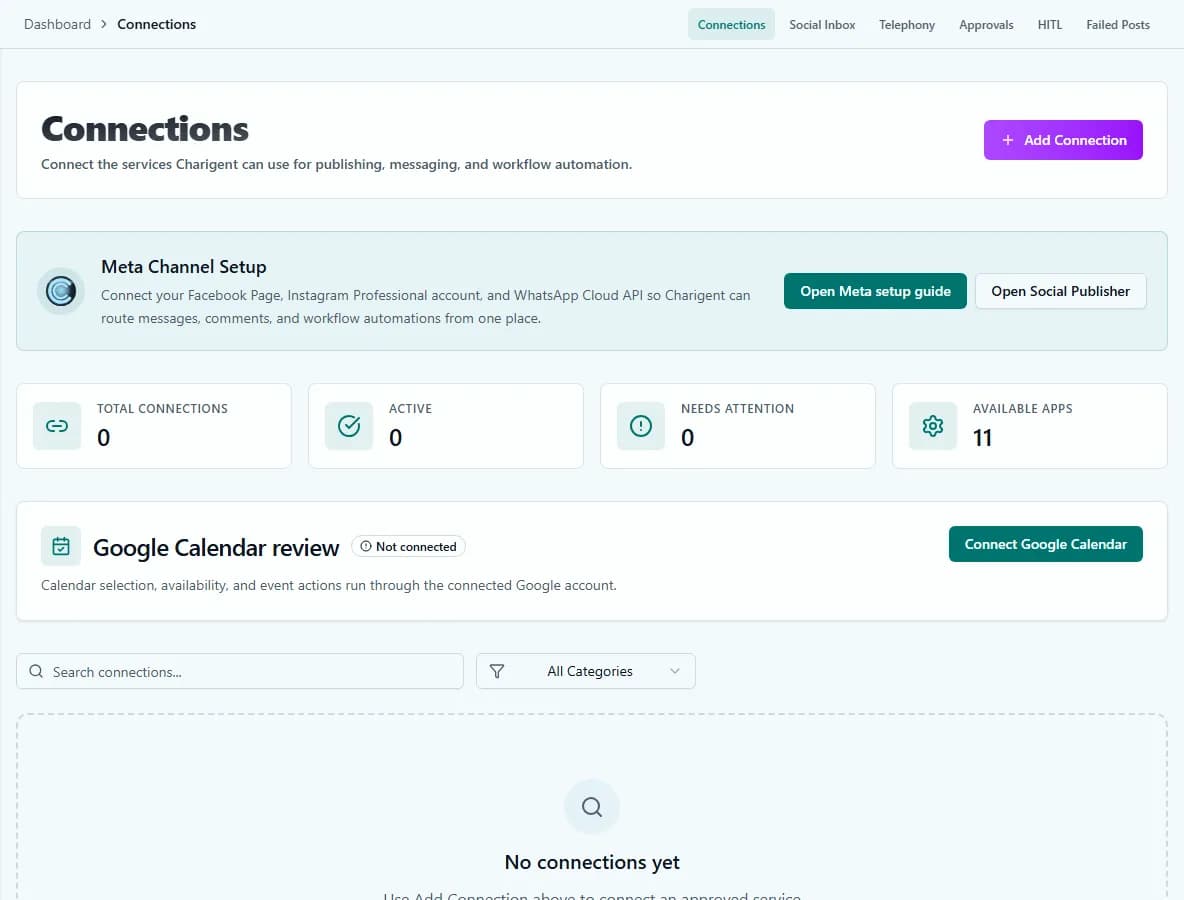
See it in action
Current Charigent product views
Pricing
Pro is the usual starting point for connected publishing, inbox work, and managed text messages. Business can handle the full process within your rules and connect your own supported accounts after the results earn your trust.
See full pricing comparisonFAQ
Frequently asked questions
What's included in the social media workflow?
Does the caption look the same on every platform?
Which plan do I need for connected publishing and the inbox?
How much of this can run without me reviewing every post?
Can social conversations connect to other channels, like SMS or email?
Keep showing up without living in the scheduler
Start with AI Creator, move into Charigent Autopilot, and expand into the rest of the channel layer when the routine is ready.
Request access