Pick up the conversation without starting from scratch
Think, write, research, and solve daily work in chats you can return to. If you turn on memory, Charigent can bring back useful saved details when they matter.
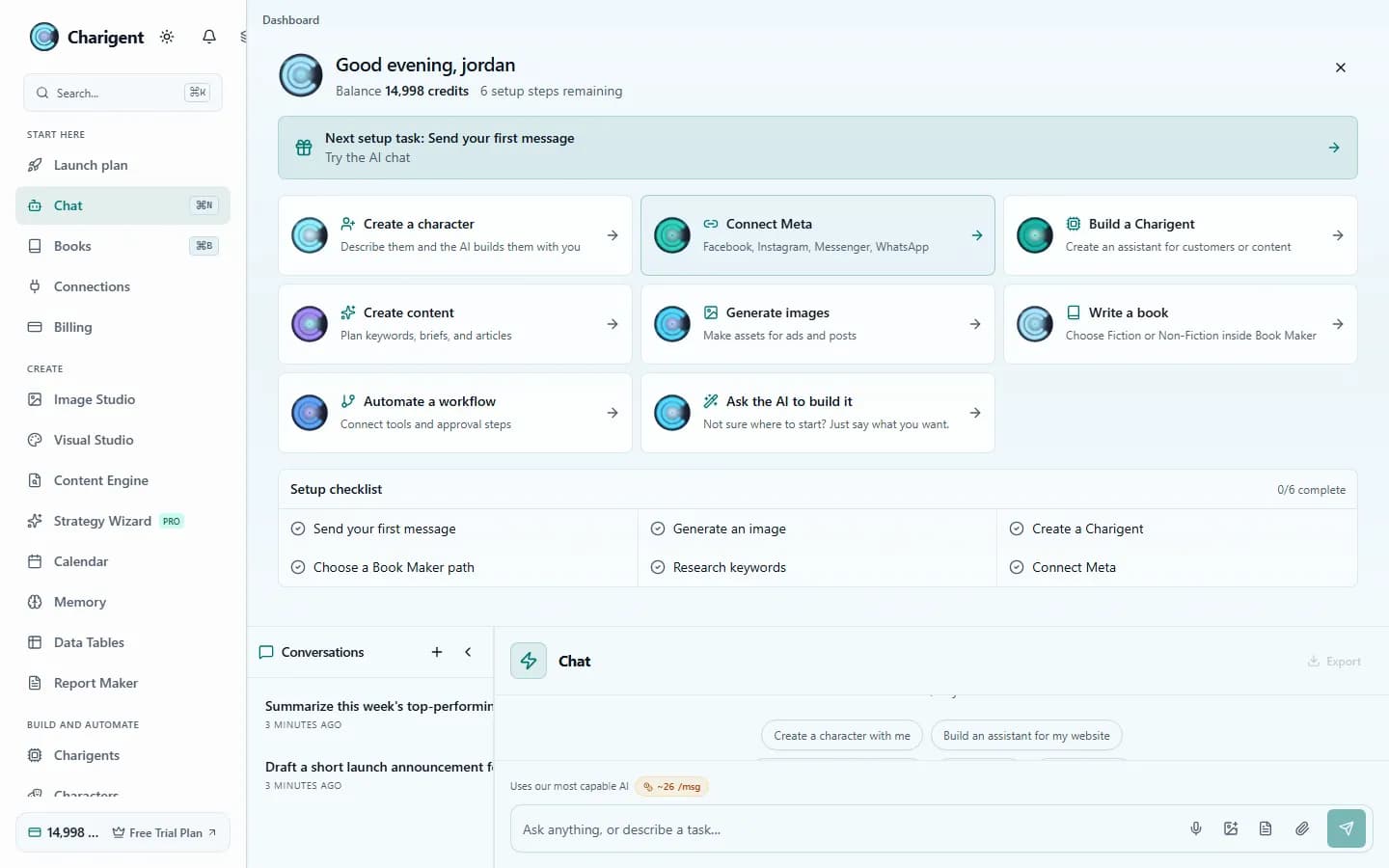
What you get
What this helps you do
Six speed and quality options
Choose a lower-cost option for everyday chat or a stronger option for harder work. Your plan controls which choices are available.
Replies appear as they are written
You can start reading right away. If the main AI service is unavailable, Charigent can try a backup.
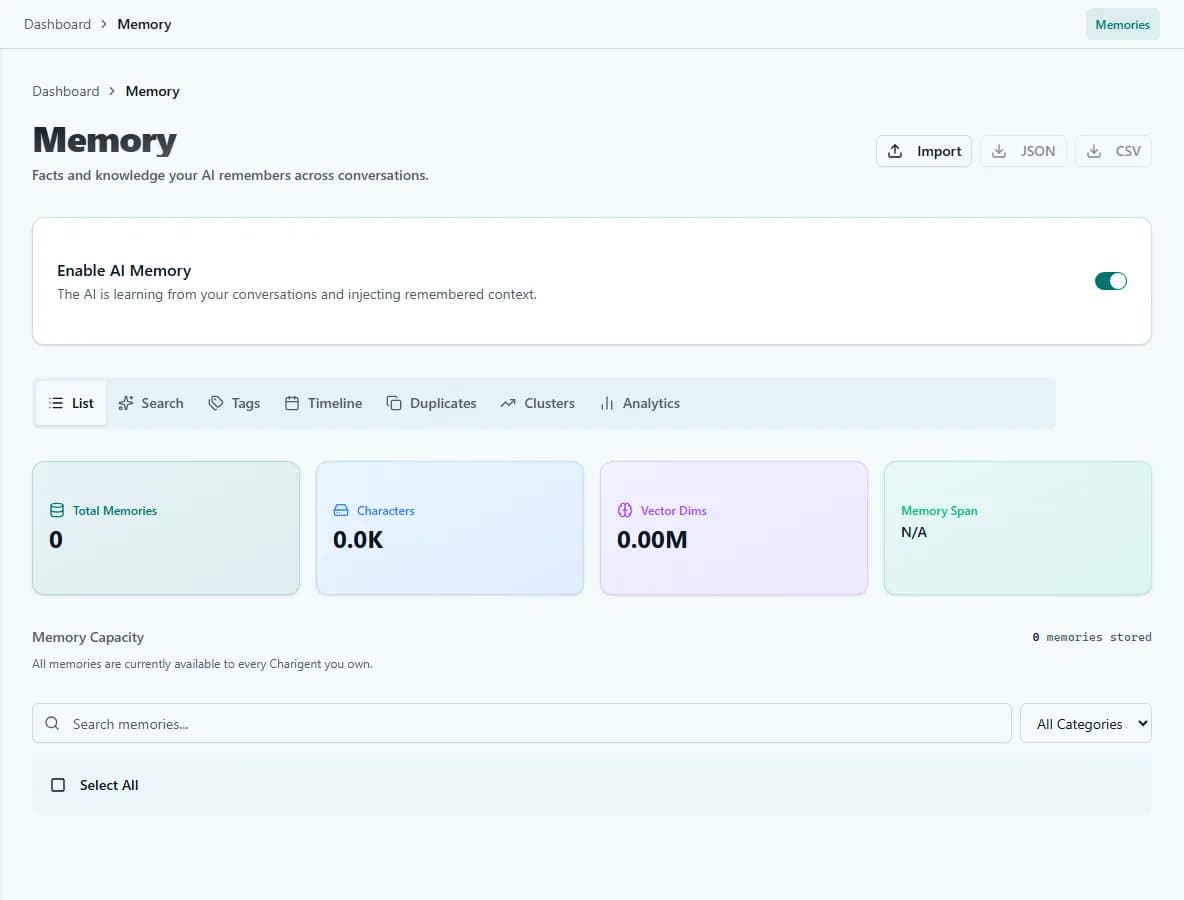
Helpful saved memory
When enabled, memory can recall relevant saved facts, preferences, and conversation context to reduce repetition.
Saved conversation history
Conversations saved to your account can be reopened from history and continued with the messages available in that thread.
Keeps up with longer conversations
Some options can consider a large amount of text at once. Very large books, research sets, or software projects may still need to be handled in smaller parts.
Clear cost details
Assistant responses show an estimated USD cost after they arrive, while Billing keeps the account-level usage and transaction history.
Who benefits
Made for real work
Research and analysis
Upload a supported document, ask detailed questions, and request answers grounded in the source. Choose an available model that fits the task and your budget.
Content drafting
Draft blog posts, emails, and social copy with Standard. Pro adds Pro and Pro+ for more demanding long-form work.
Code assistance
Find problems, improve, and write code in many languages. You can paste full files, but very large projects may need to be handled in smaller parts.
How it works
From setup to a reviewed result
Choose the speed and quality you need
Use Economy or Standard for everyday work. Choose a stronger option for harder tasks when your plan allows it.
Chat naturally
Type, paste supported code or documents, and receive streaming responses. When memory is enabled, Charigent can save and later retrieve eligible facts.
Review and track cost
Each response shows how much AI text was used and its cost in dollars. You can export the chat or use it in an automatic Flow Builder process.
See it in action
Current Charigent product views
FAQ
Frequently asked questions
Which AI models can I chat with?
Choose the speed, quality and cost that fit your work. Starter includes Economy and Standard. Pro and Business add more options. Check pricing for current model access.
Does the chat remember things between conversations?
If you turn memory on, it can bring back saved facts, preferences, and context when they are relevant. It does not capture or retrieve every detail, and you control what gets stored.
Can I reopen an old conversation?
Yes. Conversations saved to your account can be reopened from history and continued with the messages available in that thread.
What does a chat message cost?
Assistant replies show an estimated cost in dollars once they arrive, and Billing keeps the account-level usage history. Heavier model tiers cost more per message, so the tier you choose is the main lever.
How much text can it handle at once?
Some model tiers can consider a large amount of text in a single request, but very large books, research sets, or codebases still work better split into smaller parts.
What happens if the AI provider is unavailable?
Charigent can fall back to a backup provider, so one service being down does not end the conversation.
Pricing
AI Chat is available on every plan; usage is billed from your credits. Economy and Standard come with Starter ($29/mo). Pro adds two stronger options for $69/mo. Business adds the highest-quality and deeper-thinking options for $149/mo. Business can connect supported outside AI accounts; the fee is 7% of estimated provider cost, with a $0.001 minimum per user-facing AI request.
Also explore
More ways to build with Charigent
Ready to try AI Chat?
Explore the possibilities and request an update when registration opens.
Request accessStart building with Charigent today