Keep your AI creator active while you focus on the business.
Set your topics, budget, and review rules. Autopilot prepares posts and pictures. It only shares what you approve.
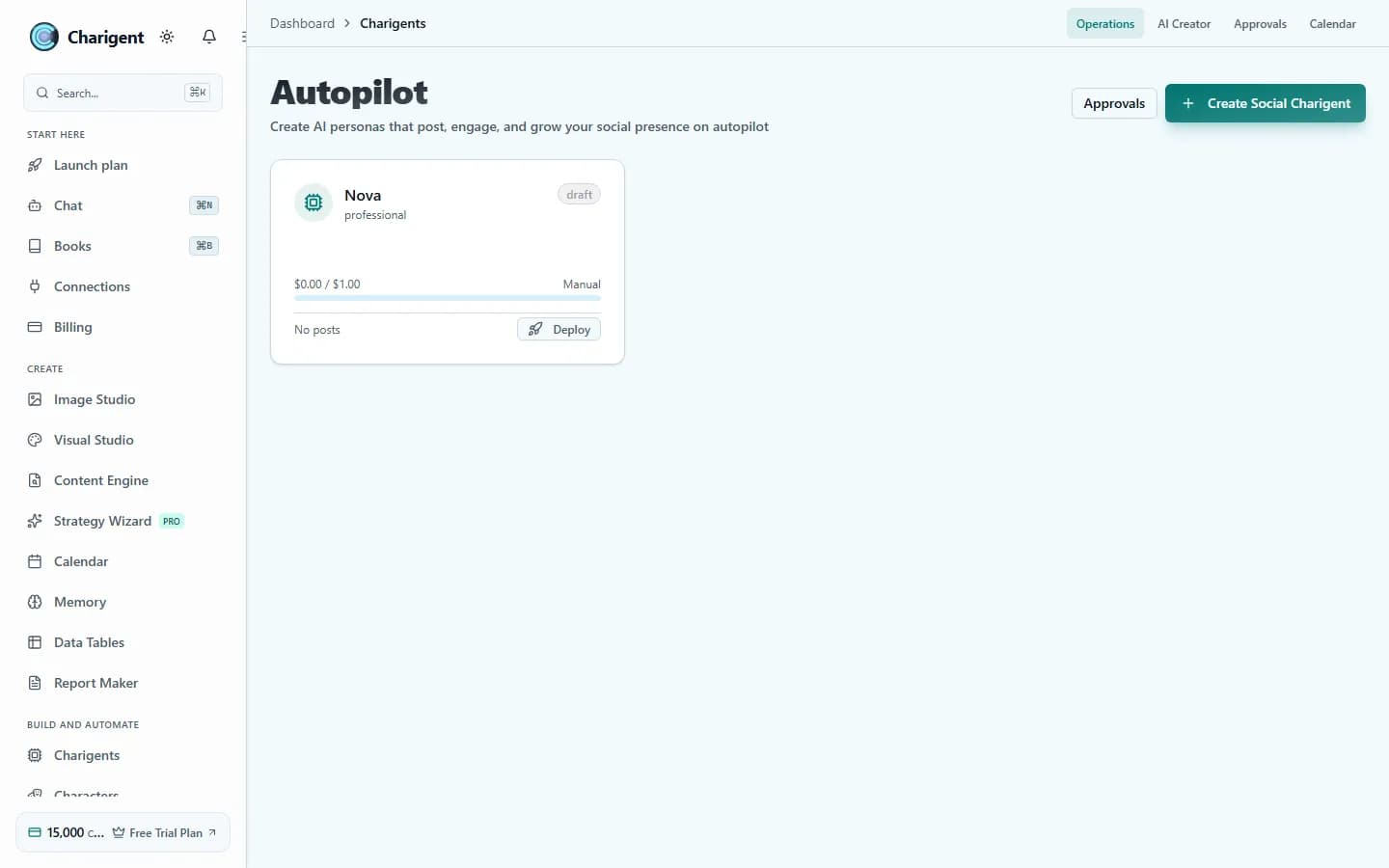
What you get
What this helps you do
Three modes of control
Start by approving every post. Later, allow approved scheduling or more automatic work when the results have earned your trust.
Safety check before it reaches an audience
Posts are checked for quality and brand fit before they reach the calendar.
Self-review before publish
Weak drafts are held back instead of going out half-finished.
One clear content process
Move from brief to topic plan, to draft, to visual, to schedule inside one flow instead of juggling separate tools.
AI Creator built in
Turn one sentence into a usable persona with content pillars, example posts, platform fit, and a visual direction.
Brand Kit keeps the feed steady
Save the voice, visual examples, and rules that help every caption and image feel like the same brand.
Who benefits
Made for real work
AI influencer and character businesses
Keep an original Charigent identity connected to posts, images, and a content schedule. Review what works and guide the next cycle.
Agencies with multiple accounts
Keep each client voice separate while standardizing the planning, review, and publishing routine behind the scenes.
Local businesses building consistency
Show up every week with offers, behind-the-scenes moments, and trust-building posts without writing from scratch every time.
How it works
From setup to a reviewed result
Define the persona and rules
Give Charigent the brand brief, tone, offers, and topics that should guide every post.
Choose how much control to keep
Review every post, allow posting only at approved times, or let Business handle the full process within your rules.
Review the calendar and learn what lands
Keep the stop button, check the waiting work when you want, and let Charigent handle repeated tasks each day.
See it in action
Current Charigent product views
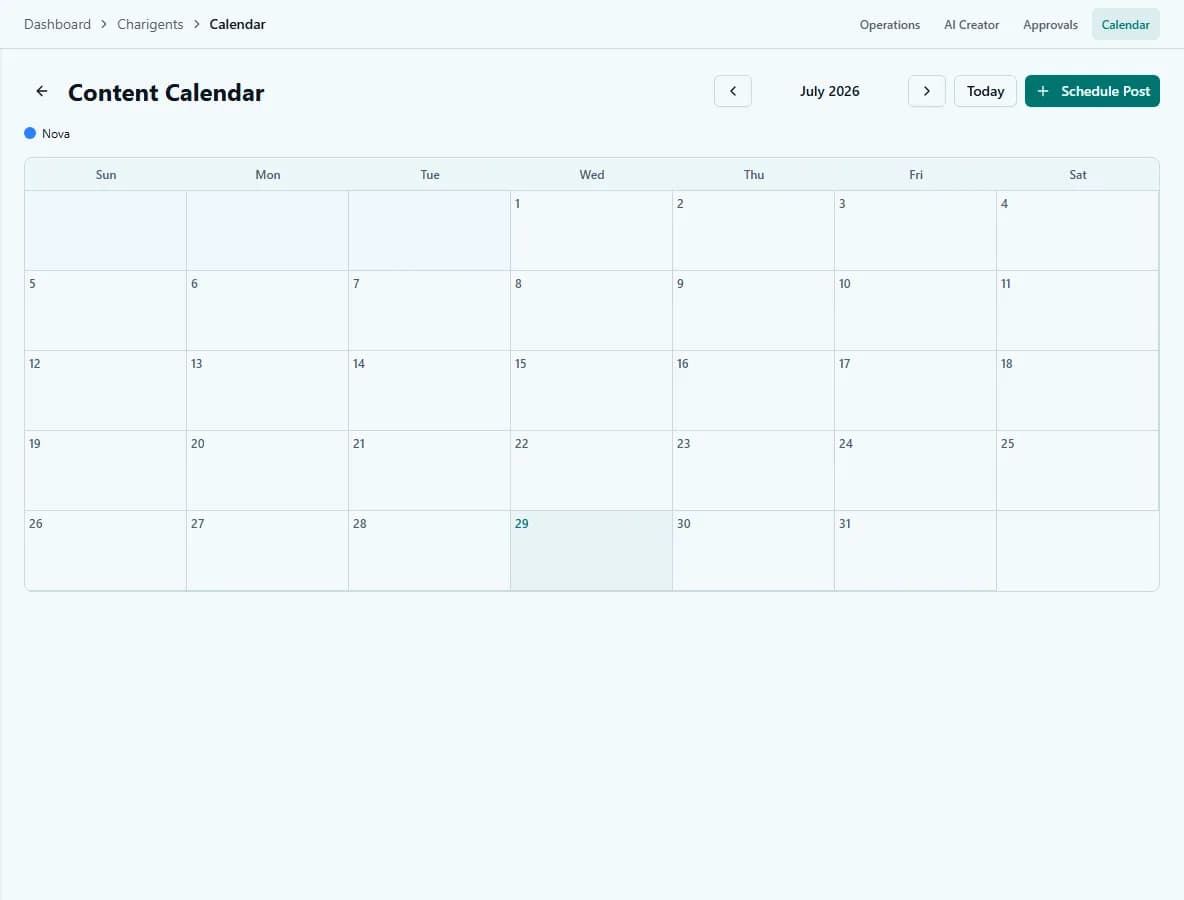
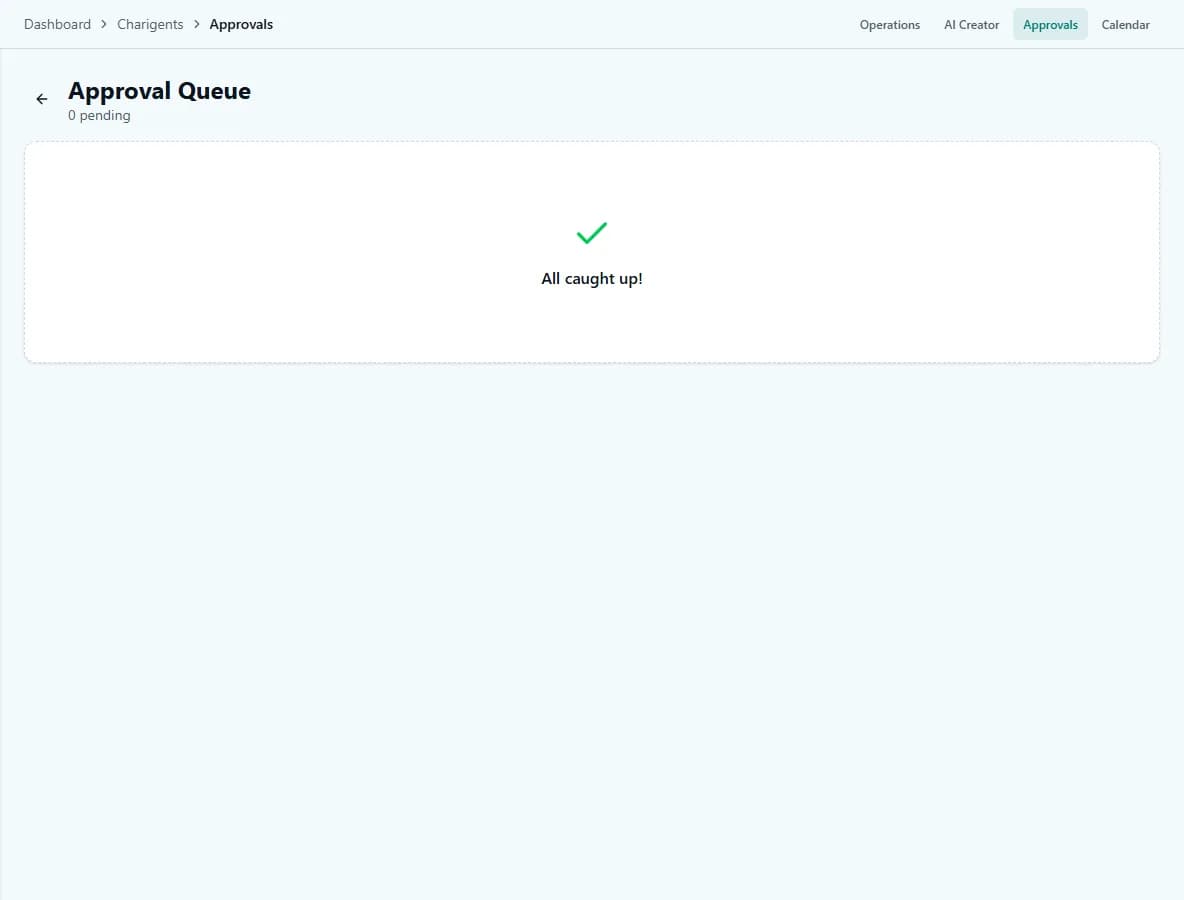
Control model
Pick the level of control that matches your comfort
Supervised
Starter and upCharigent drafts the work, you approve the final cut, and nothing goes live without a human sign-off.
Semi-autonomous
Pro and upCharigent writes, checks itself, and places content on the calendar inside the windows you already approved.
Runs within your rules
BusinessCharigent handles planning through publishing while you keep the stop button, brand rules, and approval policy.
Content process
The repeatable work behind your creator presence
Your brief guides ideas, copy, and visuals. Quality checks and your publishing policy govern the final step on each supported destination.
Brief and goals
Topic plan
Draft copy
Create visuals
Safety check
Self-review
Schedule or publish
AI Creator
Start from one sentence, not a week-long setup project
Example input
"Create a sharp, practical creator who teaches local service businesses how to turn everyday jobs into short-form content."
See the full persona builder on AI Creator.
Brand Kit
Give Charigent your standards before you give it the keys
- Voice and tone rules for every post
- Content pillars so the feed stays focused
- Visual references, color direction, and avatar cues
- Words, claims, and topics the assistant should avoid
FAQ
Frequently asked questions
What are the three Autopilot control modes?
Supervised (Starter and up) keeps every post in review until you approve it. Semi-autonomous (Pro and up) lets Charigent write, check itself, and post inside windows you've already approved. Full autonomy (Business) runs the full loop while your rules and kill switch stay in place.
What stops a bad post from going out automatically?
Two review layers before anything reaches an audience: a safety check for quality and brand fit, then a self-review step that holds back weak drafts instead of letting them publish half-finished.
Can I turn Autopilot off if I don't like what it's producing?
Yes. The stop button and your brand rules stay in place at every autonomy level, including Business's full-autonomy mode.
Do I need to build a persona first?
AI Creator is built into Autopilot, so you can turn one sentence into a usable persona with content pillars, sample posts, and a visual direction before Autopilot starts planning.
What keeps posts consistent with my brand?
Brand Kit -- it stores your voice and tone rules, content pillars, visual references and color direction, and any words or claims to avoid, so every caption and image follows the same standards.
Pricing
Starter keeps final approval with a person. Pro can schedule within times you approve. Business can handle the full process within your rules and connect supported outside AI accounts once the system is proven.
Also explore
More ways to build with Charigent
Ready to try Charigent Autopilot?
Explore the possibilities and request an update when registration opens.
Request accessStart building with Charigent today