Let your Charigent answer first. Let a person step in at the right time.
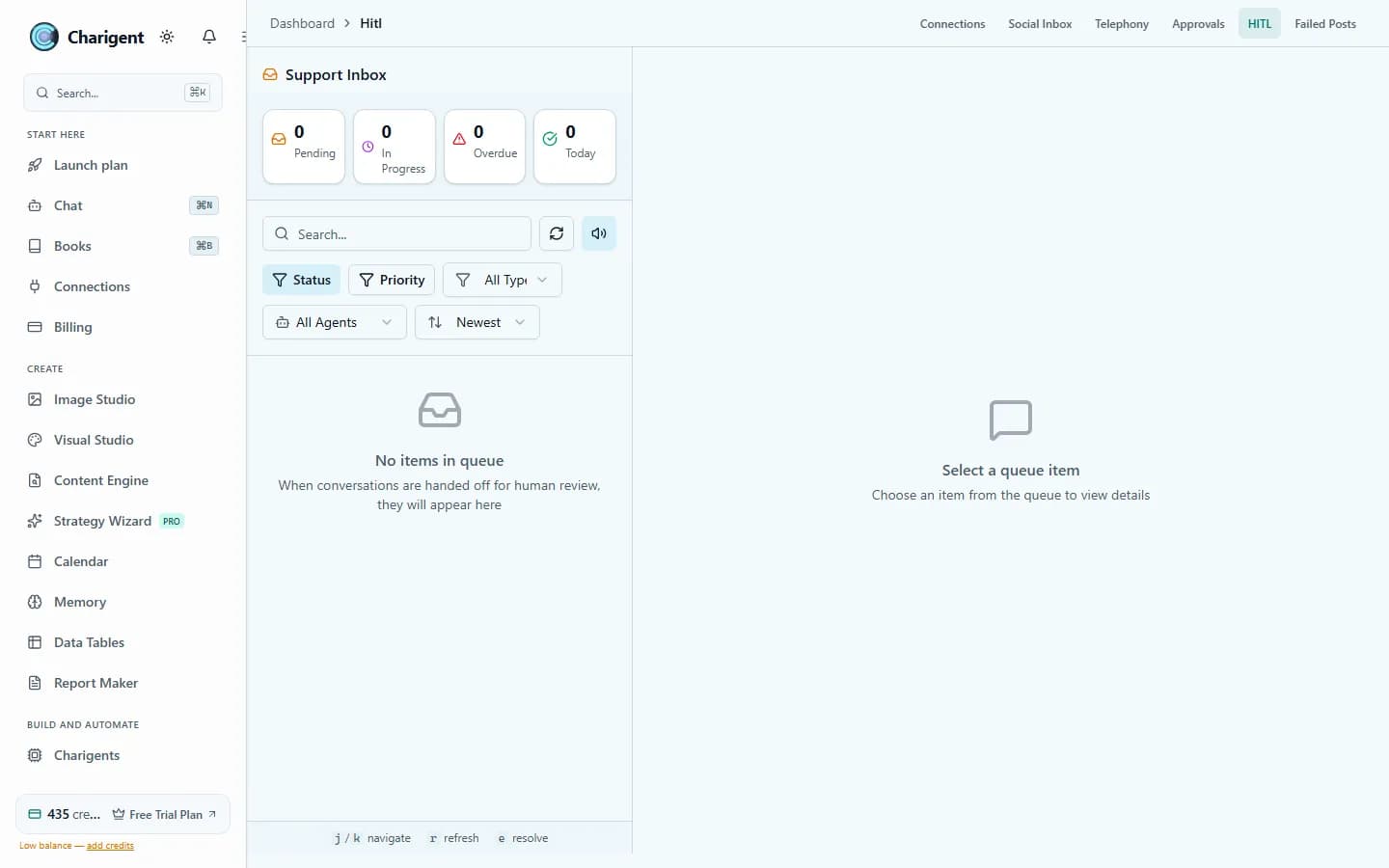
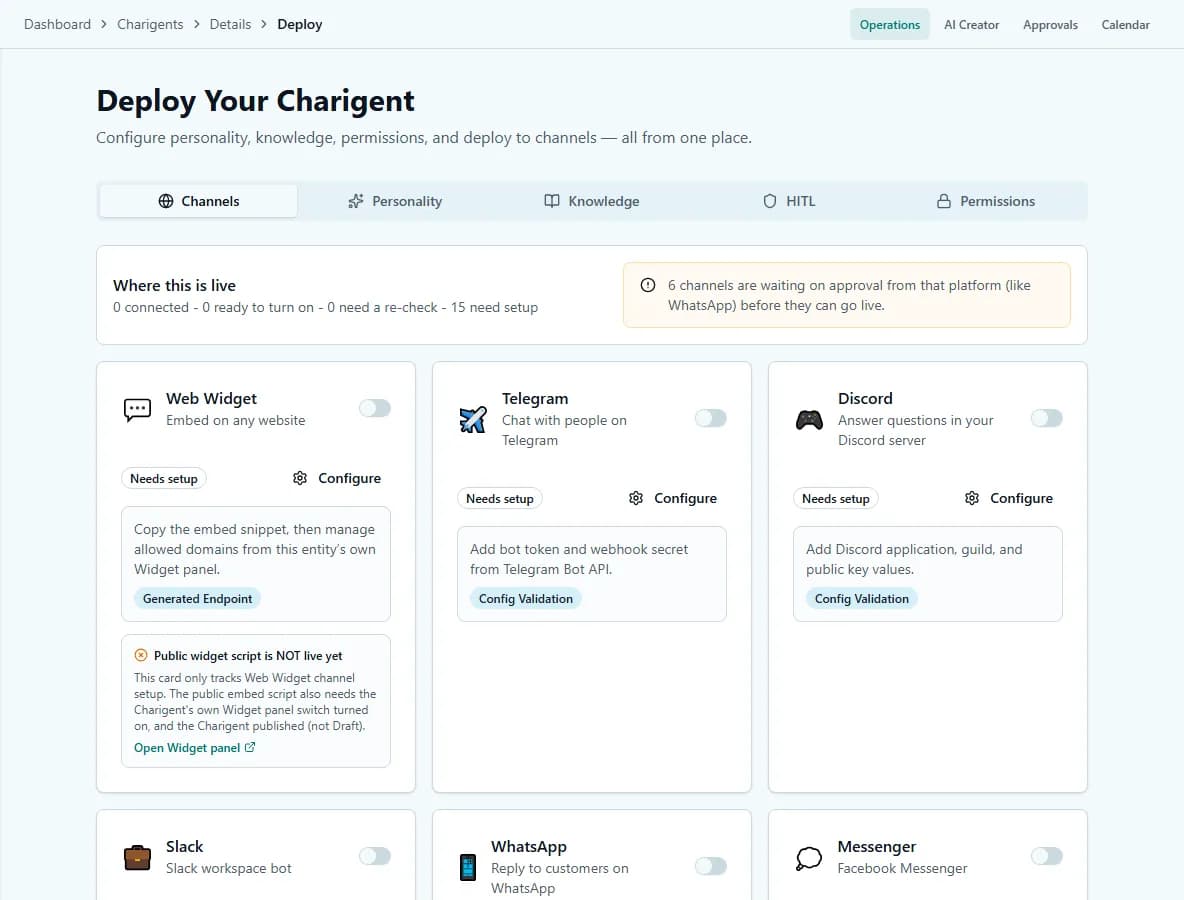
A visitor can ask for a person in your website chat. Their question moves to your Support Inbox with the conversation attached, and your reply appears in the same chat.
What you get
A clear path from AI answer to human help
Your Charigent handles everyday questions. Your team can step in when a visitor asks for a person or uses a phrase you choose.
One Support Inbox
See every website conversation waiting for a person, with urgent and overdue requests easy to spot.
Reply in the same chat
Answer from the Support Inbox. Your message appears in the visitor's open website chat without making them start over.
Reply-time reminders
Choose how soon you want to answer. Charigent can alert you when a waiting conversation becomes overdue.
The conversation stays attached
Read what the visitor and Charigent already said before you reply. Private notes help you keep useful context.
Saved replies for common questions
Keep answers you use often so your team can respond faster without typing the same message again.
A clear record of what happened
See who took the conversation, when the team replied, and when the request was finished.
Use cases
Keep the easy questions fast and the important ones personal
Questions your Charigent should not guess
Let a person take over when a visitor asks about a sensitive account issue, an exception, or something outside your saved information.
Customers who want a person
Honor a clear request for human help while keeping the earlier conversation ready for your team.
Work that needs approval
Need a person to approve an AI action before it runs? Add a separate approval step in Flow Builder for that process.
See it in action
Current Charigent product views
Pricing
Website chat requires Pro or above. Alerts sent to another service may need extra setup. Check the current plan details before you begin.
See full pricing comparisonFAQ
Frequently asked questions
How does a visitor reach a real person?
Which plan do I need for the human handoff feature?
Does my team see what the Charigent already said?
Can I set reminders so requests don't go stale?
Is this the same as requiring human approval before an AI action runs?
Give every visitor a way to reach a person
Build your Charigent, test the handoff, and see the full conversation in one inbox.
Request access