Keep your tools connected to the work
Connect the tools you already use, choose who may use each one, and keep work moving as your needs change.
What you gain
Fewer handoffs. One place to manage the connections.
300+ connections and 1,100+ ready-made steps
Bring specialized tools into a process without rebuilding the same connection each time.
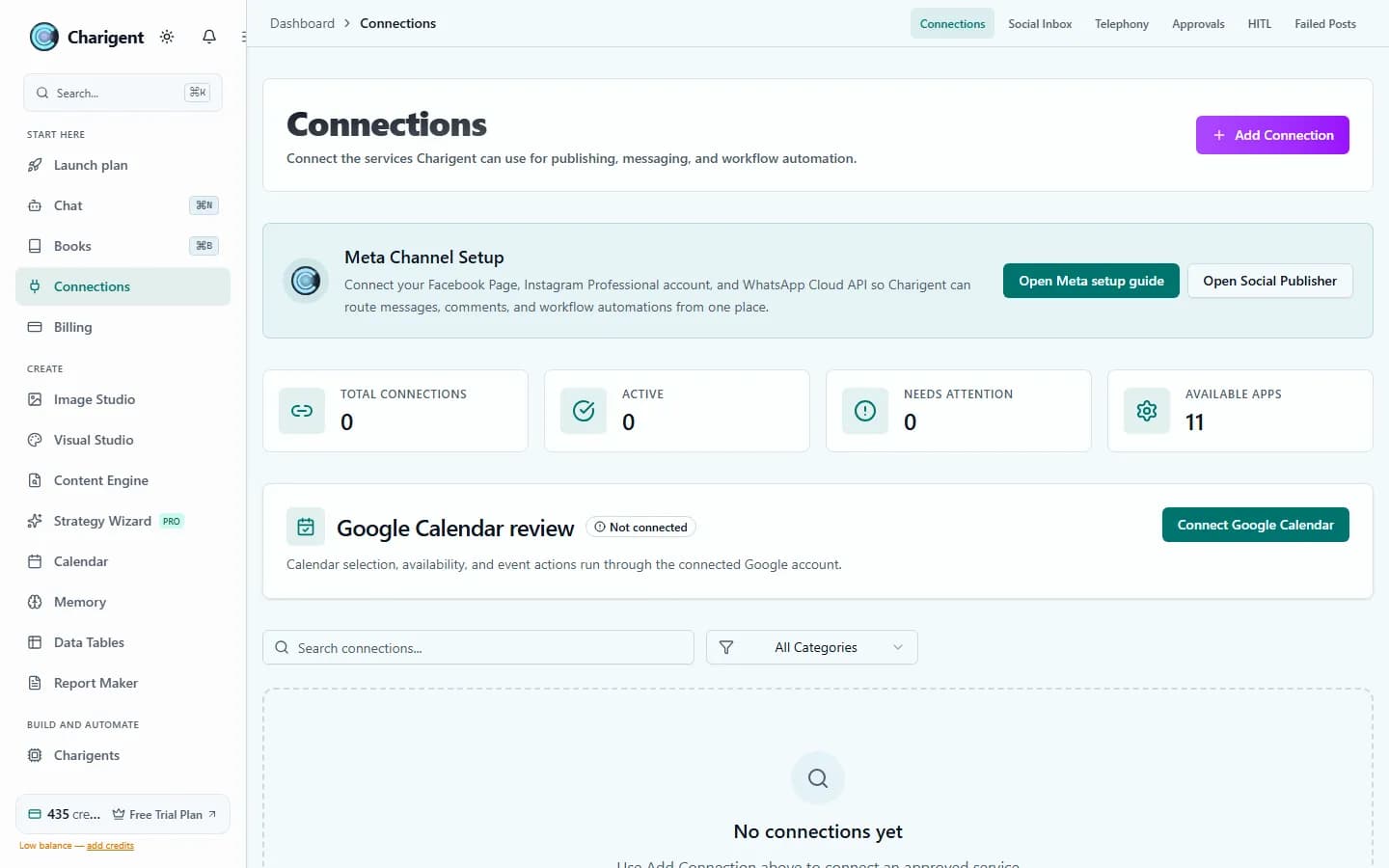
One control center for connection management
Add, update, pause, or remove connections from one place so the team always knows what is live and who can use it.
Secure sign-in flows
Connect the tools your team already uses without sharing sign-in details by hand.
Workflows that trigger the right next step
Move from chat to task, from lead to follow-up, or from content draft to publishing without a brittle pile of manual steps.
Fits content, support, and operations
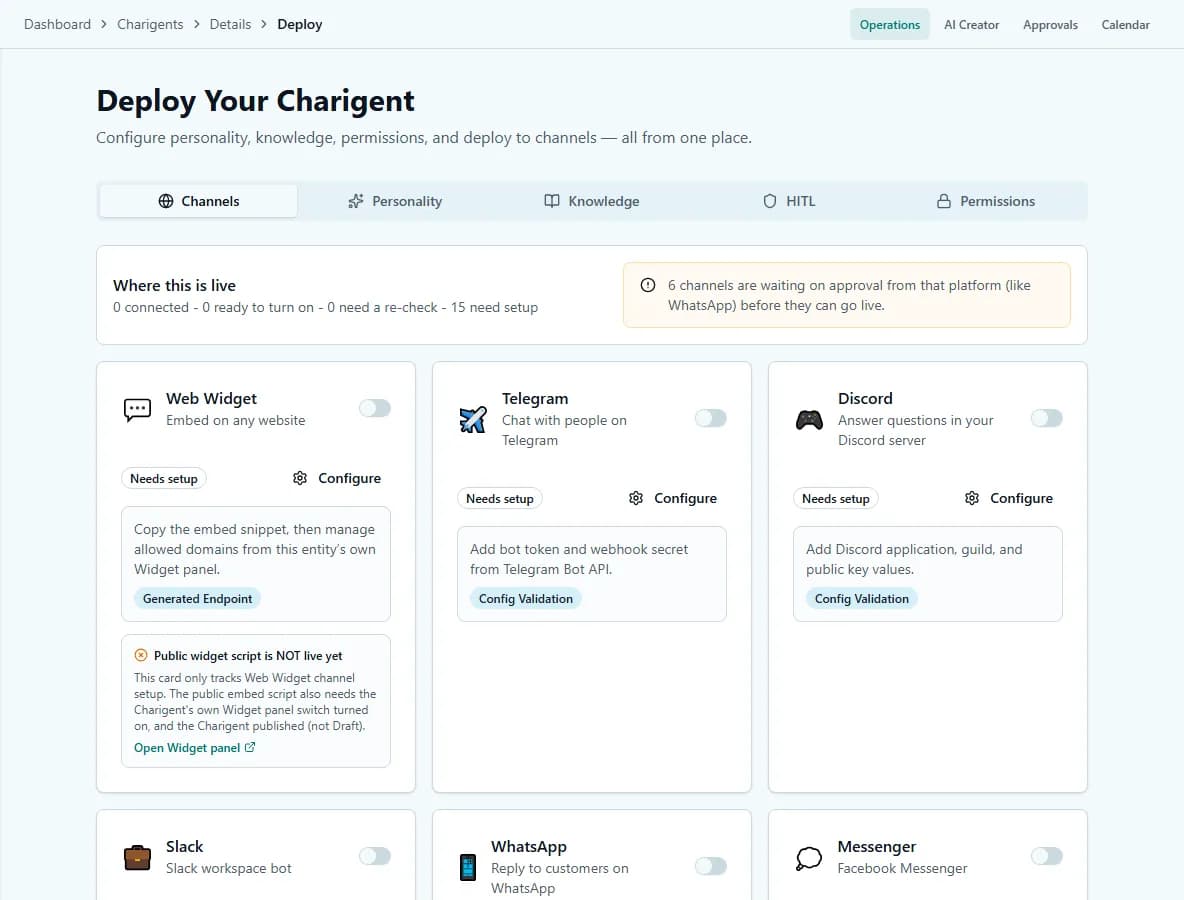
Use the same connections for Charigents, content work, the shared inbox, and the rest of Charigent.
Swap tools without rethinking the whole system
When the stack changes, you can replace the connection instead of rebuilding the business process around it.
Admin controls
Add, manage, and remove connections without the chaos
Add the connection
Add the tool you need, choose who may use it, and connect it to the right process.
Update access and settings
Keep connection details current without digging through old dashboards or asking the whole team what changed.
Retire or replace it cleanly
Pause unused connections, swap in a new tool, and keep the operating logic intact.
Where it helps most
The connection layer behind everyday operations
Customer operations
Tie chat, inbox, calendars, and internal tools together so follow-up happens without copy-pasting status between systems.
Content operations
Move from planning to publishing with fewer handoffs and fewer steps that depend on memory alone.
Agency delivery
Keep client connections organized, visible, and replaceable as each account evolves.
See it in action
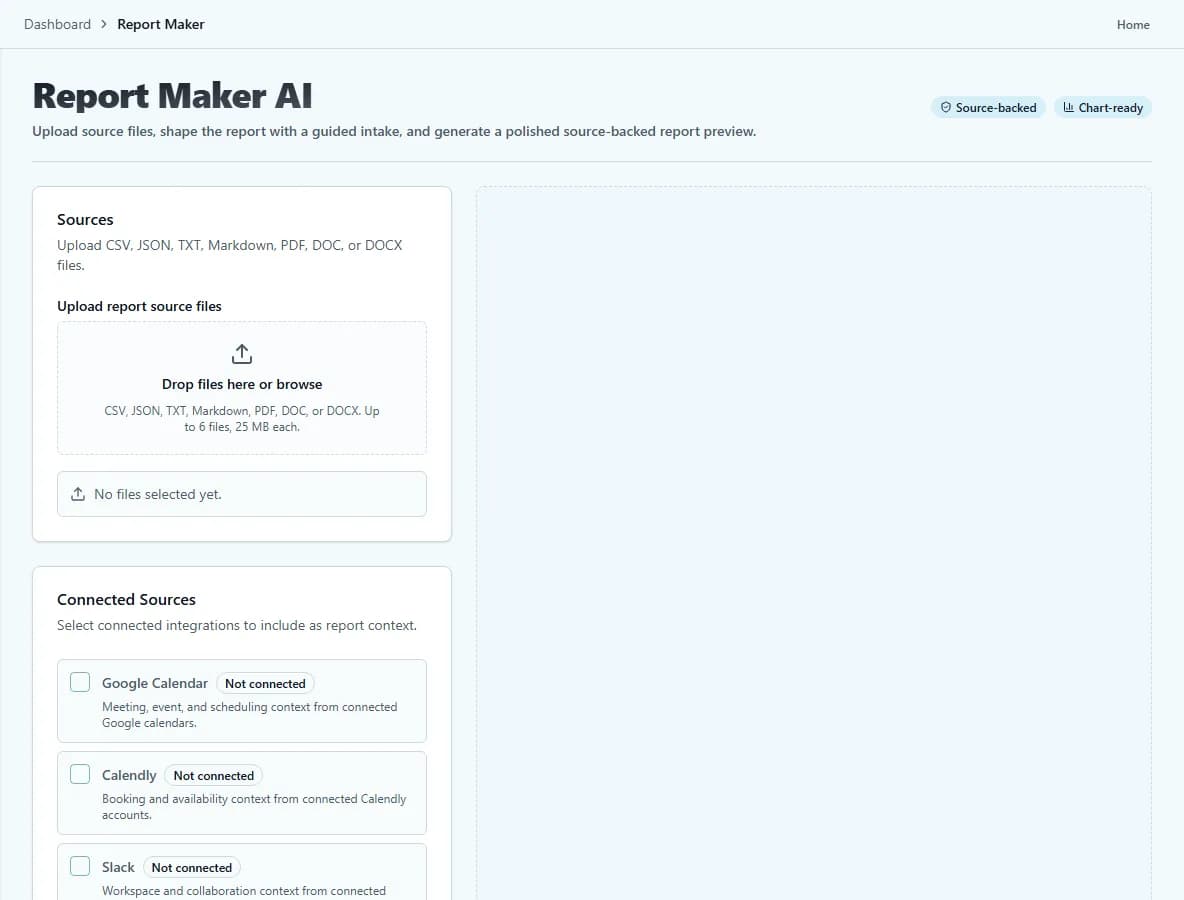
Current Charigent product views
Pricing
Starter includes 3 active connections. Pro includes 5. Business includes 15, plus more path and control options for important work. Only Enterprise is unlimited.
FAQ
Frequently asked questions
How many tools can I connect?
How many integrations are available in total?
Do I have to share account passwords to connect a tool?
Can I manage who uses a connection once it's added?
What happens if I need to replace a connected tool later?
Keep your tools flexible without making the process fragile
Start with the connections you need now and widen the surface when the process proves itself.
Request access