The AI Content Creator for a System, Not Another Blank Page
Turn one short brief into a clear voice, look, set of topics, sample posts, and a plan for sharing them. Keep the plan moving after the first idea.
Product proof
See content production in action
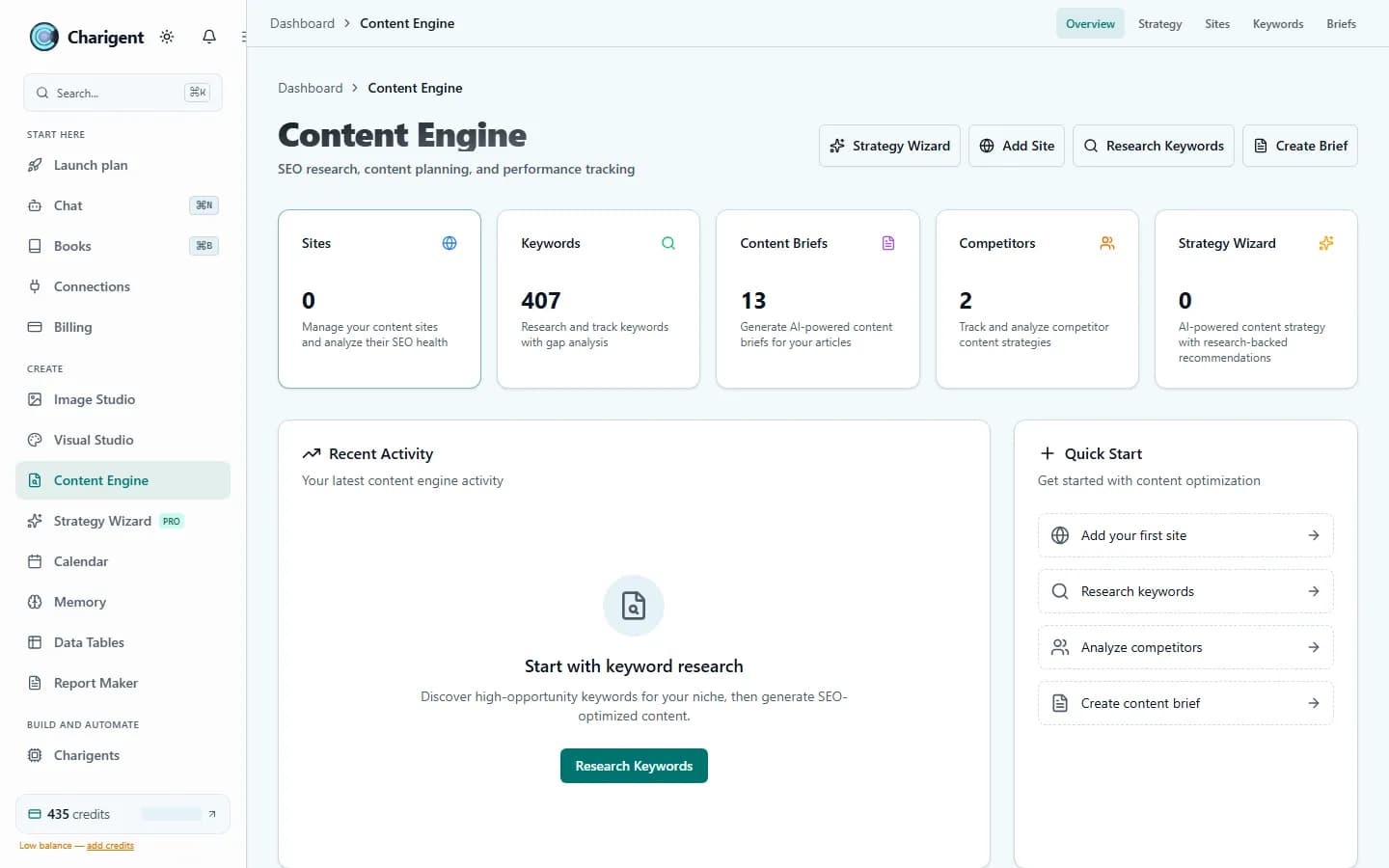
An illustrated workflow overview beside a real Charigent interface capture. Exact controls and availability vary by plan.

1
Sentence to get started
3
Autopilot modes to grow into
5-7
Main topics for each voice
14
kinds of supported channels
What makes it work
The pieces that carry the workload
AI Creator
Choose who is speaking, how they sound, who they want to reach, and what they will post.
Image Studio
Make portraits and post images that share the same look.
Charigent Autopilot
Use the same voice and look to plan, review, schedule, and share posts.
Deploy Anywhere
Use the same voice in direct messages, web chat, text, email, and other supported places.
Content Engine
Research and draft search content with keyword gap analysis and structured briefs.
Who it fits
Built for teams that want fewer tabs and faster follow-through
Digital marketers
Create more useful posts without pasting old prompts or trying to recall every detail.
Solo creators
Keep your feed active without giving all your free time to it.
Small teams with multiple brands
Give each brand its own voice, look, schedule, and review rules.
How it works
A simple path from setup to steady output
Choose the voice
Use AI Creator to choose who is speaking, what matters to them, and how each post should feel.
Make the visuals match
Use the Brand Kit to make images that fit the same voice and story.
Turn it into a repeatable routine
Use Autopilot when you want Charigent to keep planning and preparing posts for your review.
Pricing fit
Starter helps you build the voice while a person reviews each post. Pro adds more tools and can schedule at times you approve. Business can do more within your rules and connect supported outside AI accounts through BYOK at 7% of estimated provider cost, with a $0.001 minimum per user-facing AI request. Channels and services still need their own setup.
FAQ
Frequently asked questions
What does an AI content creator tool actually do?
Can I keep a consistent look across all my posts?
Does Charigent post to social platforms for me?
How many social accounts can I connect?
Can I run content for more than one brand?
How is content generation billed?
Start with one workflow. Expand when it proves itself.
Review current trial availability, compare plan-level access, and begin with a representative workflow you can test.
Request access