Put your Charigent where visitors need answers with a branded chat widget
Help visitors get answers from the information you choose. Match the chat to your brand and manage each conversation from Charigent.
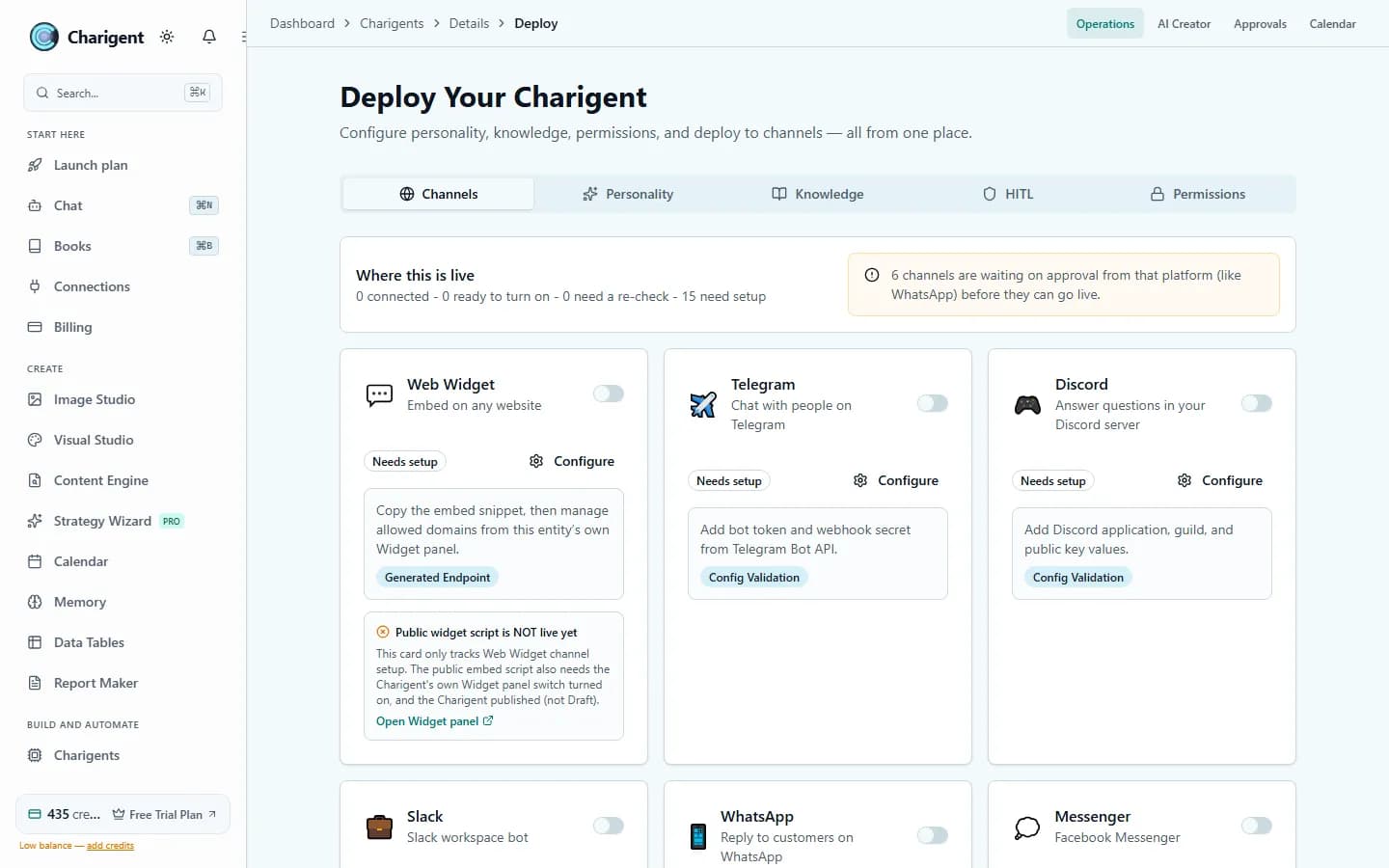
<!-- Add to your site's body -->
<script src="https://cdn.charigent.com/widget.js"
        data-agent="your-agent-id"
        data-theme="dark"
        data-position="bottom-right"
        async></script>
Start with one script tag, then validate domain, CSP, and network settings.
What's included
Configurable branding and behavior
Configure appearance and behavior, then validate the widget on the target site's domain, CSP, frame, and network settings.
JavaScript Embed Snippet
A copy-paste script tag adds your Charigent to supported sites. It loads asynchronously to reduce render blocking; validate performance, CSP, and network behavior on your own site.
iFrame Support
Embed as a full-page iFrame in portals and dashboards that permit the required frame, CSP, and network settings.
Custom Branding
Align the widget with your brand using custom colors, logo, avatar, position, font, and welcome message.
Automatic alerts to other tools
Send automatic alerts to another tool when a message arrives, a chat starts, a person steps in, or a visitor is identified.
Use cases
Where widgets work best
Website Customer Support
Answer eligible routine questions from approved documentation and route low-confidence cases to a person.
Add it to a customer portal
Embed an AI assistant directly inside your SaaS portal or client dashboard with product-aware context.
SaaS Product AI Assistant
Add a Charigent to your product. Give it your guides, choose which site can show it, and decide when a person should step in.
See it in action
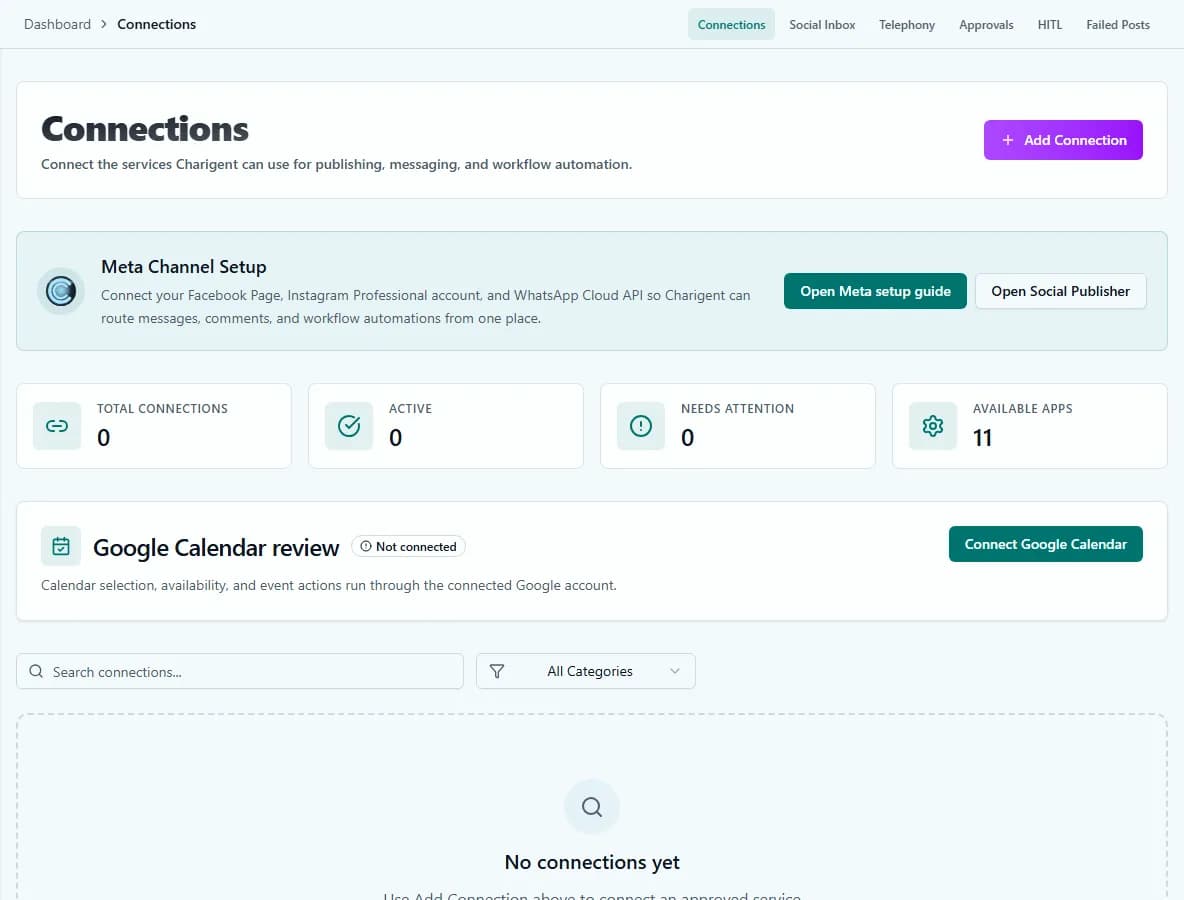
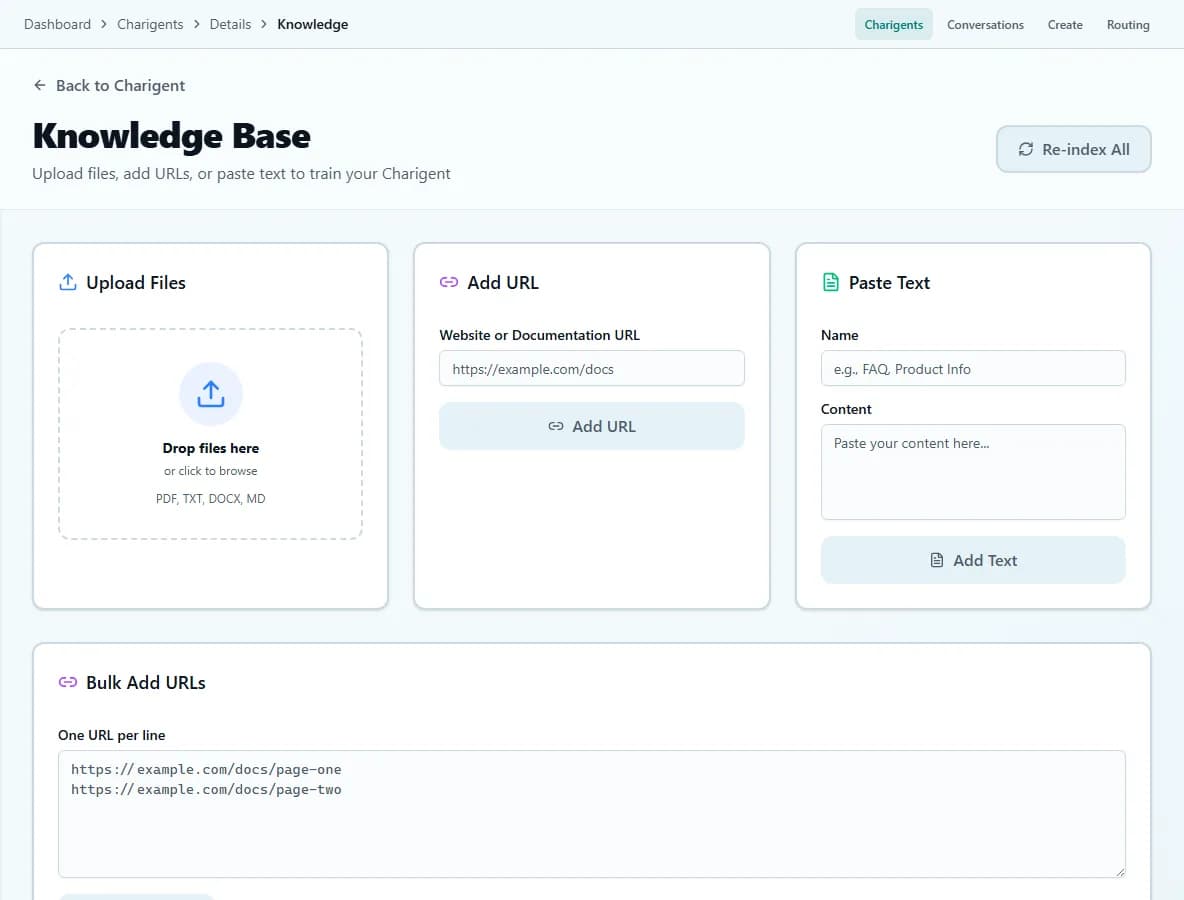
Current Charigent product views
Pricing
Scale with your needs
3 widgets on Pro ($69/mo).10 widgets on Business ($149/mo). Each widget connects to any of your Charigents with full branding control.
FAQ
Frequently asked questions
How many widgets can I have?
How do I add a widget to my site?
Can I embed it as a full page instead of a floating chat bubble?
Can I match the widget to my brand?
Can the widget notify another tool when something happens?
Your Charigent on supported pages.
Build your Charigent, customize the widget, paste the script tag, and verify it on your site. Setup time depends on knowledge, branding, domain, and security requirements.
Request accessStart building with Charigent today