Browse published Charigents or become an early seller
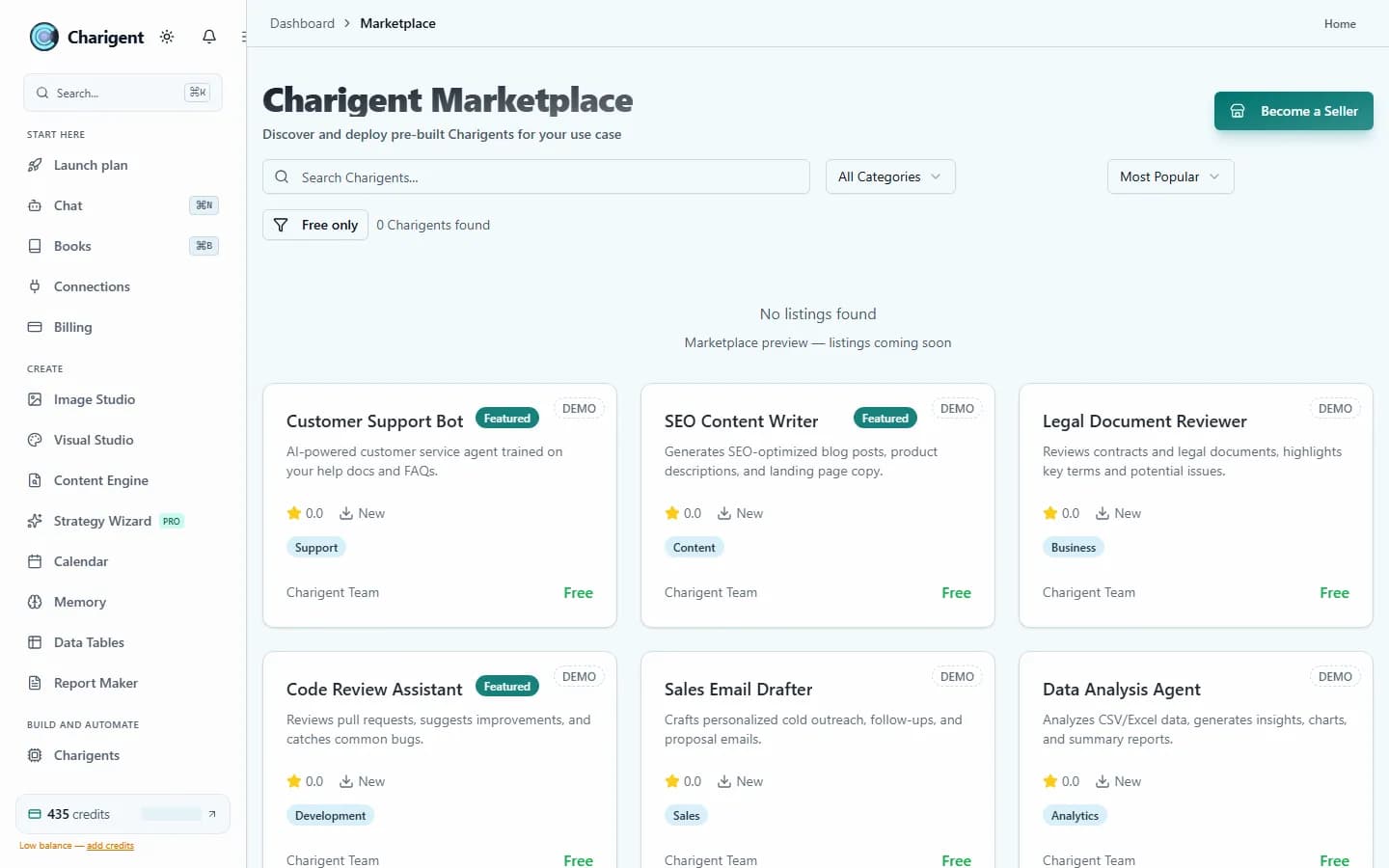
The public catalog only shows Charigents that sellers have published. The catalog is still new. You can also build your own and send it for review.
Early
Live catalog
Reviewed
Seller submissions
80%
Seller share
Features
Marketplace tools for an early catalog
Browse only what is truly published today, or prepare a listing with clear seller, pricing, review, and payout requirements.
Browse by Category
Filter the live published inventory by use case when listings are available. An empty catalog stays visibly empty instead of showing demo inventory.
Install Published Listings
When a compatible listing is available, buy or add it to your workspace. Check its setup before putting it to work.
Seller Analytics
Once your listing is published and has activity, use seller analytics to review installs, revenue, ratings, and buyer feedback.
Purchase-Tied Feedback
Ratings and reviews appear only when eligible buyers submit feedback after completed purchases; early listings may have none.
Template Customization
When a compatible listing is available, use it as a starting point and review its knowledge, routing, and persona before adapting it.
Revenue Sharing
Set your own listing price and earn your disclosed seller share when another user completes an eligible purchase.
Use cases
For builders and buyers alike
Published Solutions, When Available
Review the live catalog for a published Charigent near your use case. If none is available, build your own without pretending inventory exists.
Prepare Your First Listing
Build something useful, complete seller onboarding, set accurate terms, and submit the listing for marketplace review.
Learn From Disclosed Listings
As the catalog grows, compare what each seller offers and how it is set up. A missing rating is not proof that something is trusted.
See it in action
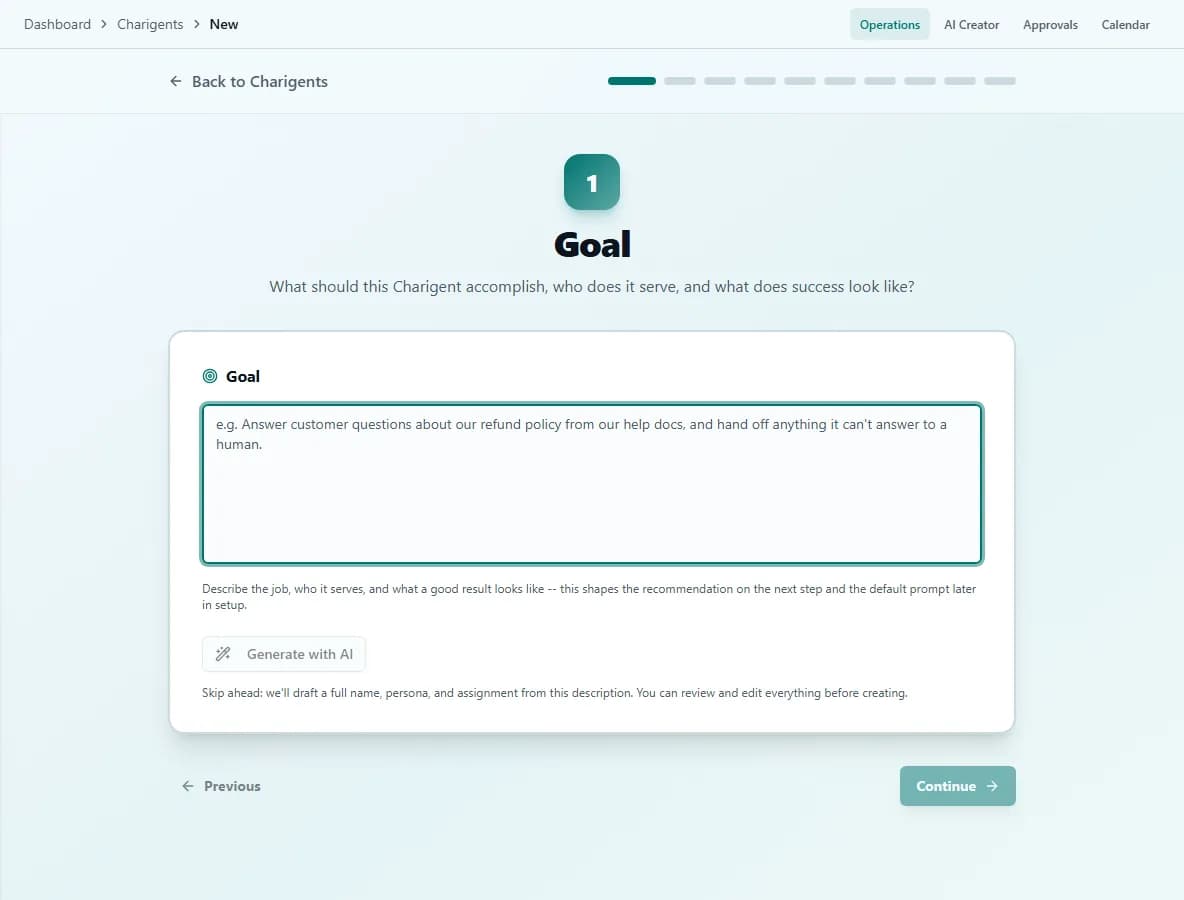
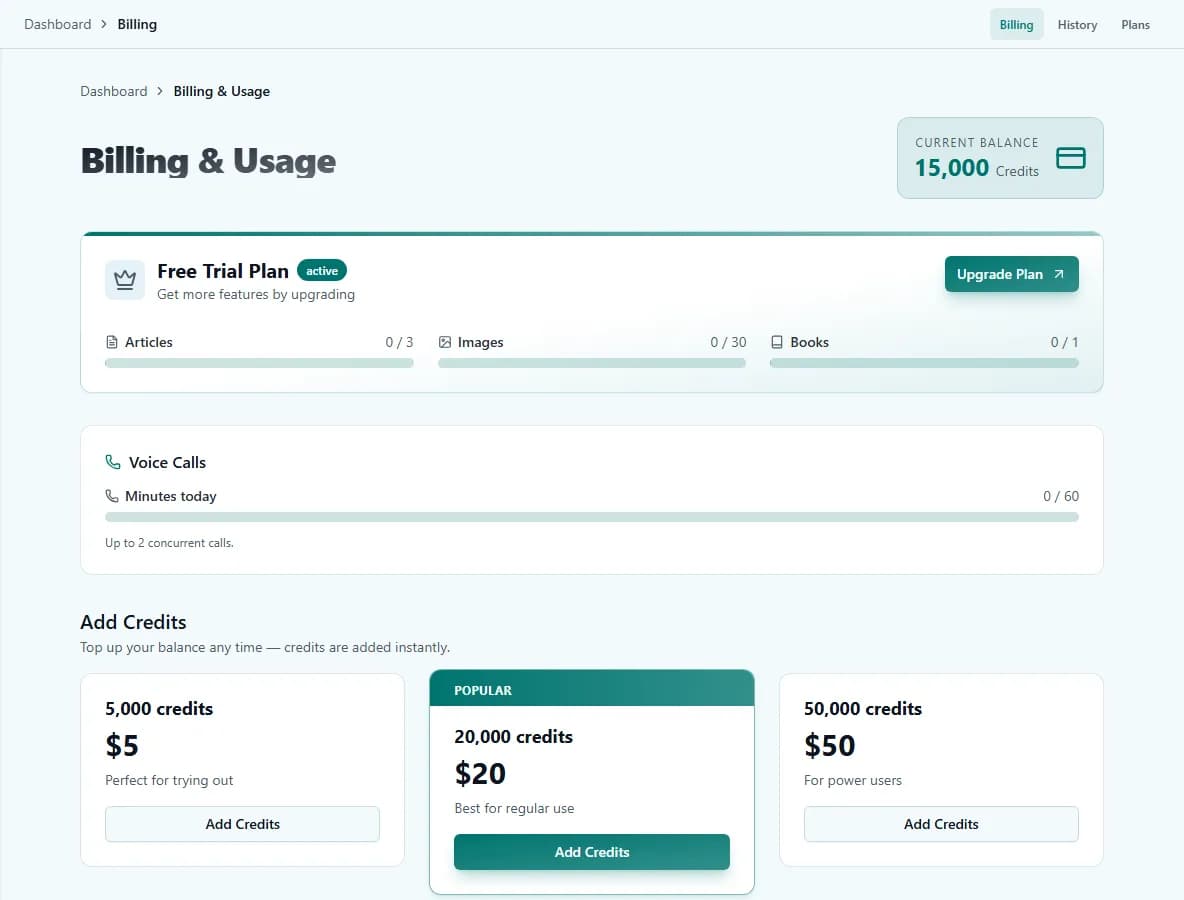
Current Charigent product views
Pricing
Browse the live catalog. Sell on Pro.
The public catalog shows only published listings. Marketplace listing requires Pro ($69) or Business ($149), plus seller onboarding and review.
FAQ
Frequently asked questions
Can I browse Charigents without paying for a seller plan?
What do I need to sell a Charigent?
How much do I earn per sale?
Can I see how my listing is performing?
Are the ratings on a listing trustworthy?
Be one of the first sellers.
Build a Charigent, validate how it works, then complete seller onboarding and submit an accurate listing for review.
Request accessPublication requires an eligible plan, seller onboarding, and marketplace review.