Go from a strong idea to a manuscript you can actually review
Plan, research, write, edit, format, and export in one place. Review each chapter and the full book before sharing it.
What you get
What this helps you do
AI helps with each step
Outline, research, writing, editing, and formatting stay connected. Provide the topic and title, then review the generated manuscript.
Chapter-by-chapter writing
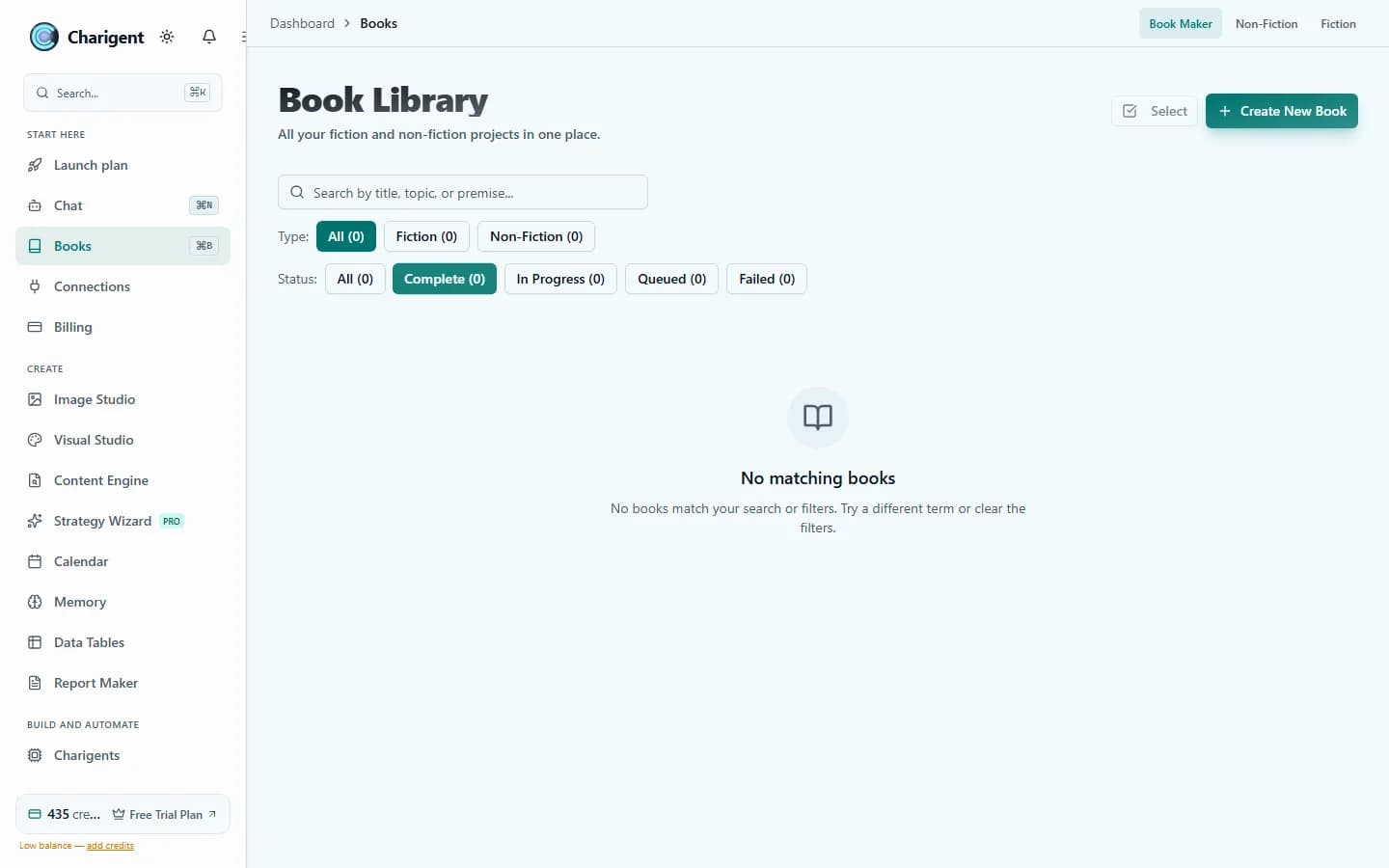
Each chapter is generated separately and remains editable before export, so long-form work keeps human review points.
Cover art generation
Create a cover direction beside the manuscript without moving to a separate design tool.
Queue-based generation
Start a book job and let it continue in the background without keeping a browser tab open.
Export options
Export PDF, EPUB, or DOCX, with Kindle-, Draft2Digital-, and Google Play-oriented variants where available.
Credit tracking
Per-chapter and per-book usage tracking helps teams understand how long-form generation consumes monthly credits.
Who benefits
Made for real work
Business books
Turn what you know into a useful expert guide for customers, your team, or sales conversations.
Technical guides
Create onboarding manuals, how-to guides, and technical documentation with consistent depth across chapters.
Industry reports
Create market reports with a clear structure that is ready to review and export.
How it works
From setup to a reviewed result
Define the book
Set the topic, title, audience, tone, and chapter structure for the manuscript.
Generate and review
Let the queue produce chapters, then review and edit each section before final assembly.
Export and publish
Export to the format you need for sharing, review, or publishing.
See it in action
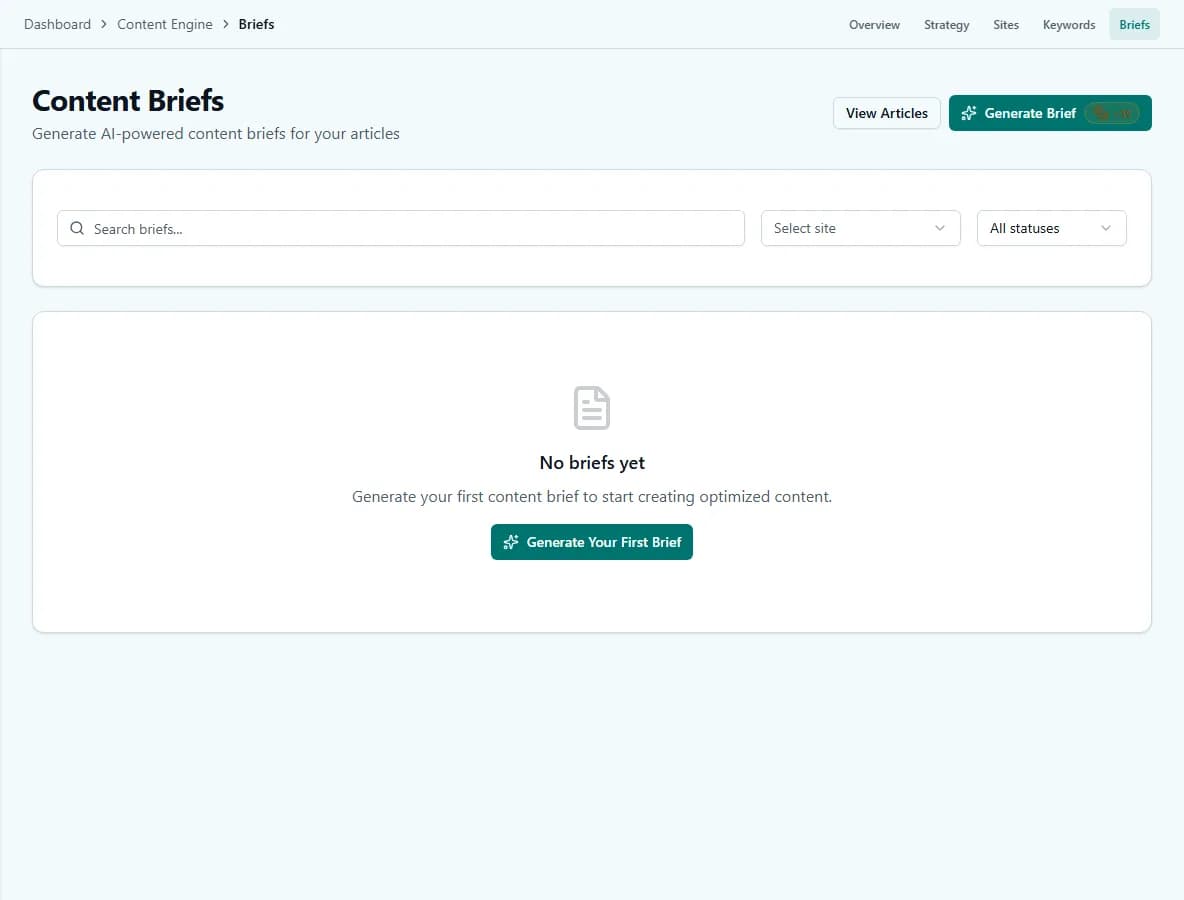
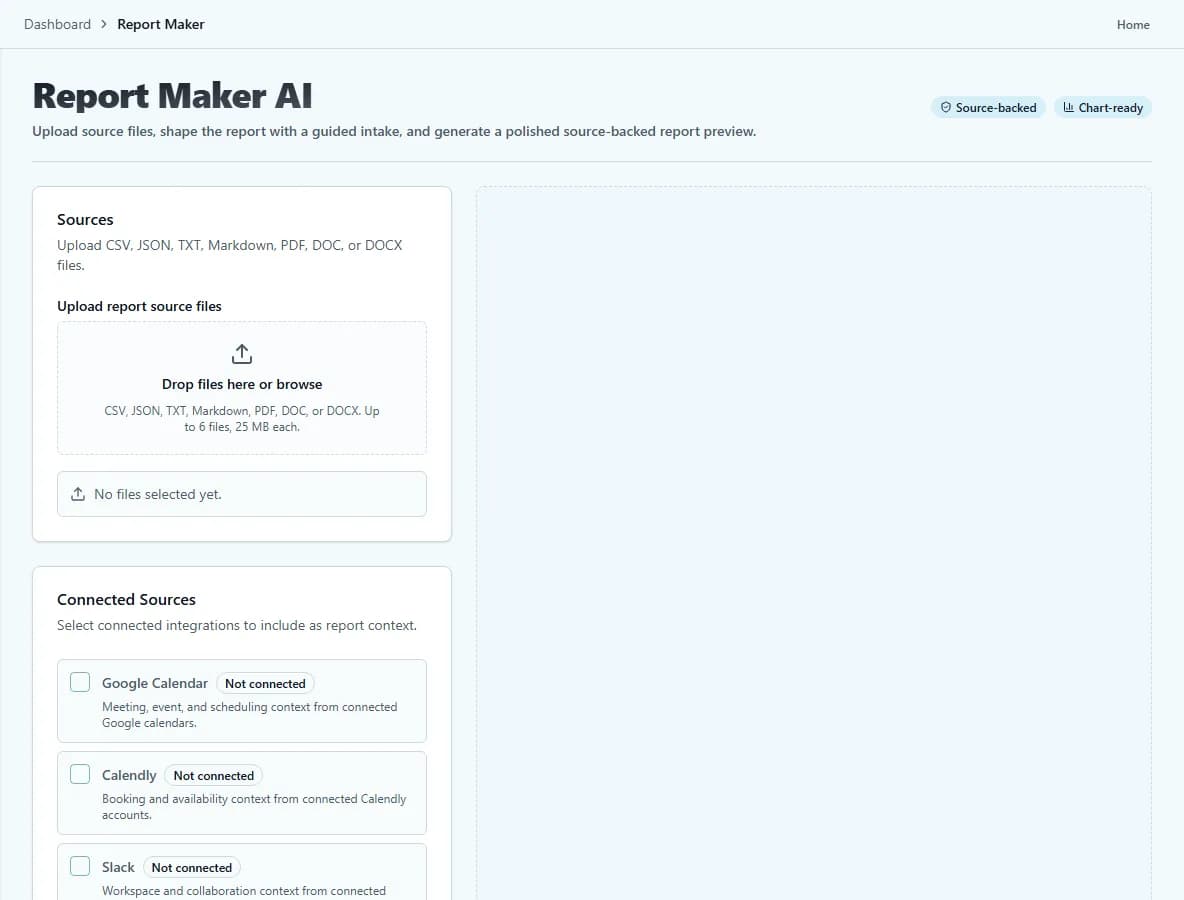
Current Charigent product views
Business-ready
Useful for expert guides, reports, and materials for your team.
Structured learning
Useful for guides, manuals, and training material that needs chapter-level progression.
Usage visibility
Credit tracking helps the team see how much longer writing projects cost.
FAQ
Frequently asked questions
Which plan do I need to use Book Maker?
Book Maker is included on every plan and draws from your normal usage credits -- there's no separate add-on. Fiction Writer, the fiction-focused sibling tool, requires Pro or above.
How many credits does a book use?
It varies with length, research depth, and the options you choose, but a typical 10-chapter non-fiction book uses roughly 1,800 credits.
Do I have to keep a browser tab open while it generates?
No. Book Maker runs as a background queue job, so you can start it and come back later without keeping the tab open.
Can I edit a chapter before the book is finished?
Yes. Each chapter is generated separately and stays editable, so you can review and adjust it before moving on rather than only reviewing the finished manuscript.
What formats can I export to?
PDF, EPUB, or DOCX, with Kindle-, Draft2Digital-, and Google Play-oriented variants available where applicable.
Pricing
Book Maker is included on every plan and consumes normal usage credits. Fiction Writer unlocks on Pro. A typical 10-chapter non-fiction book uses about 1,800 credits, with actual usage varying by length, research depth, and selected options.
Also explore
More ways to build with Charigent
Ready to try Book Maker?
Explore the possibilities and request an update when registration opens.
Request accessStart building with Charigent today