Give autonomous work clear boundaries—and a stop button
Choose what each Charigent may do. Set spending limits, require a person to review key steps, and stop all work at any time. These controls lower risk, but no system can remove every risk.
What you get
Layered controls for autonomous workflows
Independent checks reduce the chance that one failed or misconfigured layer defeats every control, though no system can eliminate all risk.
Granular Consent System
Choose from three levels: alerts only, human approval, or work that can run within your rules. You decide exactly what each Charigent may do without approval.
Emergency Kill Switch
Stop new automatic work for everyone, one user, or one Charigent. Work already sent to an outside service may still need to be checked.
Six checks before work runs
Charigent checks whether work is allowed, within budget, happening at a safe pace, appropriate, and ready for review. A person must approve it when your rules require that.
Review & Approval Queue
High-risk or out-of-policy actions pause and queue for human review before executing. Reviewers approve, reject, or escalate with full audit context.
Charigent Heartbeat Monitoring
Configure alerts for silence, response thresholds, or anomalous output patterns. Detection and delivery timing can vary.
Budget Limits & Rate Controls
Set per-action, daily, and monthly spending caps per Charigent. Rate limit action frequency to prevent runaway loops from draining your credits.
Safety checks
Six checks for work that runs on its own
- Kill Switch
- Consent Check
- Budget Guard
- Rate Limiter
- Content Moderation
- Review Approval
Use cases
Built for teams that need constrained, reviewable AI operations
AI controls for larger organizations
Use consent records, audit logs, approval controls, and kill switches as evidence during enterprise security and procurement review. Final acceptance depends on each customer’s requirements.
Regulated Industries
Finance, healthcare, and legal teams can require human review and keep safety and activity records. Each customer must decide whether the setup meets its legal duties.
Customer-facing Charigents
Automatic actions can check permission, safety rules, history, and human approval before they run. Match the controls to how sensitive each customer task is.
See it in action
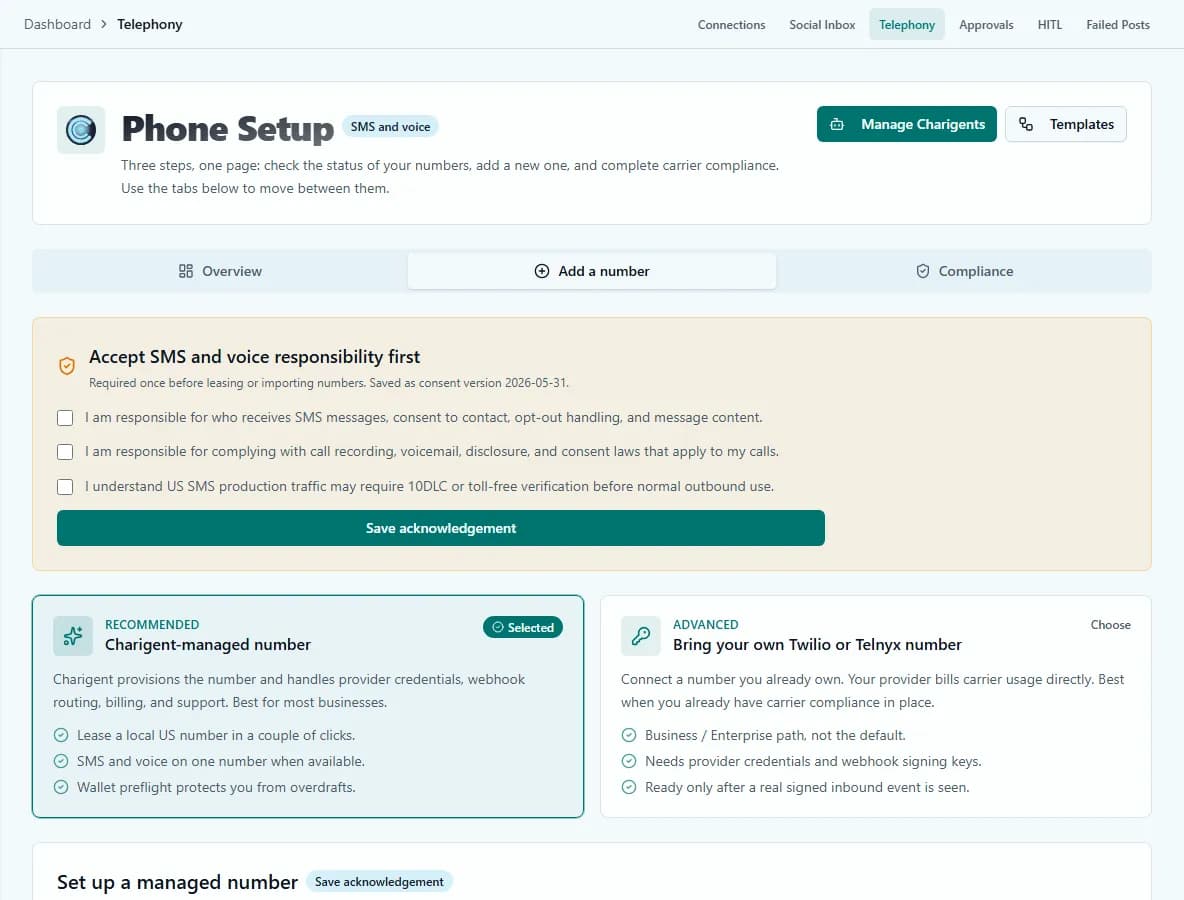
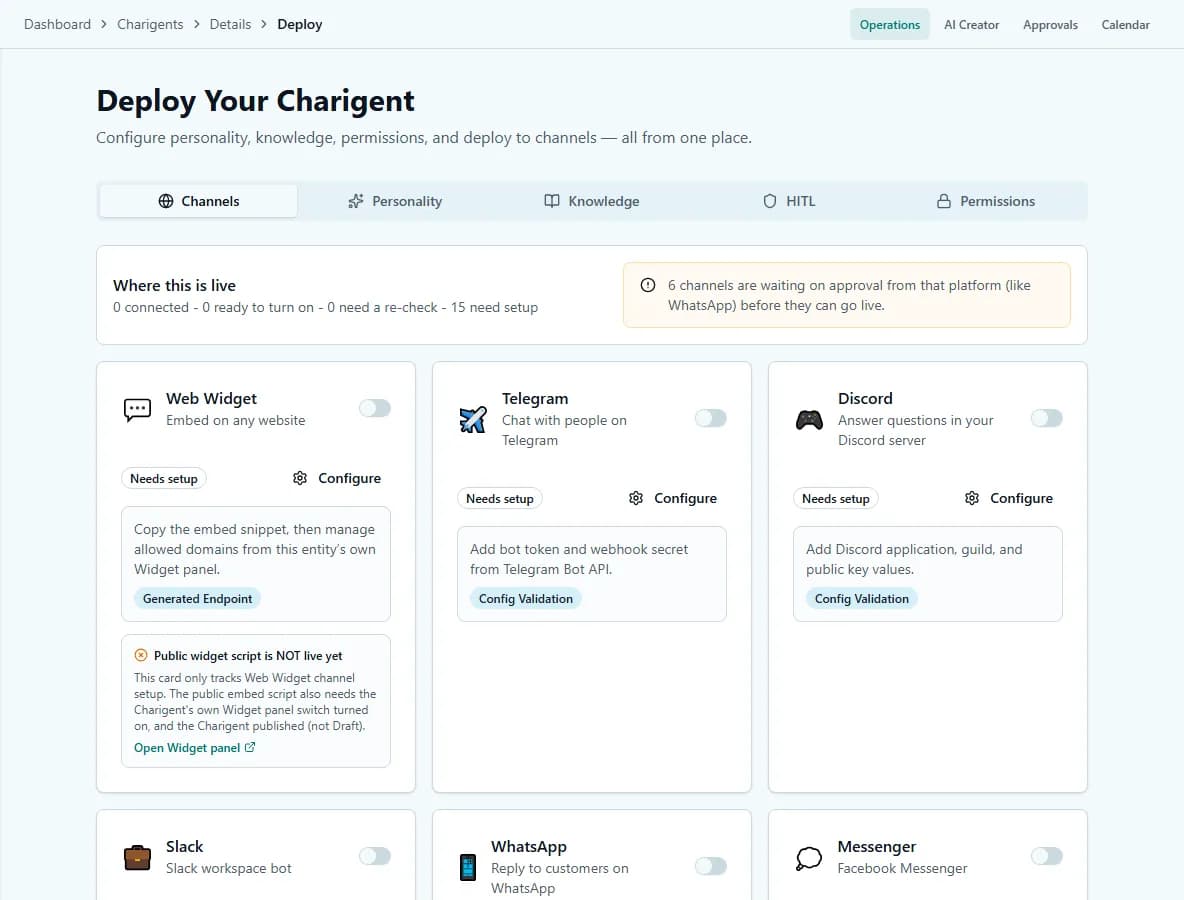
Current Charigent product views
Pricing
Core safety features on all plans. Advanced controls - more than one approval step, activity alerts, and spending rules - on Business ($149/mo).
See full pricing comparisonFAQ
Frequently asked questions
What control do I have over what an autonomous Charigent can do?
What happens if I need to stop everything immediately?
What checks run before an autonomous action executes?
Which controls are Business-only?
Can this guarantee an autonomous Charigent never makes a mistake?
Put it to work with clear controls and review
Start your 7-day free trial. Card required to start; converts automatically to a paid plan when it ends, unless you cancel first.
Request access