Keep the draft, canvas, and workflow inside the conversation
Turn a chat answer into a document, drawing, or step-by-step plan you can edit. The original chat stays with it, and you can return to an earlier version.
What you get
Three editors, without leaving the conversation
Switch between text, drawing, and step-by-step editors without leaving the conversation that created the work.
Rich Text Editor
Full formatting support - headings, lists, tables, code blocks, and inline styles - embedded directly in your AI conversation.
Canvas & Diagramming
Draw diagrams, annotate images, and create visual brainstorms. AI can generate and modify canvas elements from natural language.
Step-by-step process editor
Design a multi-step Charigent process on screen. Drag and connect steps without writing code.
Version History & Rollback
Every save creates a version snapshot. Browse history, compare diffs, and roll back to any prior state with one click.
Inline Editing
Ask AI to rewrite a paragraph, expand a section, or fix the tone - changes apply directly inside the editor without copy-pasting.
Export & Sharing
Download your work as Markdown, PDF, or a data file (JSON). You can also share a view-only link without requiring a Charigent account.
Use cases
From first draft to final export
Versioned Document Editing
Draft a proposal in chat, refine it in the rich text editor, track every revision, and share a polished link - all without leaving Charigent.
Visual Brainstorming
Describe an idea in everyday words and watch a diagram appear. Move the parts yourself or ask AI to improve the connections.
Iterative Content Refinement
Create a first draft, edit a section, undo unwanted changes, and export the final version in one writing process.
See it in action
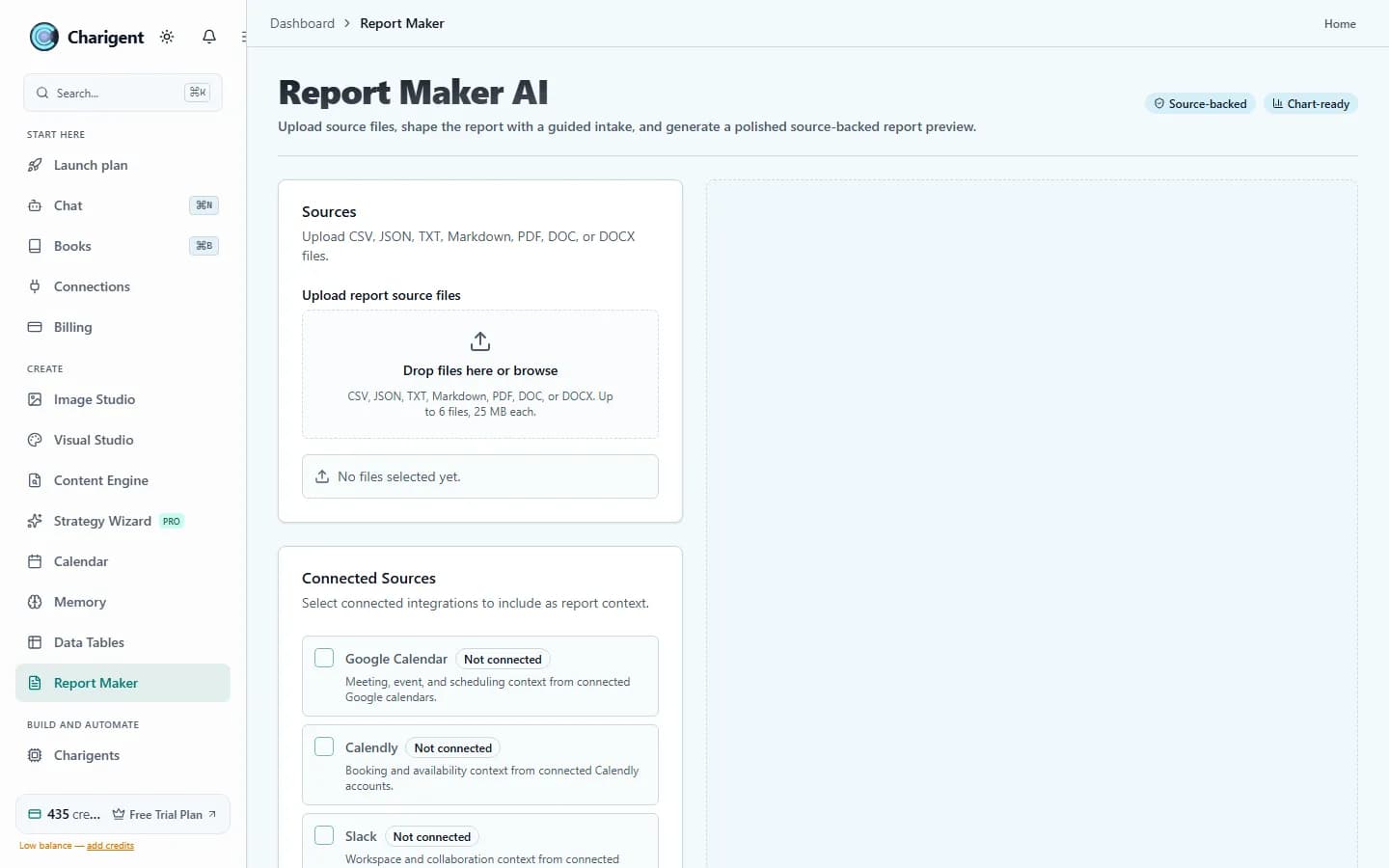
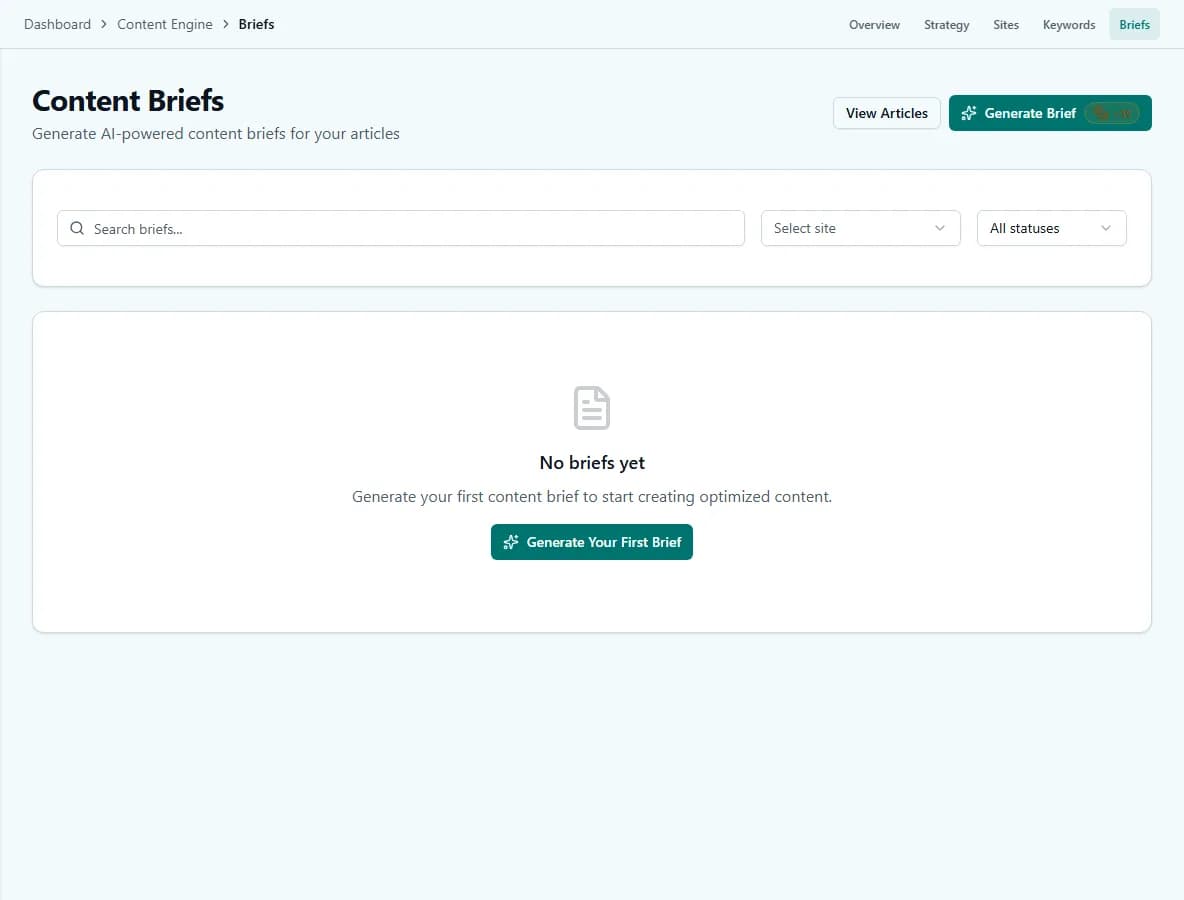
Current Charigent product views
Pricing
Artifact Editors are included in all plans - Starter, Pro, and Business.
See full pricing comparisonFAQ
Frequently asked questions
Which plan includes Artifact Editors?
What kinds of artifacts can I create?
Can I go back to an earlier version if I don't like a change?
Can someone view my artifact without a Charigent account?
Can AI edit part of an artifact instead of regenerating the whole thing?
Create without switching tabs
Start your 7-day free trial. Card required to start; converts automatically to a paid plan when it ends, unless you cancel first.
Request access