Keep every social post, reply, and approval in one place
Plan the feed, draft the post, create the image, check the work, and publish at the right time. Charigent keeps every step together from first idea to follow-up.
 AI
What you get
The full social workflow in one place
Channel-aware writing
Draft once, then shape the caption for each destination so LinkedIn, Instagram, and short-form channels do not all sound the same.
Images tied to the same brief
Keep visuals aligned with the message instead of briefing copy in one place and image work in another.
A real calendar, not a pile of drafts
Plan ahead, place posts in the right windows, and keep a steady rhythm without turning scheduling into a daily chore.
Social inbox and handoff
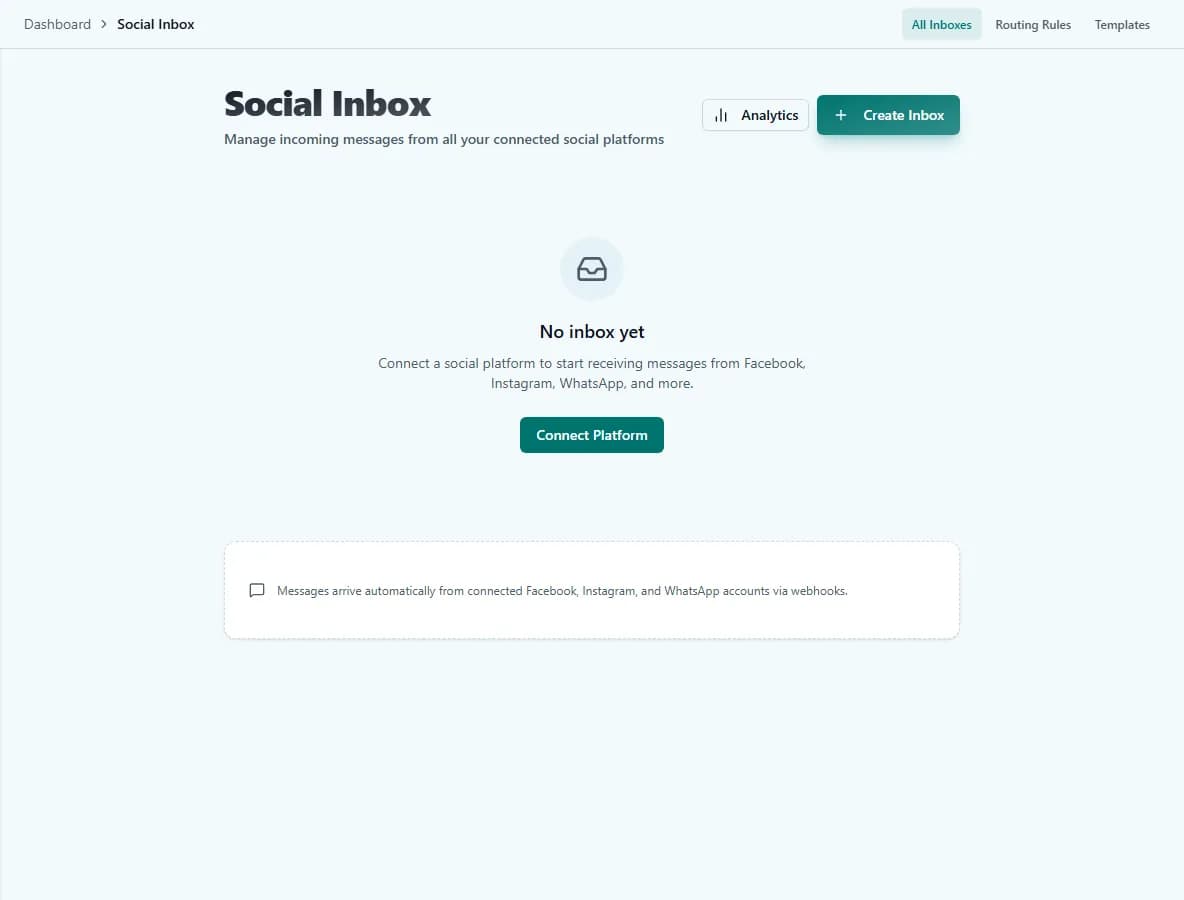
Pull replies, comments, and follow-up into one working surface so you know what still needs a person.
AI Creator and Brand Kit
Start from one sentence, then keep the persona, voice, main topics, and visual direction with the same publishing process.
Charigent Autopilot modes
Choose Manual for approval on every post, Hybrid for a configured publishing delay, or Automated publishing after safety checks within your rules.
Charigent Autopilot
Safety checks and self-review run before automatic publishing
Safety checks catch risky copy. Self-review holds weak drafts back. Manual requires human approval; Hybrid publishes eligible posts after a configured delay; Automated publishes eligible posts after safety checks within your rules and limits.
Safety check
Posts are checked for quality and brand fit before they reach the queue.
Self-review
Weak drafts are held back before the calendar sees them.
Manual
Starter and upCharigent drafts each post. Nothing publishes until you approve it.
Hybrid
Pro and upEligible posts publish automatically after the configured delay, without per-post approval.
Automated
BusinessEligible posts publish automatically after safety checks, within your rules, limits, and pause control.
Publish and follow up
Platform actions, from publishing to replies
Create and schedule posts, approve them before they go out, and answer comments and messages from Social Inbox. Website chat, messaging apps, email, SMS, phone and API are on Deploy Anywhere.
Post photos and Reels, schedule them, and reply to comments and DMs.
Facebook Pages
Post updates, photos and videos, schedule them, reply to comments and answer Messenger chats.
TikTok
Post videos or send them to your TikTok drafts, schedule them, and reply to comments on Business accounts.
YouTube
Upload videos and Shorts, schedule them and reply to comments. Uploads start as private.
Publish and schedule image and video Pins.
Post text, images and videos, schedule them and reply to comments.
X
Post text and images, schedule them and reply to posts. Video uses your own X developer app.
Who it fits
Built for teams that want consistency without constant babysitting
Founder-led brands
Stay visible with a lighter weekly workload by letting Charigent handle planning, drafting, and queue management.
Agencies with multiple accounts
Use one clear content process while giving every client a separate voice, calendar, and approval path.
Teams that want social tied to support
Use public posts, inbox replies, SMS, and email follow-up together instead of treating marketing and service as separate worlds.
See it in action
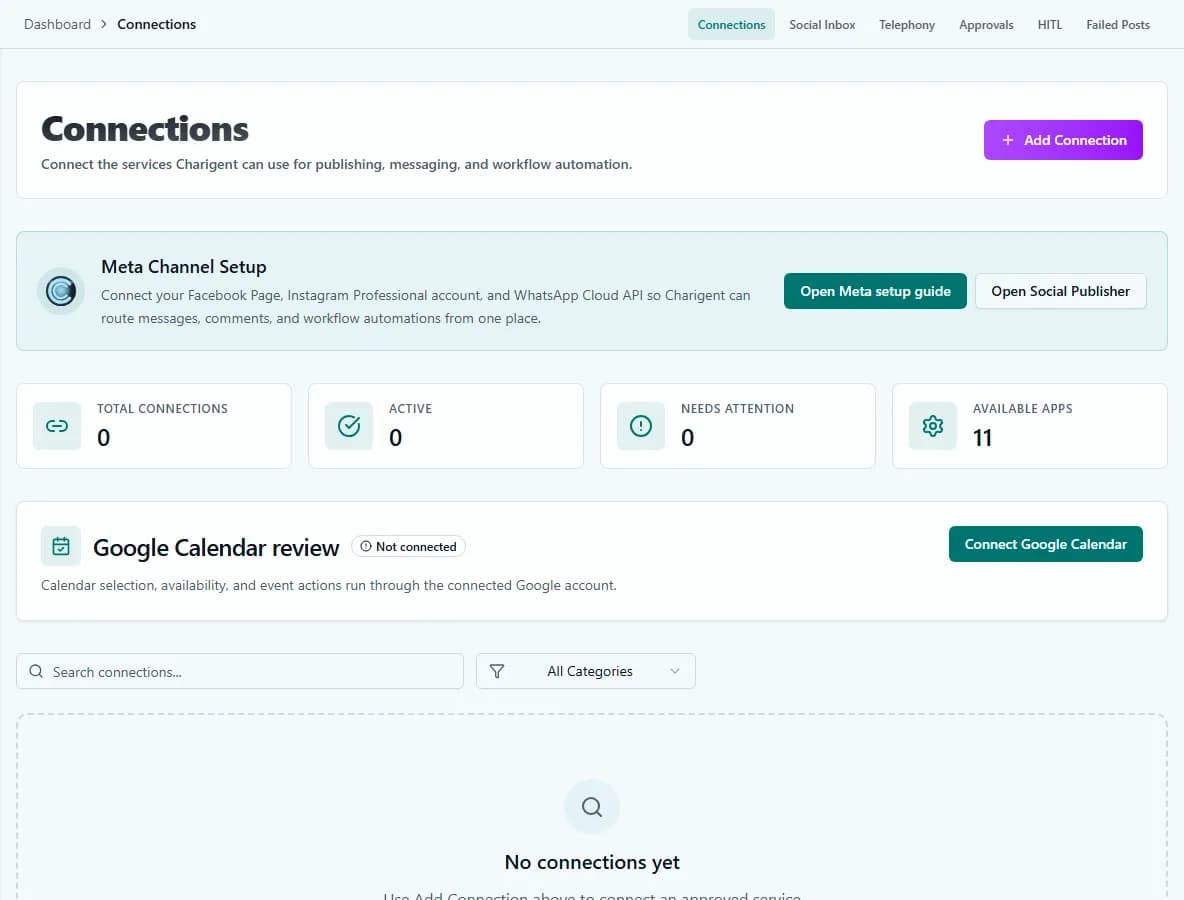
Current Charigent product views
Pricing
Pro is the usual starting point for connected publishing, inbox work, and managed text messages. Business can handle the full process within your rules and connect your own supported accounts after the results earn your trust.
See full pricing comparisonFAQ
Frequently asked questions
What's included in the social media workflow?
Does the caption look the same on every platform?
Which plan do I need for connected publishing and the inbox?
How much of this can run without me reviewing every post?
Can social conversations connect to other channels, like SMS or email?
What can Keep every social post, reply, and approval in one place do for a local-history guide?
How do I set up Keep every social post, reply, and approval in one place for a new character?
Can one character work across different channels?
Can I review a reply before it is sent?
How do I keep a character's replies consistent?
What should a character do with an out-of-scope request?
How can I improve a character's answers over time?
Keep showing up without living in the scheduler
Start with AI Creator, move into Charigent Autopilot, and expand into the rest of the channel layer when the routine is ready.
Start free trial