Turn search demand into content worth publishing
Find the questions your audience asks, make a focused plan, draft in your brand voice, and have a person review the article before optional WordPress publishing. Keep every step in one place.
 AI
What you get
What this helps you do
Keyword research and clustering
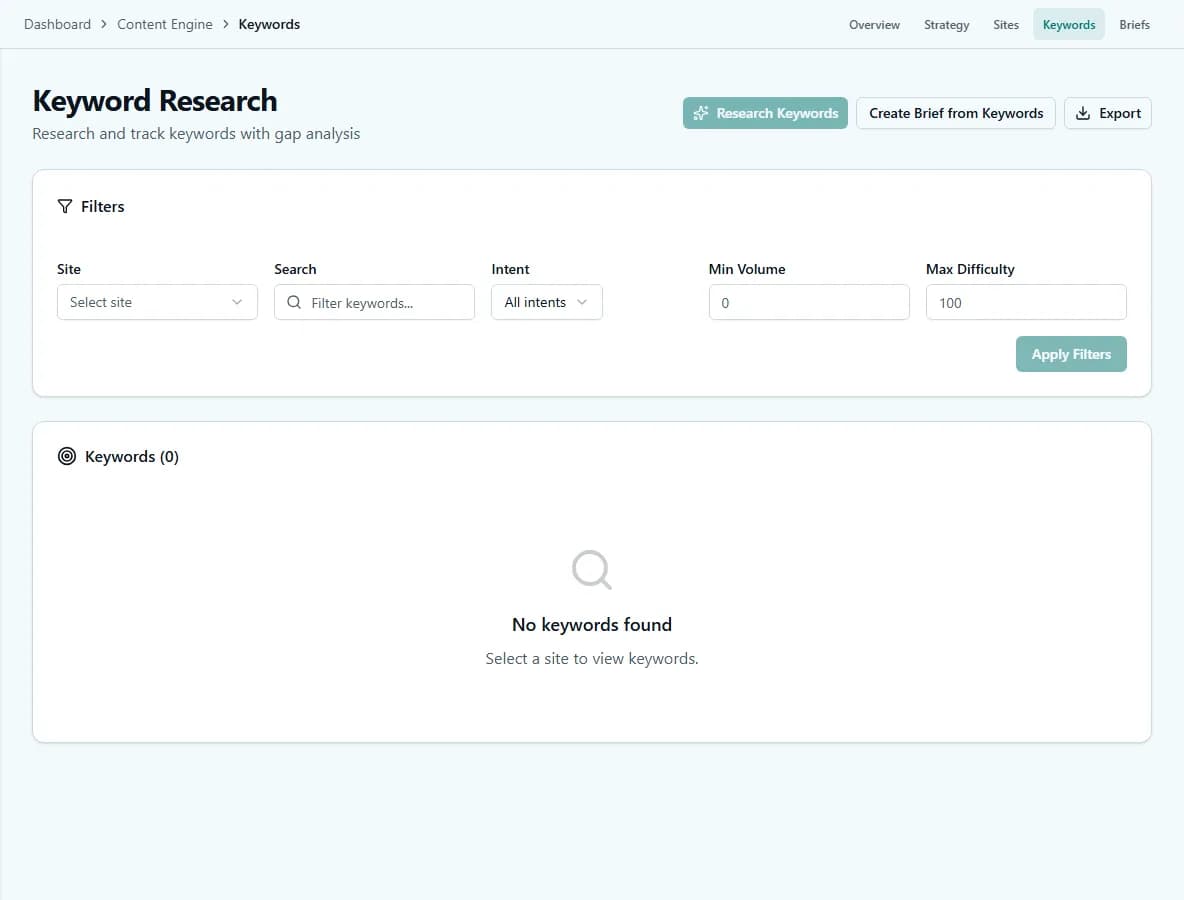
Enter a seed topic and get keyword clusters with search volume, difficulty scores, and CPC data. Identify quick wins and high-value targets, then group related terms into topical clusters automatically.
AI brief generation
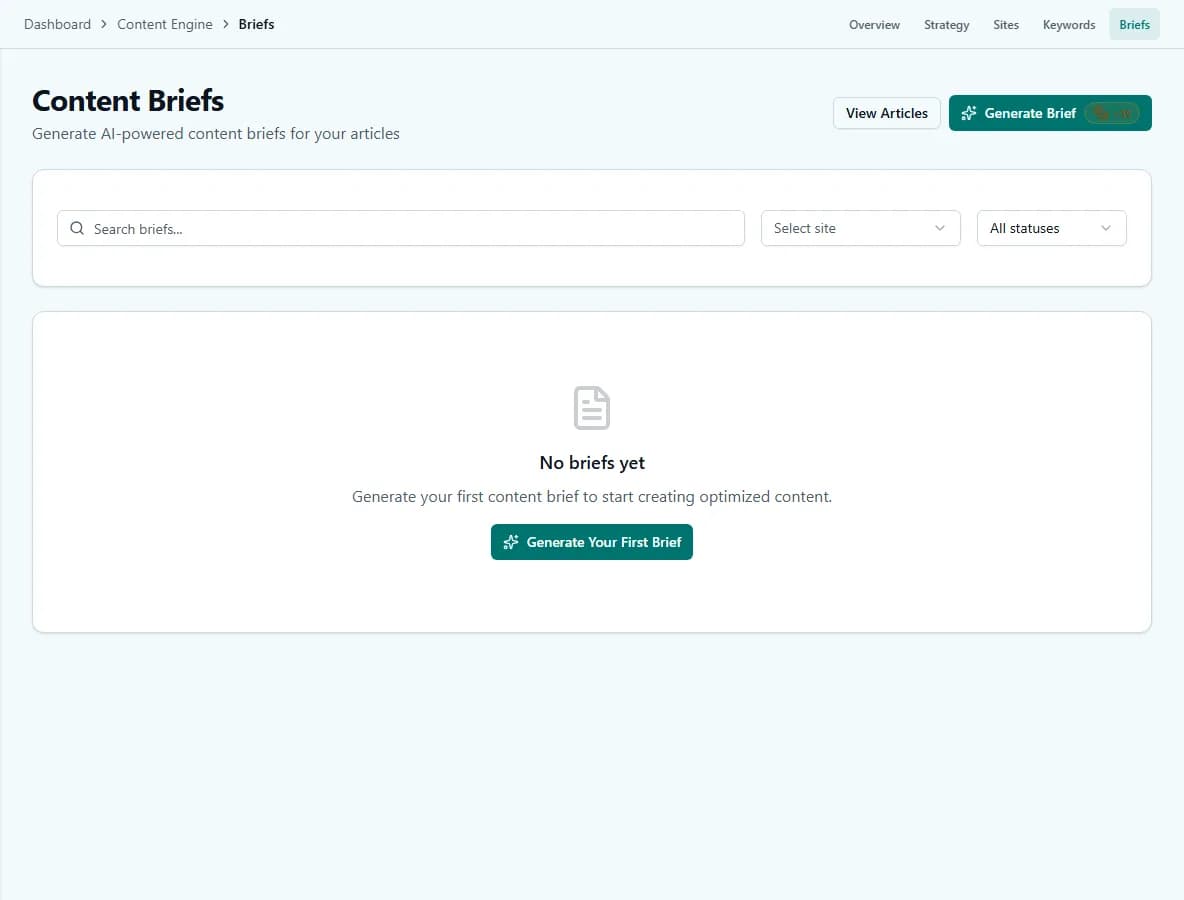
Turn search topics into an article plan with a title, search description, section outline, length goal, and suggested links to review.
Article generation and refresh
Generate full-length articles from your brief. AI writes to your target word count with proper structure and natural prose. Stale content gets flagged for refresh, re-brief, and regeneration.
WordPress publishing
Connect your WordPress site. Send articles as drafts or live posts with a title, search description, main image, and tags without opening the WordPress admin area.
Competitor analysis
Monitor competitor domains. See which keywords they rank for, spot content gaps, and find opportunities your competitors are missing, all in your dashboard.
Content calendar and predictions
Schedule articles for specific publish dates. AI predicts performance based on keyword trends and competitor gaps so you can plan a month of content in an afternoon.
Who benefits
Made for real work
Blog content at scale
On Pro, create a repeatable process for SEO plans, editable drafts, review, and eligible WordPress publishing. Speed depends on article length, source quality, and your approval process.
SEO agency workflows
Manage keyword strategies and content production for multiple client sites from one dashboard. Generate briefs in bulk and track competitor rankings across all accounts.
Content marketing
Build a content moat fast. Identify keyword clusters your competitors miss, generate topical authority content, and publish directly to your CMS without context-switching.
How it works
From setup to a reviewed result
Research and cluster keywords
Enter your seed topic. Get search volume, difficulty, and CPC data. Cluster related terms, run competitor analysis, and save your targets.
Generate brief and article
Generate a structured SEO outline, then produce full-length content. Review and edit inline before publishing.
Publish and refresh
Connect an eligible WordPress site and send reviewed content when it is ready. Later, create an updated draft for another review.
See it in action
Current Charigent product views
FAQ
Frequently asked questions
What does the Content Engine do?
Everything from search demand to a finished article, in one place. Research and group keywords, get an article brief and a full draft in your brand voice. Then review it and, if you like, publish to WordPress.
Where does the keyword data come from?
A connected search-data service supplies search volume, difficulty scores, and CPC data for a seed topic. Related terms are grouped into topical clusters automatically, so each cluster becomes one article.
Can it publish straight to WordPress?
Yes, on Pro and above. Connect your site and send an article as a draft or a live post with its title, search description, main image, and tags, without opening the WordPress admin area.
Does a person still have to review the article?
Yes, and the workflow is built around that. Drafts go through an editorial review step before publishing, because the facts and claims in content published under your name remain your responsibility.
Can I track what competitors rank for?
Yes. Monitor competitor domains to see which keywords they rank for and where the content gaps are, so your next brief targets something specific rather than a guess.
Is there a limit on how many articles I can produce?
There is no article count cap. Production draws from your monthly credit balance instead: $15 on Starter, $35 on Pro, and $75 on Business, so you decide where the budget goes.
What business tasks can Content Engine support for a seed-library newsletter guide?
Use it to organize the work, content, or customer journey that fits its purpose. Keep a person involved in decisions that need business context.
Does Content Engine replace business review?
No. Review recommendations and generated work for accuracy, fit, and readiness before acting on them.
How do I get started with Content Engine?
Set one practical goal for a seed-library newsletter guide, gather the information needed for that goal, and complete the setup steps shown in the product.
Can I connect planning with day-to-day work?
Use supported tools and channels to carry a reviewed plan into the next task. Each connection and action must be configured for your account.
How can I measure progress?
Choose a small set of outcome measures, record a starting point, and review the results regularly before changing the plan.
Can I keep control over published or customer-facing work?
Review drafts and use approval controls wherever the workflow provides them. Account permissions and channel rules still apply.
Pricing
Content Engine with keyword research is included on all paid plans. WordPress publishing and competitor analysis unlock on Pro ($89/mo). Generation draws from your credit balance rather than a separate article quota.
See also
Also explore
More ways to build with Charigent
Ready to try Content Engine?
Start your 7-day free trial and try Charigent with real work from your day.
Start Free TrialStart building with Charigent today